Customize your giving page
The giving page is where someone lands the moment they decide to give, so it should sound like your church and offer the choices your people expect. Everything on it lives in one editor with one Save button.
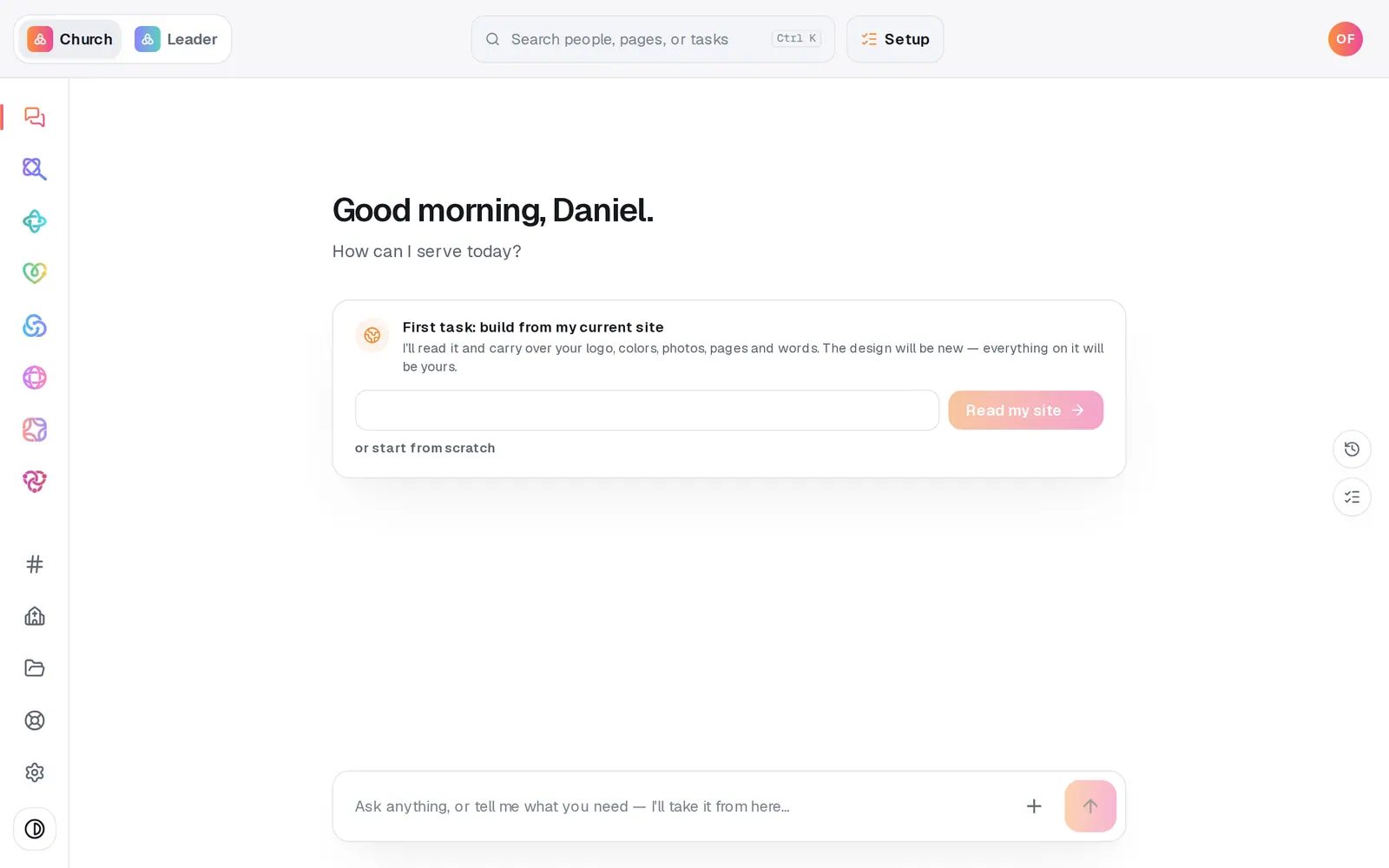
1/7 · Open Giving from the left rail
Good to know
- Recurring giving lets donors choose weekly, monthly, quarterly or yearly gifts, and Form opens with sets which one starts selected. Donors can always change it. There's no every-two-weeks option.
- Under Colors, Match my church brand uses the one brand color from your Church page, so your giving page, check-in and sign-ups always match. Custom colors this giving page only and leaves your brand alone everywhere else.
- Want to know which campus a gift came from? Turn on Ask a question at checkout. Type two or more choices separated by commas and donors pick from a list; the answer shows on the gift in Donations and in your export.
- Rather ask? In the Giving chat, try “Change the headline to …” or “Set the quick-give amounts to 25, 50 and 100”. The chat shows the change first and makes it only when you tap to confirm.
If it’s not working
The Save changes button is greyed out
Nothing has changed since your last save. It turns on as soon as you edit something.
It says “Give the page a title.”
The Title can't be blank. Type one in, then press Save changes again.
It won't let me add another amount
A page offers up to 6 quick-give amounts. Remove one with its ×, then add the new one. The message under the box also tells you when an amount is already there.
The donor preview is blank
That's the preview frame failing to load, not your page. Press Open under Share your page to see the real page, and press Help at the bottom of the left rail to let us know.
I turned on Bank (ACH) gifts, but donors still only see a card
Gifts on your giving page are card gifts today. The Bank (ACH) gifts switch doesn't add a bank option for donors there.
Next, you might want to
- Share your giving link and QR codeCopy your giving page's link and download its QR code for slides, bulletins, connect cards and emails.
- Add a building or missions fundCreate a fund donors can choose when they give, then rename it, retire it or make it your default whenever you need to.
- Understand giving fees (and let donors cover them)What each gift costs your church, and how to have “cover the fees” ticked for your donors by default.
- Put a Give button on your Squarespace, Wix or WordPress sitePaste one snippet into the website you already have, and it becomes a Give button that opens your giving page.