Put a Give button on your Squarespace, Wix or WordPress site
Your website doesn't have to move to take gifts online. Aligned hands you a short snippet; paste it where you want the button, and anyone who taps it lands on your giving page, in your church's colors.
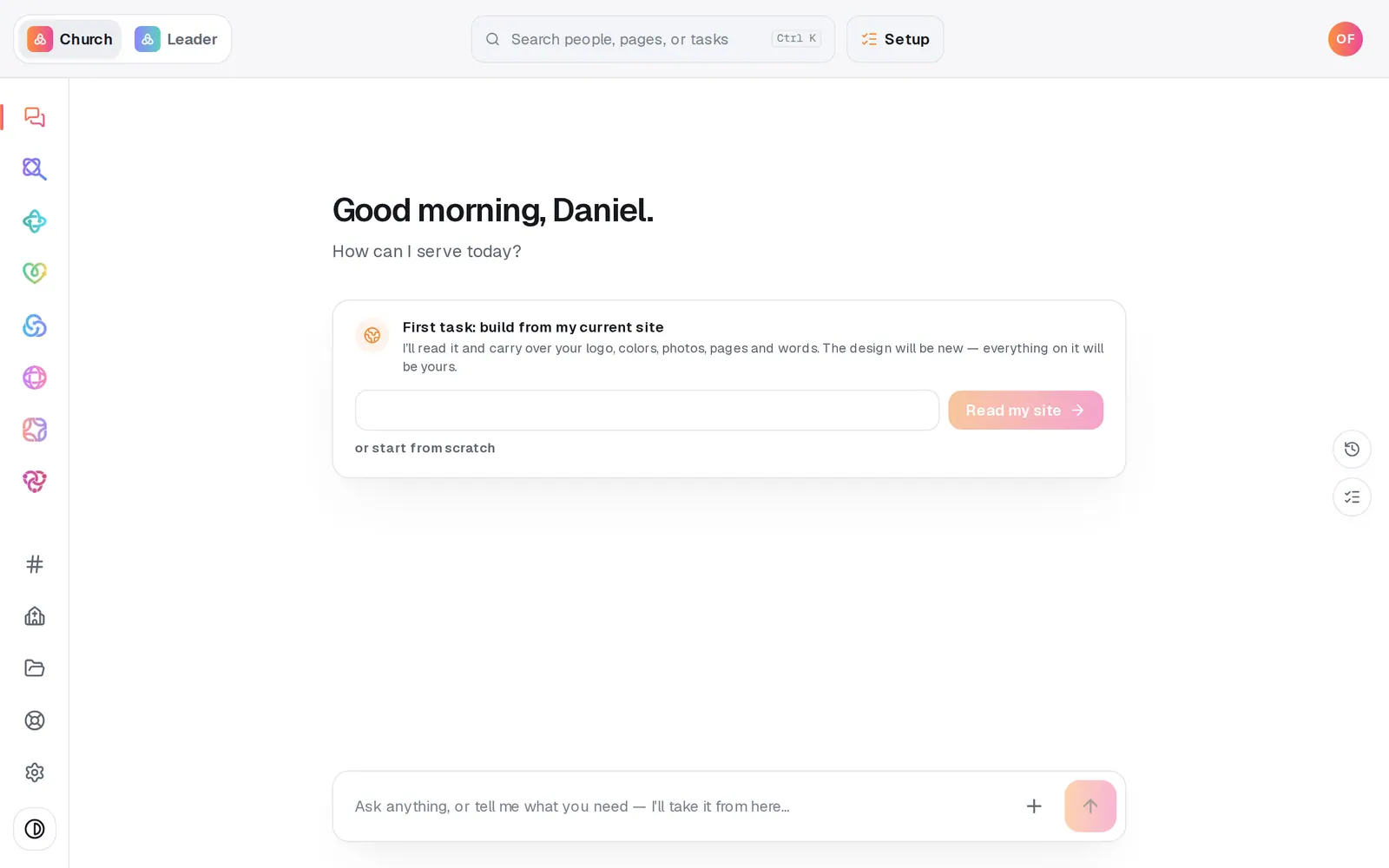
1/4 · Open Giving from the left rail
Good to know
- On a computer the button opens your giving page in a small window over your site; on a phone it opens in a new tab.
- The button comes out purple and says Give. To change that, edit the snippet before you paste it: the color code after data-color= and the word after data-label= are yours to change.
- Donors finish on a secure payment page in your church's name and colors, then come straight back. Card details never touch your website.
- No place on your site for a snippet? A plain link works too. Press Copy under Share your page and point any button or menu item on your site at it.
If it’s not working
The button doesn't show up on my site
Most site builders only run a snippet inside their own HTML, code or embed block, and some don't allow snippets at all. Check it's in that kind of block and that the page is published. If it still doesn't show, link an ordinary button on your site to your giving page instead: Copy under Share your page copies the link.
Can the card form sit right on our website?
No. Every gift finishes on a secure payment page in your church's name and colors, so card details never touch your website. The button gets people to your giving page in one tap.
We're building our website on Aligned instead
You don't need the snippet. Your Aligned website has a giving section of its own that uses the same giving page.
Next, you might want to
- Share your giving link and QR codeCopy your giving page's link and download its QR code for slides, bulletins, connect cards and emails.
- Customize your giving pageChange the words, the amounts people tap and the funds they can pick, then see the page exactly the way donors do.
- Add giving to your Aligned websiteLink the giving page you use today so your site gets a Give button. Giving through Aligned? Your form appears on its own once you're approved.
- Start receiving gifts onlineRegister your church for Aligned Giving on the Setup page or in the chat, and know what happens after you press the button.