Add giving to your Aligned website
Your people will look for a way to give on your website. If your church gives through Aligned, your giving form appears on your site's Give page by itself once your giving application is approved, with nothing to add. If you use another giving platform, one link puts a Give button on your site, and these steps add it.
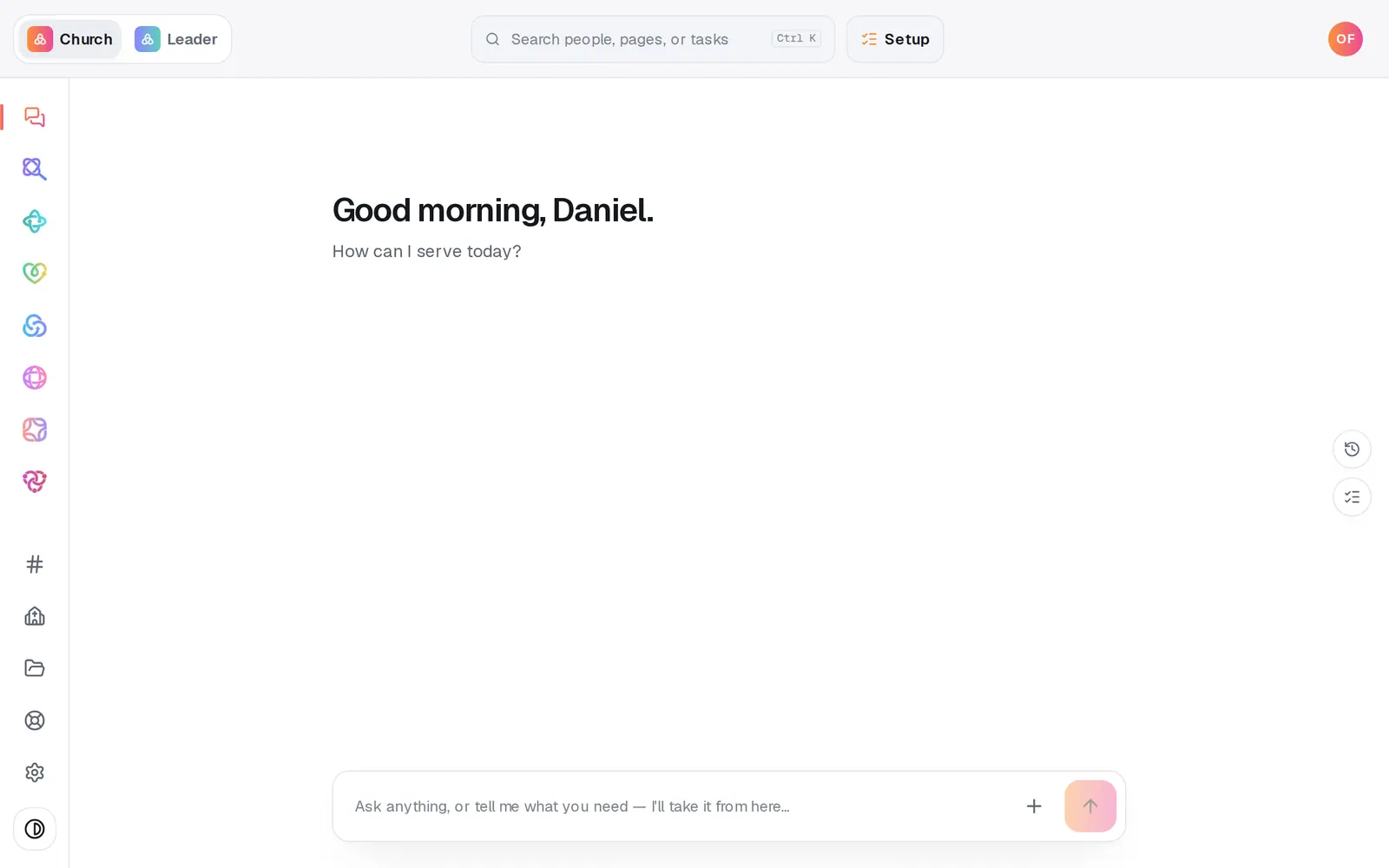
1/6 · Open Website from the left rail
Good to know
- Giving through Aligned? Once your giving application is approved, your funds and giving form appear in your site's Give section by themselves. There's nothing to add or embed. In the editor the form is a preview that can't take a gift; gifts go through on your published site.
- The funds people choose from on that form come from Giving → Funds, not the website. Add a Building Fund there and it shows on your site's form too.
- Publishing checks your Give section: Working giving link, under Ready to publish?, is ready when every fund has a secure link.
If it’s not working
There's no giving form on my Give page
The form appears once your giving application is approved. Until then, the Give section shows the giving link you added on Sources, if any. Giving shows where your application stands.
Working giving link needs attention on the Publish page
The Give section needs a secure link, one starting with https://. Press Fix to open Giving → Funds. If you give through another platform, check the link under Site details → Sources.
Publishing by chat stopped because of the giving link
In the chat, a Give section without a secure link has to be fixed before the site goes live. Fix the link as above, then ask again.
The site says “The form didn't load here”
Visitors get an Open the giving page button instead, so no one is stuck. Reload the page to try the form again.