Start receiving gifts online
Online giving is the one part of setup with an outside clock: the bank reviews every church before it can take a card. Starting today means that review runs while you build everything else. Registering takes about a minute.
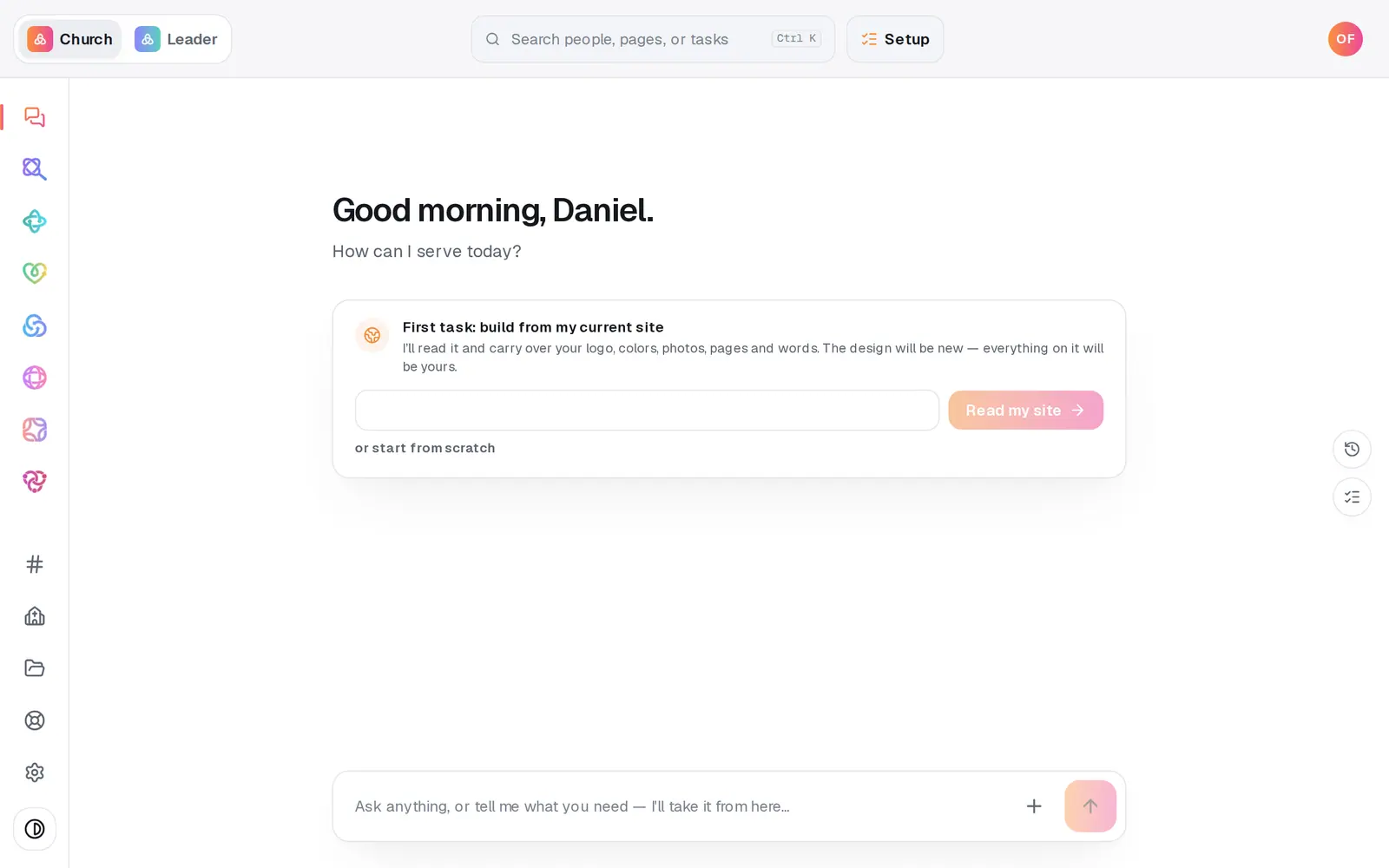
1/6 · Open Giving from the left rail
Good to know
- Rather answer a few questions than fill in a form? Press Set up in chat on the same page, or type “Set up giving” in the Giving chat. The chat and the form share the same answers, so you can start in one and finish in the other.
- Every answer saves as you go. Leave halfway and Continue setup picks up where you stopped, with everything filled back in except bank numbers and date of birth, which are never stored.
- Moving from another giving platform? The Bring your donors and recurring giving with you link on the Setup page opens Switch & migrate.
- Running your giving through Aligned Giving is what keeps your other modules at $0. Settings → Plan always shows where you stand, and nothing about your price changes without an email first.
If it’s not working
It says that email already has a giving account login
That address is already the login for a giving account. Use a different office email, or press Help at the bottom of the left rail and a person will help you reclaim the existing one.
Pressing Create giving account opened Setup instead
Your church hasn't chosen how it gives yet. Pick Use Aligned Giving on Setup's giving step, then come back to Giving and press Create giving account again.
It says “Giving setup isn't ready on our side yet”
Nothing is wrong with your church or your answers. Press Check again in a few minutes, and if it's still there, press Help and tell us.
It says setup is already in progress for your church
Your church's registration is already under way, often from a second press or from someone else on your team. Wait a few seconds and reload the page. Giving → Setup then opens on the step your application has reached.
Next, you might want to
- Fill in your giving applicationWho signs for the church, your church's details, expected giving and the bank account, then one signature and you're in review.
- Find out if your giving is approvedWhere your giving application stands, how long the bank's review takes, and what to do the moment you're approved.
- Understand giving fees (and let donors cover them)What each gift costs your church, and how to have “cover the fees” ticked for your donors by default.
- Move your giving from Tithe.ly, Pushpay or another platformChoose Fresh Start or Full Carryover, and see what happens to your donors, their history and their recurring gifts.