Put your website live and share it
Your site is built and it looks right. Now it needs an address people can visit. Going live is a last look on a phone, a quick check of what's ready, an address, and one button. A website you run somewhere else today stays up until you point your domain here.
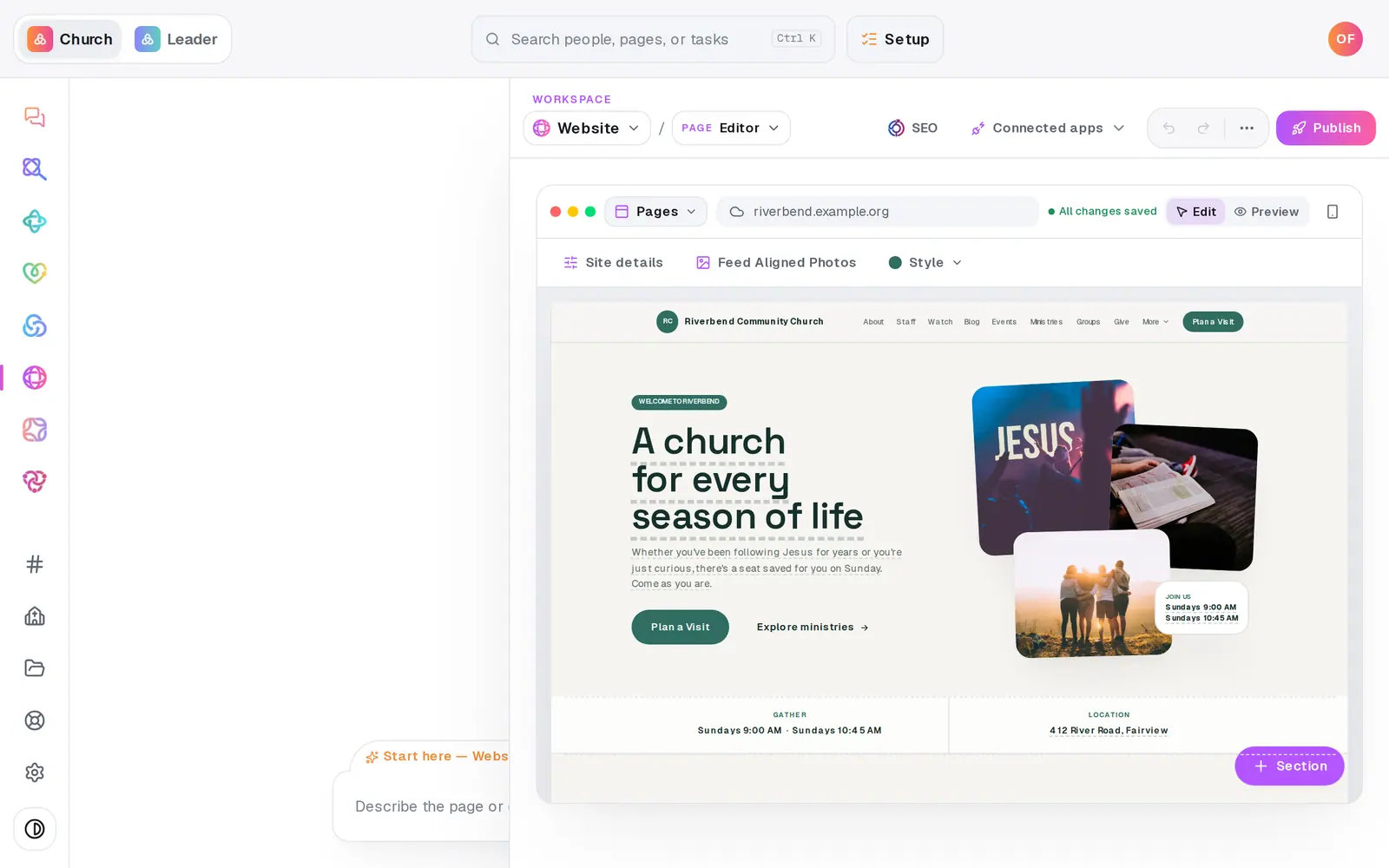
1/6 · Check it on a phone with the Mobile preview button
Good to know
- After you're live, edits wait for you. The Publish button counts them, like Publish 3 changes, and the Publish page lists each one. Your live site keeps showing the last version until you press it.
- You can publish by asking, too. Type “publish my site” in the Website chat, and Aligned shows the same checks with a button to confirm. In the chat, a Give section without a secure giving link has to be fixed first.
- ··· (More site tools) → PWA settings decides whether visitors can add your site to their phone's home screen like an app (Installable PWA), and whether they're offered it after a return visit (Install prompt).
- Need to take the site down? Press Unpublish website at the bottom of the Publish page, then Confirm unpublish. The chat won't do this for you, on purpose.
If it’s not working
Pressing Go live says “Ready to make this live?”
Publishing waits until your plan is switched on. Press Setup at the top and finish it: the last step puts a card on file, and nothing is charged today. Everything you've built stays as it is. If you're on staff, ask your church's account owner, who is the only one who can switch the plan on.
It says “That address is already in use.”
Another site has that address. Add your town to it, like riverbend-fairview.
It says “That one's reserved — try adding your city or town.”
A few words belong to Aligned itself, like give, chat and admin. Nobody has the address, but it can't be used. Add your town and try again.
Send to my phone says “Pair and verify your phone in Assistant settings first.”
It texts the link to the phone you've paired for texting in Aligned Leader (Settings → Texting, a Pro feature there). Until then, press the copy button beside your address and send the link yourself.
My edits aren't on the live site
Nothing goes live on its own. Press Publish at the top right, then the publish button on the list of waiting changes.
Next, you might want to
- Put your website on your own addressConnect yourchurch.org to your Aligned site: type your domain, add two records where you bought it, and Aligned makes it secure.
- Change your website by telling Aligned what you wantAsk for a warmer homepage, a new page or giving moved higher, see exactly what changed, and publish it when you're happy.
- See your website trafficCheck your site's visits, top pages and where people come from, or add your Google Analytics or Meta Pixel ID.
- Switch your plan on so you can publish and sendPut a card on file to switch your plan on. Nothing is charged today, and publishing, sending and connecting open up.