See your website traffic
Is anyone finding the Plan a Visit page? Did Easter bring new people to the site? Aligned counts your site's visits by itself, with nothing to install, and shows them beside the pages people read and where they came from. If you already use Google Analytics or a Meta Pixel, you can add those too.
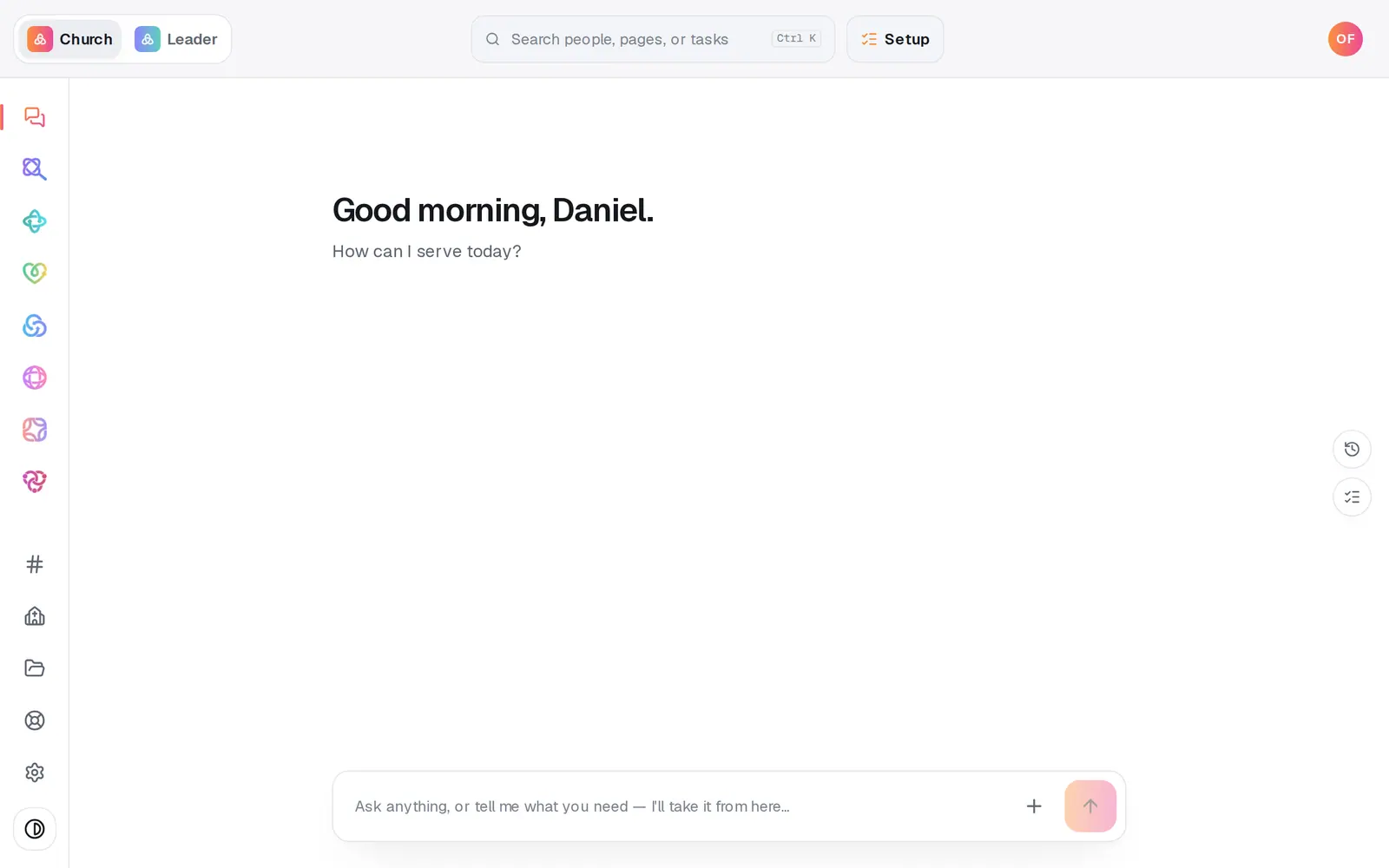
1/7 · Open Website from the left rail
Good to know
- Asking works too: “how is the site doing?”, “top pages” or “visitors this week” in the Website chat answers with the same numbers.
- Once your site is live, the Publish page has its own Website analytics button.
- Visitor performance shows how fast your pages load for real visitors, once enough visits have come in.
- Setting up Google Search Console? Paste Google's verification tag in Site-verification meta tags under Advanced, then publish.
If it’s not working
It says “Publish your website to begin”
Counting starts when your site is live. Publish it, share the link, and check back.
It says “No visits in this range”
Nobody visited in the days you picked. Try 90 days, or share your link and check back.
The visitor number looks off
It's an estimate. Visitor identifiers rotate every day, so someone who comes back on another day is counted again.
It says “Could not load website analytics.”
Press Retry on that line. If it keeps happening, message us from Help on the left rail.
The code I pasted under Advanced isn't on my live site
Your live site takes only ownership-verification meta tags there. Scripts, styles and links are ignored. For Google Analytics or a Meta Pixel, use their own ID boxes.
Next, you might want to
- Put your website live and share itCheck your site on a phone, see what's ready, pick your address, go live, and share the link or QR code.
- Put your website on your own addressConnect yourchurch.org to your Aligned site: type your domain, add two records where you bought it, and Aligned makes it secure.
- Change your website by telling Aligned what you wantAsk for a warmer homepage, a new page or giving moved higher, see exactly what changed, and publish it when you're happy.