Put your website on your own address
Your people already know your web address, and it's printed on everything from the bulletin to the church van. You keep the domain you own and point it at your new site. Aligned shows you the exact records to add and turns on the secure lock by itself.
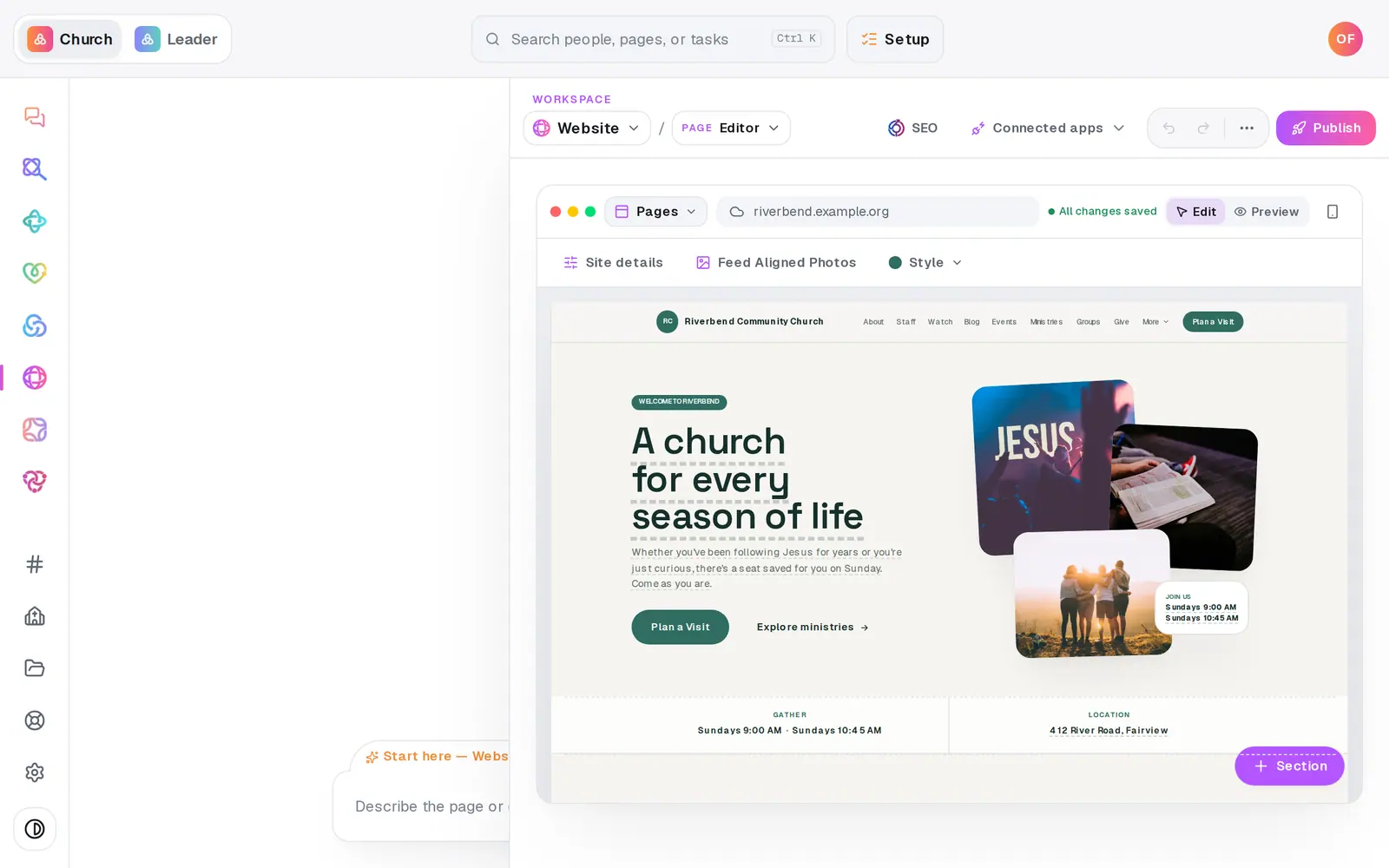
1/7 · In Website, press Publish at the top right
Good to know
- Connecting a bare domain like yourchurch.org, with no www? If your domain company has no ALIAS or ANAME record type, add a CNAME on the www version pointing to the value shown, then turn on forwarding from yourchurch.org to www.yourchurch.org. The TXT record stays the same. The card spells this out with your own values.
- Rather ask? Type “connect www.yourchurch.org” in the Website chat and confirm. The reply lists the records to add, and “is my domain live yet?” checks again any time.
- Moving from another website? Your old site stays up until your domain's records point to Aligned. Change them when you're ready to switch.
If it’s not working
Pressing the button says “Ready to make this live?”
Connecting a domain waits until your church has finished setup. Press Setup at the top of the screen and finish it. Everything you've built stays, and then you can press the button again.
It still says “Waiting for the records below to be added”
Check that each record at your domain company matches the card exactly: the type, the name and the value. Then press Check again. Changes can take a while to spread, and the secure connection turns on by itself once the records are right. Still stuck? Message us from Help on the left rail.
The button says “Publish from the queue above”
You have edits waiting to go live. Scroll up to the list of waiting changes and press its publish button (it names how many, like Publish 2 changes). It publishes them and sets up your domain in the same press.
It says “That domain is already connected to another Aligned site.”
A domain can point at only one Aligned site. Check that you typed your own domain. If it is yours, message us from Help and we'll sort it out.
It says “Enter a public domain such as www.example.org.”
Check the spelling. It needs a full domain with a dot, like www.yourchurch.org, with no spaces.
Next, you might want to
- Put your website live and share itCheck your site on a phone, see what's ready, pick your address, go live, and share the link or QR code.
- Rebuild your current website on AlignedGive Aligned your current site's address and get a new site built from it, with your logo, colors, photos, pages, words and blog posts.
- See your website trafficCheck your site's visits, top pages and where people come from, or add your Google Analytics or Meta Pixel ID.
- Switch your plan on so you can publish and sendPut a card on file to switch your plan on. Nothing is charged today, and publishing, sending and connecting open up.