Show up better on Google
When someone new to town searches for a church, your site's title and description are the first thing they read. SEO turns your community research and your website into a short plan — what people search for, what to fix first, and a better search listing you can apply in one press.
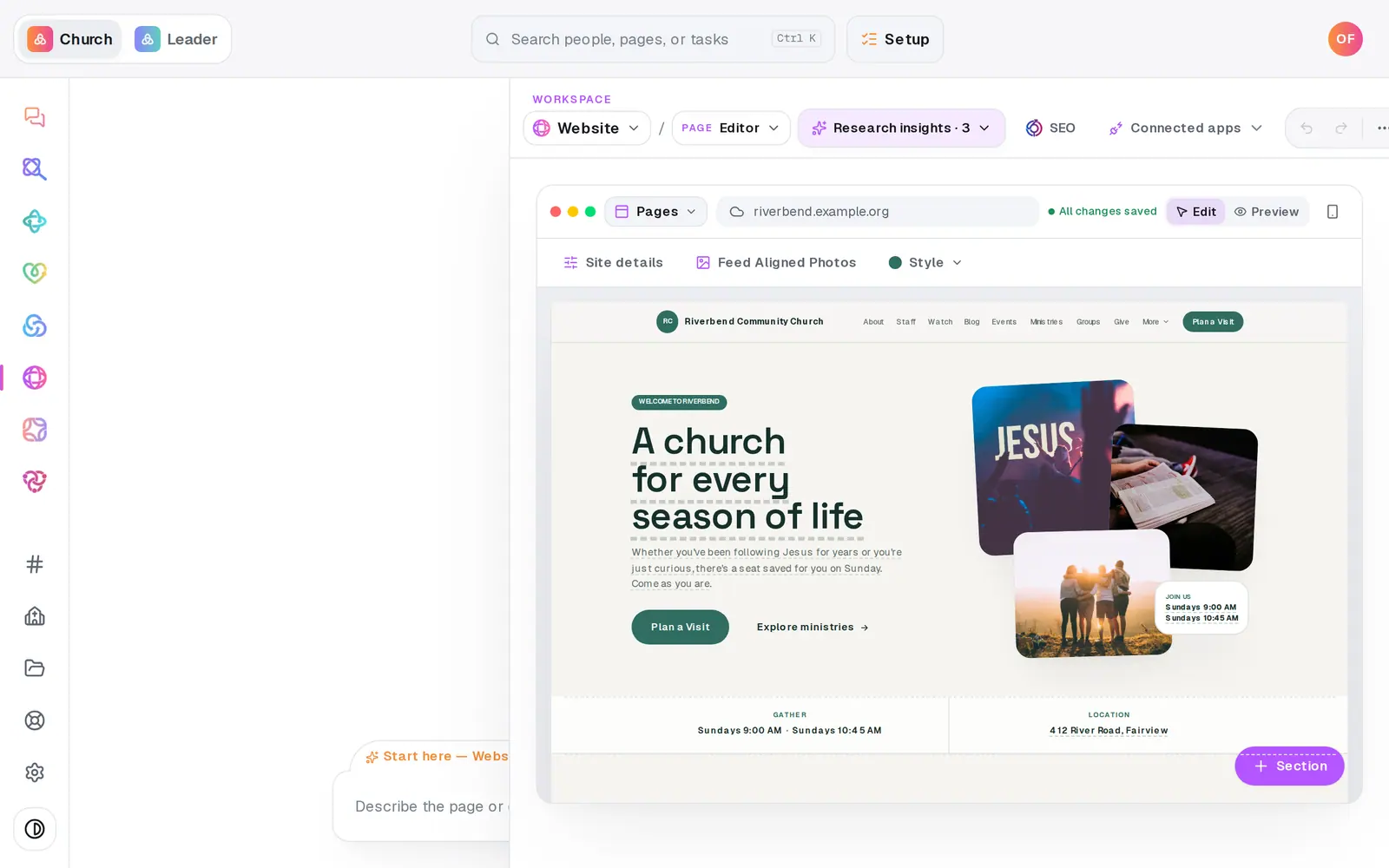
1/7 · In Website, press SEO in the toolbar
Good to know
- Articles help too. SEO's Articles page turns your sermons into blog posts that answer what people in your town search for.
- Rebuild the plan any time with Refresh SEO plan — worth doing after big changes to your site — or ask the chat to "build me a fresh SEO plan".
- Copy title and Copy description put the wording on your clipboard for anywhere else your church is listed.
If it’s not working
There's no Apply to site button
Your site isn't published yet, so the suggestion was applied for you — the card says Applied to your site. It goes live when you publish.
We applied it, but Google still shows the old title
Make sure the website has been published since. After that it's Google's timing — it re-reads sites on its own schedule, which can take days or weeks.
The plan looks thin or empty
It was missing your city, church size or who you want to reach. Fill in the short form on the Overview, or tell the chat in one sentence, and the plan rebuilds.
Will this get us to the top of Google?
Nobody can promise that. The plan works on what you control — a published site with your real name, town and service times, strong titles, and fresh articles. Google decides when and how you rank.
Next, you might want to
- Turn Sunday's sermon into a blog postWrite an article from a sermon or a prompt, review it, publish it to your site's blog — or let new sermons become articles on their own.
- Learn who lives around your churchResearch your area in one click — who lives nearby, what they need, the churches around you and where to reach next — and let your website and posts use it.
- Update service times and address on your siteChange your service times or address in one place, and your site and your church's record both use the new ones.
- Put your website live and share itCheck your site on a phone, see what's ready, pick your address, go live, and share the link or QR code.