Learn who lives around your church
Knowing who actually lives around you changes how you invite, what you post and where you serve. Insights reads your area, the needs going unmet and the churches nearby, and your website and social posts use what it finds on their own.
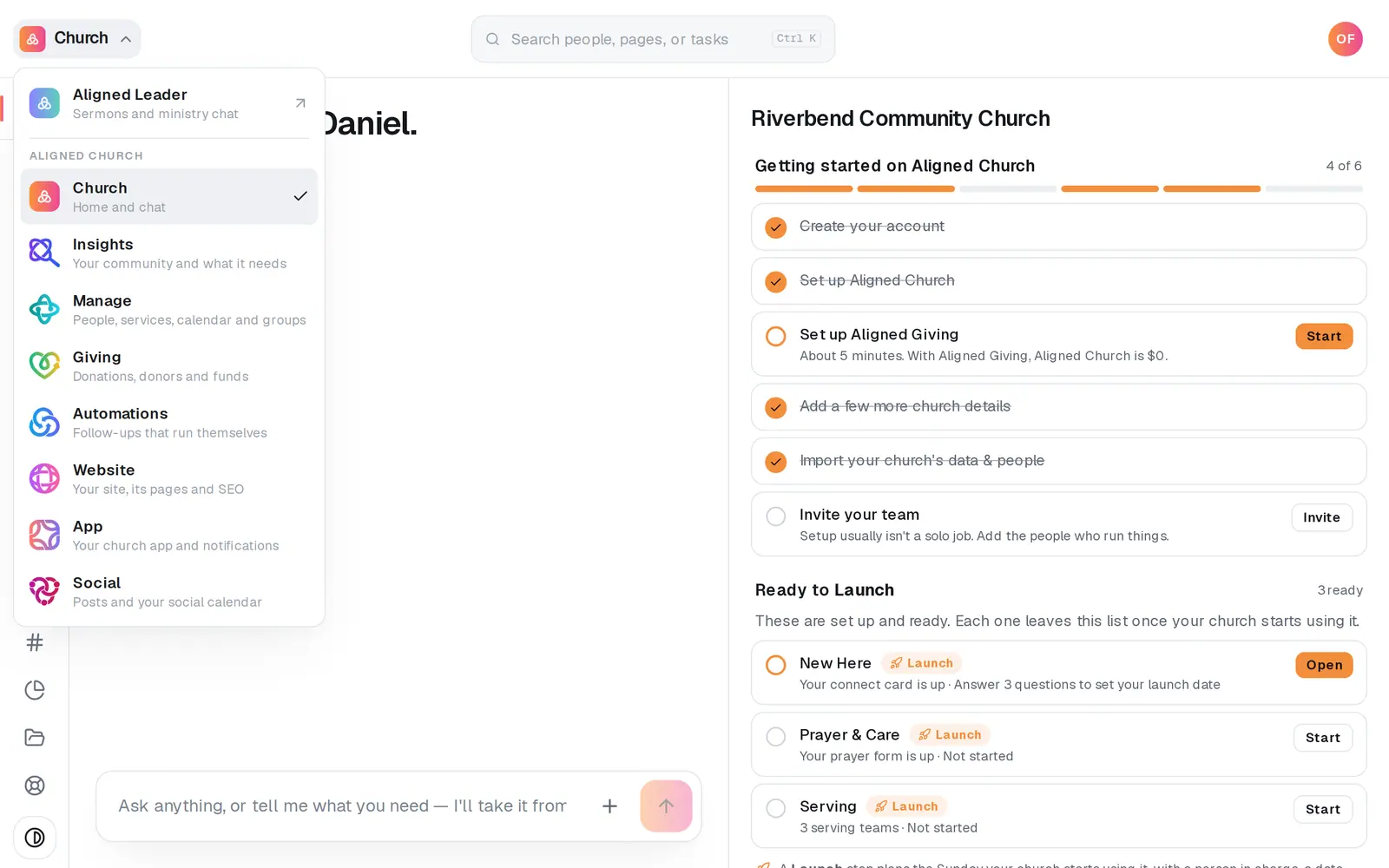
1/7 · Open Insights from the product menu
Good to know
- Your website, social captions and SEO plan are written with these findings automatically, with nothing to copy over. The Insights tab of Website's Editor shows the ones your site can use.
- Ask Insights' chat anything about it. “Which families should we reach first?” is answered in seconds from your saved research and changes nothing. Asking it to run something new tells you how long it takes and waits for your yes.
- Research again (~5 min) on Your community refreshes every page, and the button at the top right of Other churches, Expansion and Unmet needs re-runs just that page. There's one saved set per church, so a re-run replaces the last one.
If it’s not working
The checklist says “Partial”
One pass couldn't finish, usually because the live web was busy. Everything that finished is saved. Press Try again on that row, or re-run that page later.
Other churches is empty or missing a church we know
The map search can miss churches, or find none for rural or unusual addresses. Try Whole city or Wider region. If it says “We couldn't look up nearby churches right now”, the map search wasn't working when it ran, which doesn't mean there are none: your saved list is untouched, and Expansion keeps its saved areas the same way. Run that page again later.
The numbers don't match the census
They're the research's general knowledge of your area, not an official count. When it isn't sure, it leaves the bars out rather than guess.
It says “Your details changed — run again”
Your church's location or details changed since the last scan. Press Research again (~5 min) on Your community to bring it up to date.
It says “We couldn't load your research”
Anything you've already researched is safe. Press Try again.
Next, you might want to
- Show up better on GoogleBuild your SEO plan, put a better title and description on your site, and see which searches and fixes matter most.
- Write a post about this SundayDraft a post with a photo and captions written in your church's voice, with no connected account needed to start.
- Change your website by telling Aligned what you wantType a change like “make the homepage warmer” in the editor's chat, watch it land on the page, and publish it when you're happy.