Write a post about this Sunday
Sunday's coming and the post about it isn't written yet. Tell Aligned what's happening in a sentence or two and it writes three captions in your church's voice — and you can do all of it before you've connected Facebook or Instagram.
About 5 minutes Part of Aligned ChurchUpdated September 29, 2026
aligned.church/church
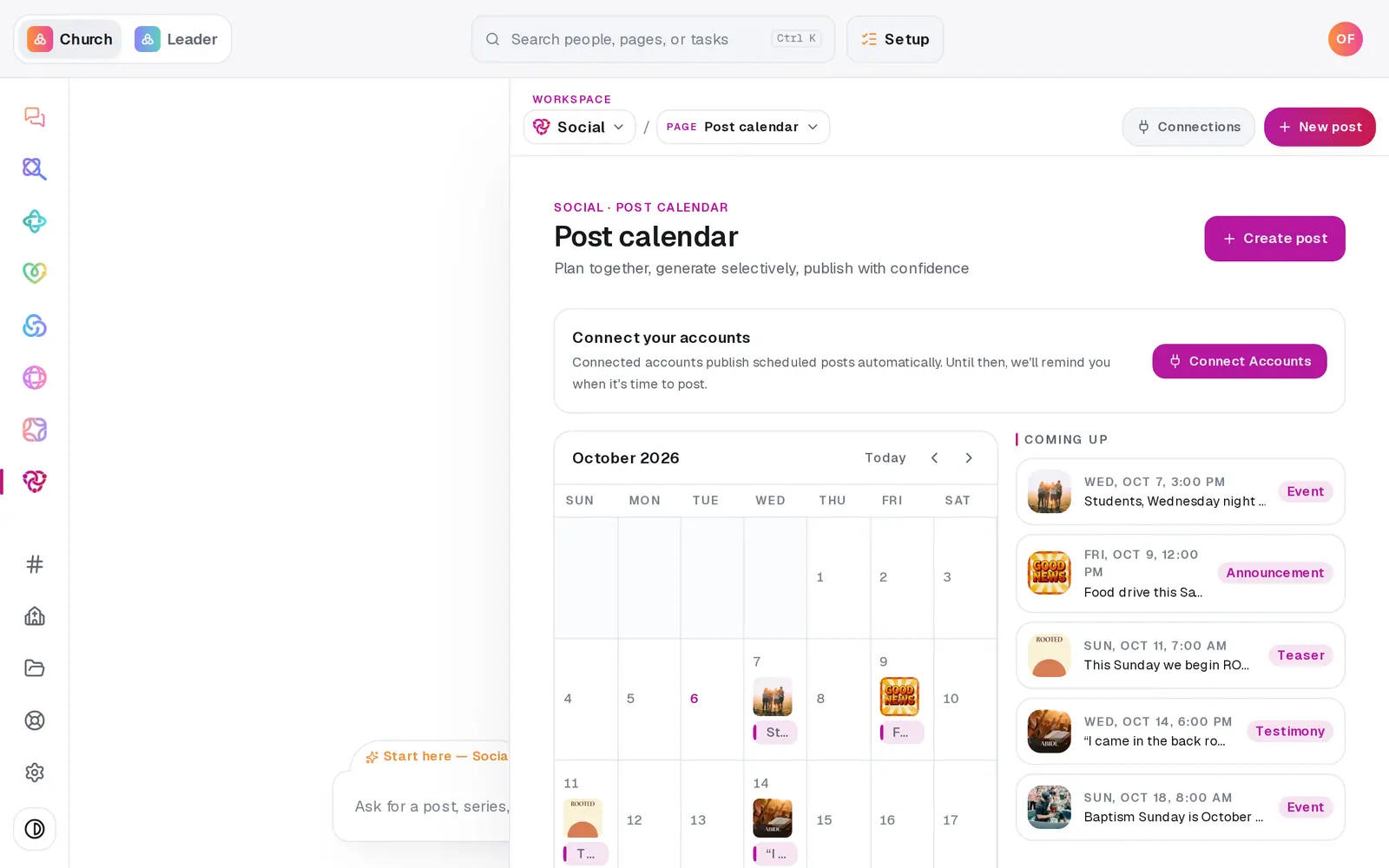
1/7 · In Social, press New post
Before you start: Drafting only needs your Aligned Church account. Scheduling a post waits until your church is activated in Setup, and posts publish on their own once you connect Facebook or Instagram.
Good to know
- Short on time? Ask in the Social chat — "post about the food drive Saturday" — and it proposes the post for you to confirm. Nothing publishes from a chat message alone.
- Pressing Write 3 new options replaces captions you've edited, so it asks first.
- Graphics you make with Generate a graphic use your image allowance, and they're saved so you can use them again.
- Only the first part of an X thread is posted for now.
If it’s not working
It says "Caption writing is unavailable right now"
Try again in a little while — or type your own captions into the boxes, which are always open.
It asks "Leave this post? Your changes won't be saved."
You pressed Back with unsaved work. Cancel, then press Save draft first — an unsaved post can't be brought back.
The photo picker says "No photos found in your selected folders"
Your church photo library is empty so far. Press Upload photos in the composer to add some — they go straight into the picker.
It asks me to create a free account
Drafting a post needs an Aligned Church account. Create it in Setup (it's free), then press the button again — everything you tried stays.
Did this help?
Next, you might want to
- Schedule posts for the week aheadPick a day on the Post calendar, choose where each post goes and when, and let your connected accounts post it for you.
- Connect your Facebook Page and InstagramLink your church's Facebook Page, Instagram and X so scheduled posts go out on their own — and fix a connect that didn't finish.
- Turn a pile of photos into a month of postsAdd a stack of photos, let Aligned read each one and write its caption, then spread the posts across the weeks ahead in one go.