Connect your Facebook Page and Instagram
Until an account is connected, Aligned reminds you when it's time to post and you copy it over by hand. Connect your church's Facebook Page and Instagram once and every scheduled post publishes itself. It takes a few minutes, most of it on Facebook's and Instagram's own sign-in screens.
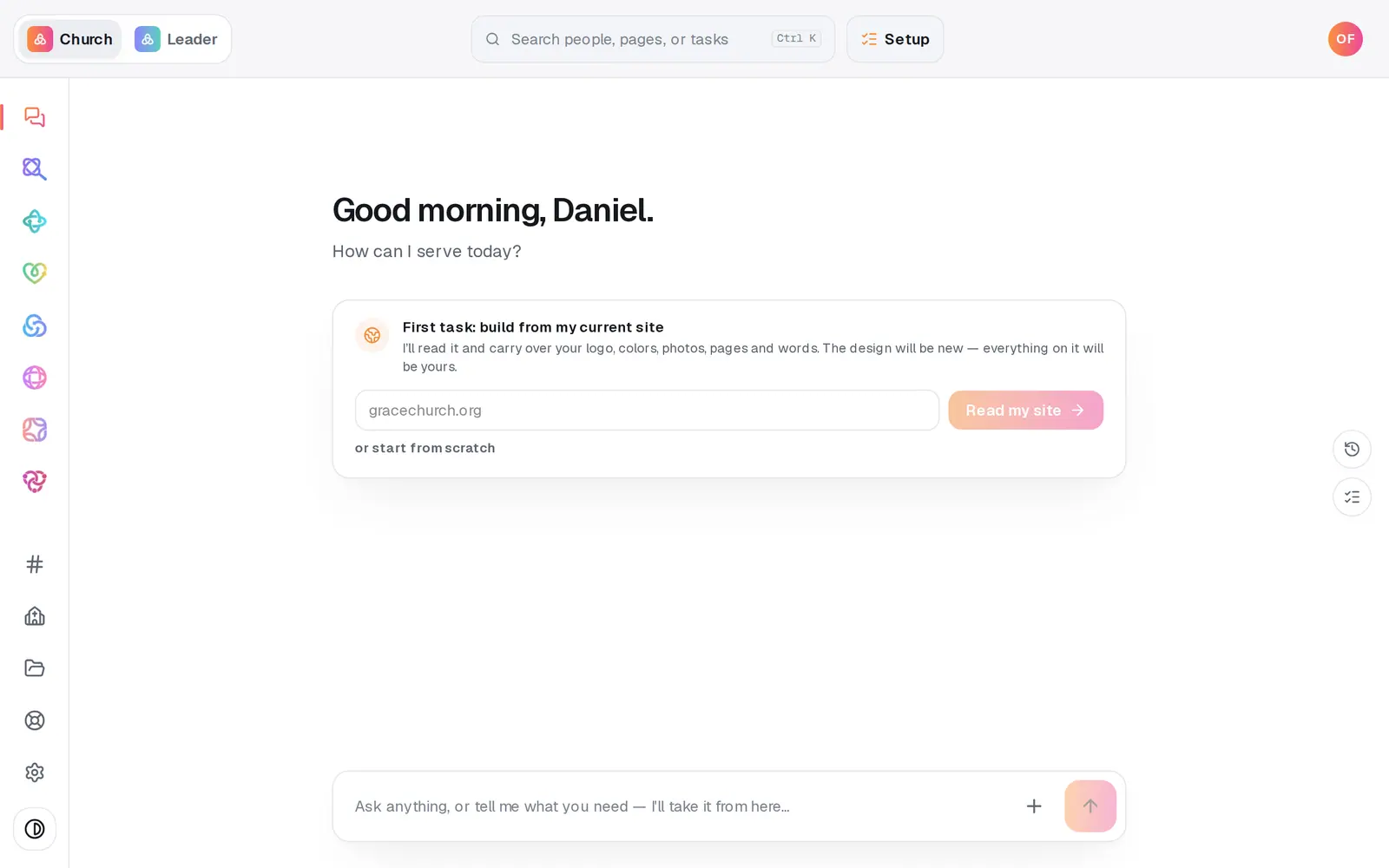
1/6 · Open Social from the left rail
Good to know
- X connects the same way, in one pass with nothing to pick. Only the first part of a thread is posted to X for now.
- Writing a post when you press Connect? It's kept for an hour in that browser tab, so you come back to it exactly where you left off.
- Connected the wrong Page? Press Remove beside its name in Connections and confirm. Only that Page is dropped — the others keep publishing.
- Facebook Pages, Instagram professional accounts and X are the three places Social can post. TikTok, YouTube and Google Business aren't available.
If it’s not working
I signed in to Facebook and it still says Not connected
When you come back, Connections opens on its own with a red line giving the reason. "No Facebook Page was shared" means the Page wasn't ticked on Facebook's screen — press Connect again and tick it. Any other reason is Facebook's own, like a permissions error: press Connect again and allow access to your church's Page. If it says it "came back without an account", nothing was saved, so pressing Connect again is safe; if that keeps happening, message us from Help. If no line appeared at all, the 10-minute return window ran out mid sign-in. Press Connect again and go straight through.
I ticked my Page and nothing happened
Back in Aligned, the panel needs its own Connect button pressed — ticking alone connects nothing. If the panel is gone, press Connect beside Facebook Page and sign in again.
It says "Facebook didn't finish connecting — try again or tell us"
The trip to Facebook never came back to Aligned — the tab closed, or the sign-in took too long. Nothing was saved or refused. Press Connect again; if it keeps happening, message us from Help and say which platform and roughly when.
Instagram won't connect
It has to be a professional account. In the Instagram app, go to Settings → Account type and tools → Switch to professional (Business or Creator — it's free), then press Connect again.
Facebook shows an amber Expired and a Reconnect button
Platforms end sign-ins from time to time; it's normal. Press Reconnect and sign in again. Any post that failed while it was expired can be retried from Posts afterwards.
Next, you might want to
- Write a post about this SundayDraft a post with a photo and captions written in your church's voice — no connected account needed to start.
- Schedule posts for the week aheadPick a day on the Post calendar, choose where each post goes and when, and let your connected accounts post it for you.
- Fix, edit or delete a postRetry a post that didn't go out, change one that's scheduled, or delete it — all from Social's Posts page.