Schedule posts for the week ahead
Lining the week's posts up on Monday beats remembering to post on Saturday night. Click a day, write the post, pick where and when it goes — Aligned posts it at that time on every connected account and reminds you about the rest.
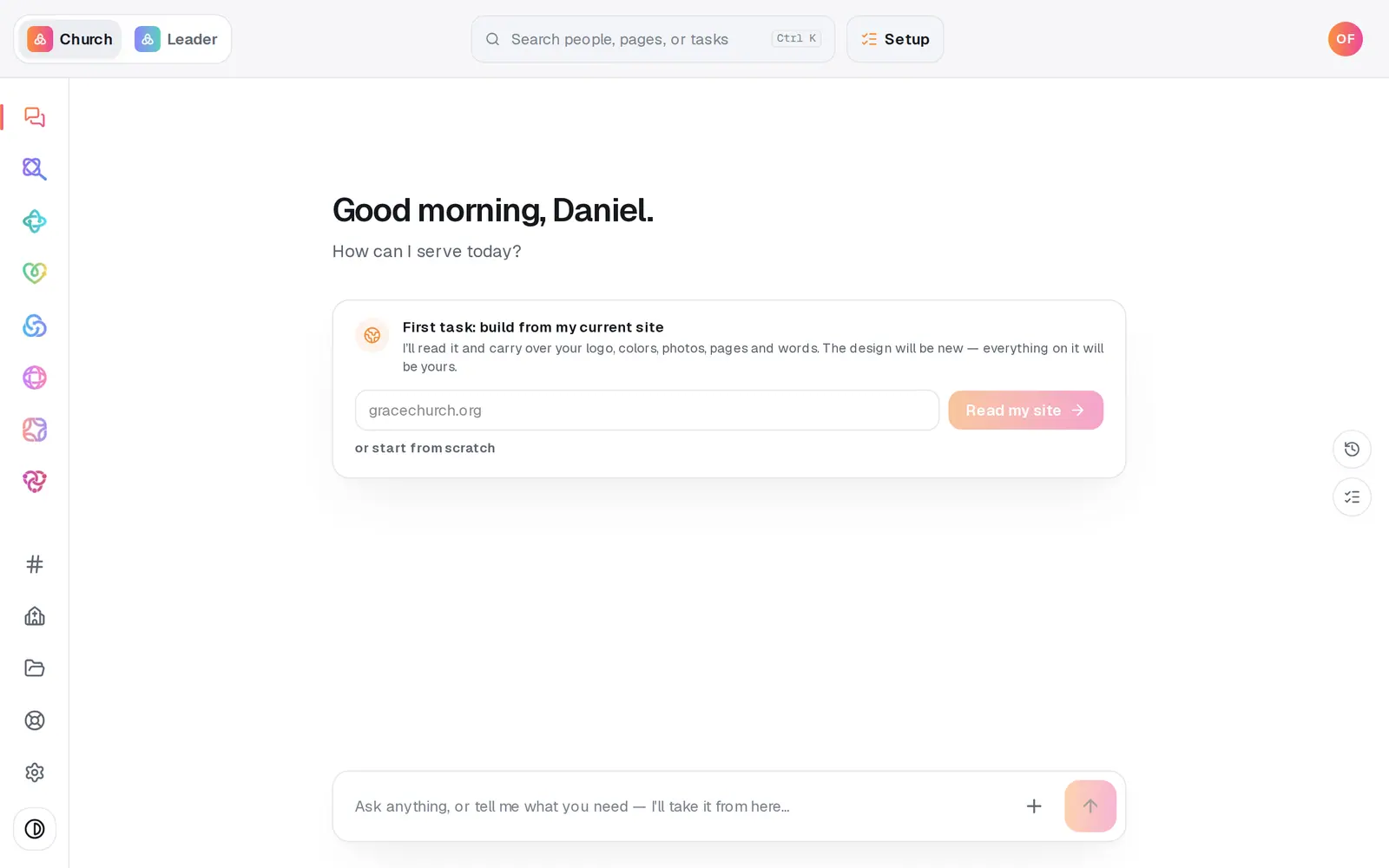
1/7 · Open Social from the left rail
Good to know
- Short on time? Ask the Social chat — "post about the food drive Saturday at noon". It proposes the post, and when you confirm it writes the captions in your church's voice and puts the post on the calendar. Nothing publishes from a chat message on its own.
- Got a folder of photos from Sunday? The Batch page in Social's page menu turns them into posts spread across the weeks ahead.
- Scheduled posts go out within a few minutes of their time. On a platform that isn't connected, you get a "time to post" reminder with everything ready to post.
If it’s not working
The Schedule post button is grey
No platform is ticked — the note beside the button says "Pick at least one platform above." Tick Facebook, Instagram or X.
It says "Write a caption before scheduling"
A photo with no words can't publish anywhere. Press Edit captions and add the words. If you only want to park the photo for later, press Save draft instead.
It says "Instagram needs at least one photo or graphic"
Go back to the first page of the post and add a photo or graphic — or untick Instagram and schedule it for the other platforms.
It says "That breaks one of your posting rules"
The time falls on a day, hour or cap you've ruled out. Schedule it anyway sends this one post past the rule and keeps the rule for next time, or Pick a different time. To change the rule itself, open Rules in Social's page menu.
It asks "Ready to make this live?"
Your church hasn't finished Setup yet, and scheduling a post is one of the things that waits for it. Save the post as a draft, finish Setup, then schedule it.
Next, you might want to
- Write a post about this SundayDraft a post with a photo and captions written in your church's voice — no connected account needed to start.
- Connect your Facebook Page and InstagramLink your church's Facebook Page, Instagram and X so scheduled posts go out on their own — and fix a connect that didn't finish.
- Turn a pile of photos into a month of postsAdd a stack of photos, let Aligned read each one and write its caption, then spread the posts across the weeks ahead in one go.
- Set when you do and don't postKeep posts off the days you choose, cap how many go out, and set the hours they can publish — every schedule respects them.