Set when you do and don't post
Maybe you never post during Sunday services, or you don't want four posts landing on one day. Set your posting rules once: Batch plans around them, and anything you schedule yourself checks them first.
About 3 minutes Part of Aligned ChurchUpdated September 29, 2026
aligned.church/church
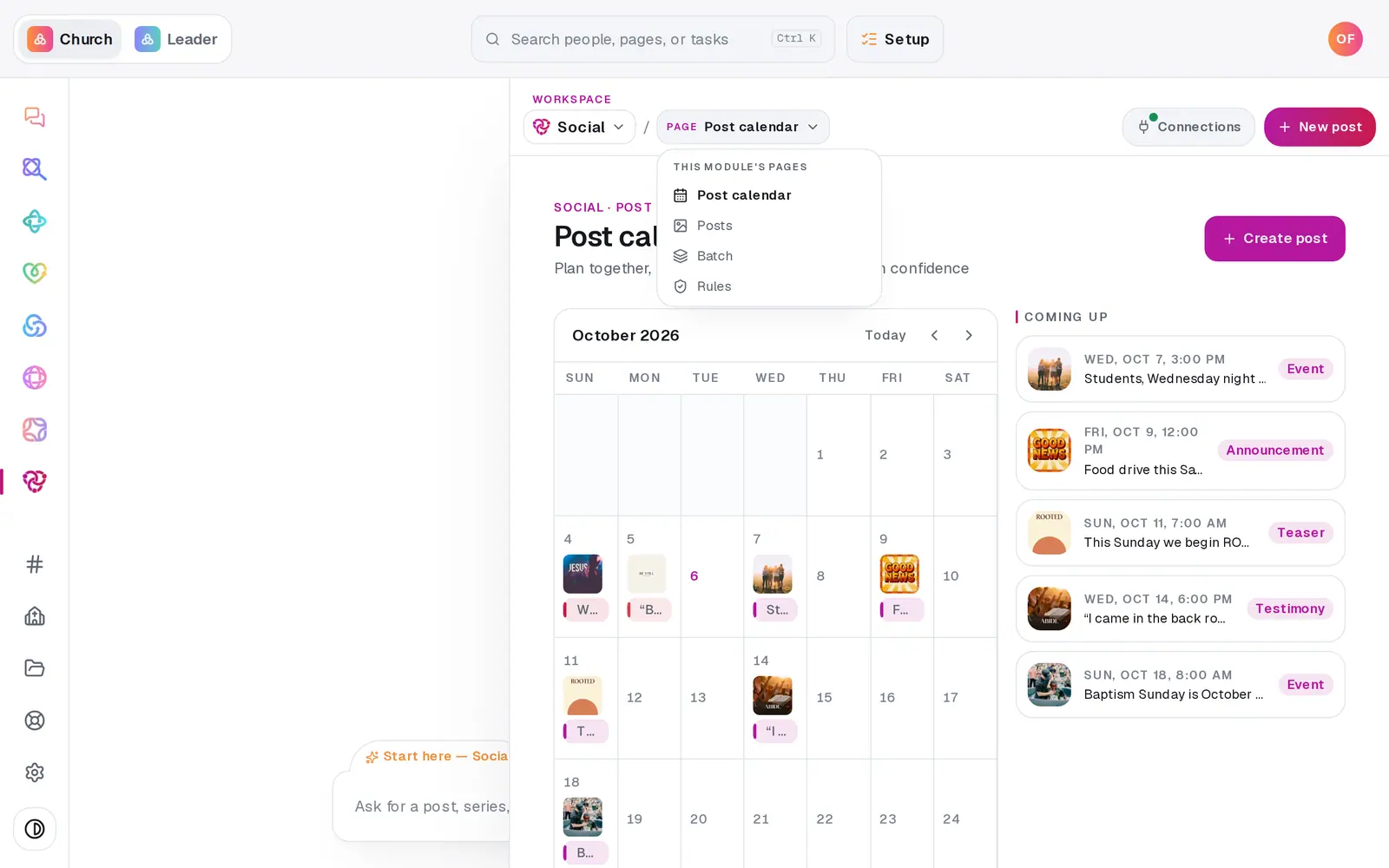
1/7 · In Social, open Rules from the page menu
Before you start: Rules only guard scheduling. Saving a draft is never blocked, so you can park a post for any day and sort out the timing later.
Good to know
- Say it in the Social chat instead: "we never post on Sundays", "cap us at 1 a day", "quiet hours 9pm to 8am". It shows the exact change and saves when you tap to confirm. "Show my posting rules" reads them back.
- When you schedule a post that breaks a rule, you'll see the rule quoted back — "You don't post on Sundays." — with Schedule it anyway for that one post. The rule stays for the next.
- Batch plans around your blocked days and skipped dates on its own, and warns you before it goes past a limit.
If it’s not working
It says "That blocks every day of the week"
Nothing could ever post. Leave at least one day open under Days you never post.
It says my weekly or monthly limit is lower than another one
The limits have to grow with the time span: per week at least the daily limit, and per month at least the weekly one. Raise the larger one or lower the smaller.
It says "Your latest posting time is before your earliest"
Not after is set earlier than Not before. Swap them, or clear one.
It says "Couldn't save those rules."
Nothing changed. Press Save rules again in a moment.
Did this help?
Next, you might want to
- Schedule posts for the week aheadPick a day on the Post calendar, choose where each post goes and when, and let your connected accounts post it for you.
- Turn a pile of photos into a month of postsAdd a stack of photos, let Aligned read each one and write its caption, then spread the posts across the weeks ahead in one go.
- Fix, edit or delete a postRetry a post that didn't go out, change one that's scheduled, or delete it — all from Social's Posts page.