Use photos from Google Drive, OneDrive or your website
Your best photos are already somewhere: a shared Drive, the church OneDrive, your old website. Social's Photos page brings them in and keeps them in one library, so the next post is a few taps away. Nothing in your Drive or on your website is moved or changed.
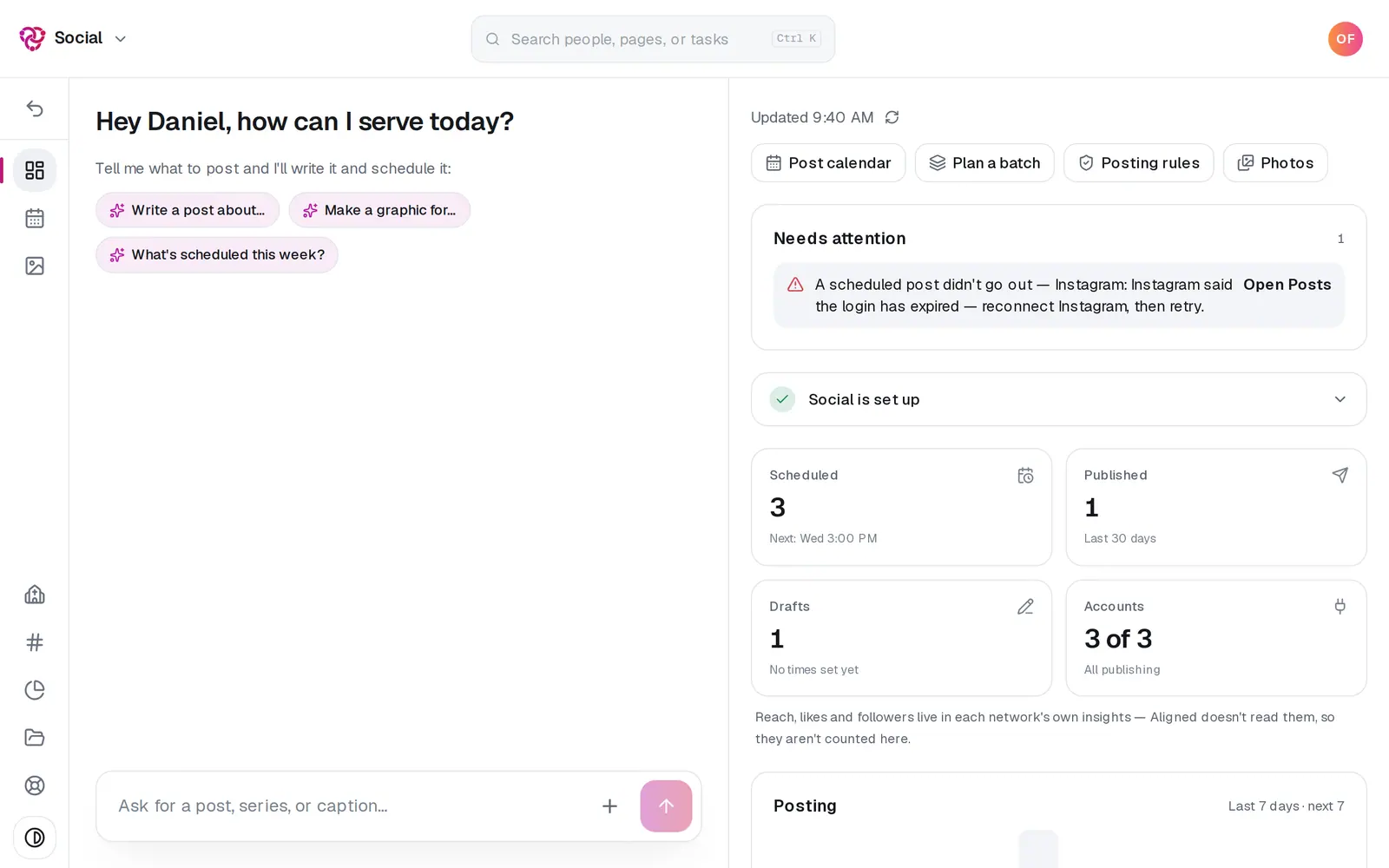
1/6 · In Social, press Photos
Good to know
- Already writing a post? The button on the Photos page reads Add to your post instead, and the photos go onto the post you have open.
- The same doors are in the composer: Or bring them in from, under Church photo, Several (carousel) and Upload photos on a post's first page.
- Google Drive doesn't show inside the Aligned app or in a link opened inside Facebook or Instagram, because Google blocks its sign-in there. Open aligned.church in Safari or Chrome and it shows.
- Deleting a photo in Google Drive, OneDrive or on your website later doesn't remove Aligned's copy.
If it’s not working
It says “Your browser blocked the Google window”
Allow pop-ups for aligned.church in your browser, then press Google Drive again.
It says only the person who connected OneDrive, or your church's owner, can choose photos from it
Your church's OneDrive is one account for the whole church, often the pastor's own. Ask whoever connected it, or the church's owner, to bring the photos in, or upload them from your device.
It says “We didn't find photos we could use on that website.”
Check the address in the box is your church's own site, then press Bring in photos from your website (or Bring in more) again. Pages that are mostly words have little to offer; upload from your device instead.
A photo says “It's over 12 MB — pick a smaller copy.”
Each photo from Google Drive or OneDrive can be up to 12 MB. Pick a smaller copy, or upload it from your device, where large photos are shrunk before they upload.
Next, you might want to
- Write a post about this SundayDraft a post with a photo and captions written in your church's voice, with no connected account needed to start.
- Schedule posts for the week aheadPick a day on the Post calendar, choose where each post goes and when, and let your connected accounts post it for you.
- Turn a pile of photos into a month of postsAdd a stack of photos, let Aligned read each one and write its caption, then spread the posts across the weeks ahead in one go.
- Add your photos to your websiteBring photos in from your computer, Google Drive, OneDrive or your website, place one exactly where you want it, or let Aligned fill the empty spots.