Change your website by telling Aligned what you want
Most website changes start as a sentence you'd say to a volunteer: make the homepage feel warmer, add a page for the food pantry. In Aligned that sentence is the whole job. Type it in the chat, check what changed, and publish when it's right.
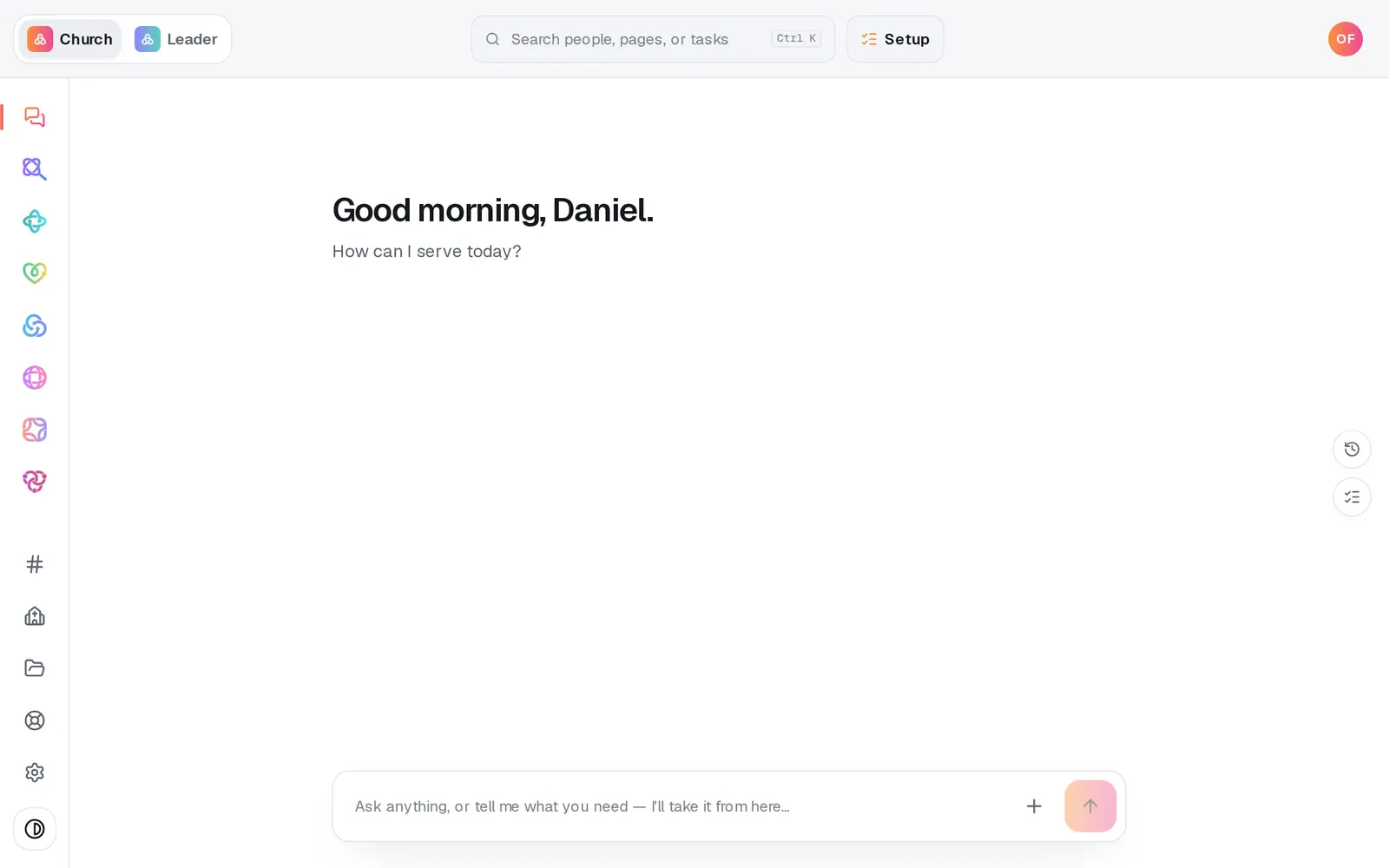
1/6 · Open Website from the left rail
Good to know
- Want to look before you change anything? Ask “show me the About page” and the editor opens right on it.
- Add or remove things by asking: “add Maria Lopez to the staff”, “remove the picnic event”, “add an FAQ about parking”. Aligned asks for the details in a short form in the chat.
- Say “page” when a page shares its name with another part of Aligned: “show me the events page” opens your site, while plain “events” opens your calendar.
- Photos work the same way: “put the baptism photo on the welcome section”. Aligned names the exact photo and spot before it changes anything.
If it’s not working
I asked Aligned to undo a change and it didn't
The chat can't undo or restore. Right after the change, Revert this edit under its card undoes it. Later, or after a reload, open Version history from the ··· menu at the top right of the Website panel to bring back an earlier version.
My change isn't on my live site
Edits wait until you publish. Press Publish at the top right, then the publish button on the list of waiting changes.
Aligned answered me instead of changing the site
It read your message as a question, and questions get answers. Say it as an instruction instead, like “move giving higher on the homepage”.
It says “I couldn't reach the website composer just then — nothing was changed.”
The edit didn't go through, and your site is exactly as it was. Send the same message again.
Next, you might want to
- Fix a typo, change a headline or move a sectionClick any words on your site to change them, move a section up or down, and add new sections from the Sections list.
- Undo a change or restore an earlier versionStep back your last edits with Undo, or preview and restore any earlier version of your site from Version history.
- Add a page or change your menuAdd a new page with a plan Aligned proposes, and reorder, hide or delete the pages in your site's menu.
- Put your website live and share itCheck your site on a phone, see what's ready, pick your address, go live, and share the link or QR code.