Undo a change or restore an earlier version
A change looked good last night and doesn't this morning, or an edit went further than you meant. Nothing on your site is lost: Undo steps back what you've done this session, and Version history keeps every AI edit, named version and publish so you can bring one back.
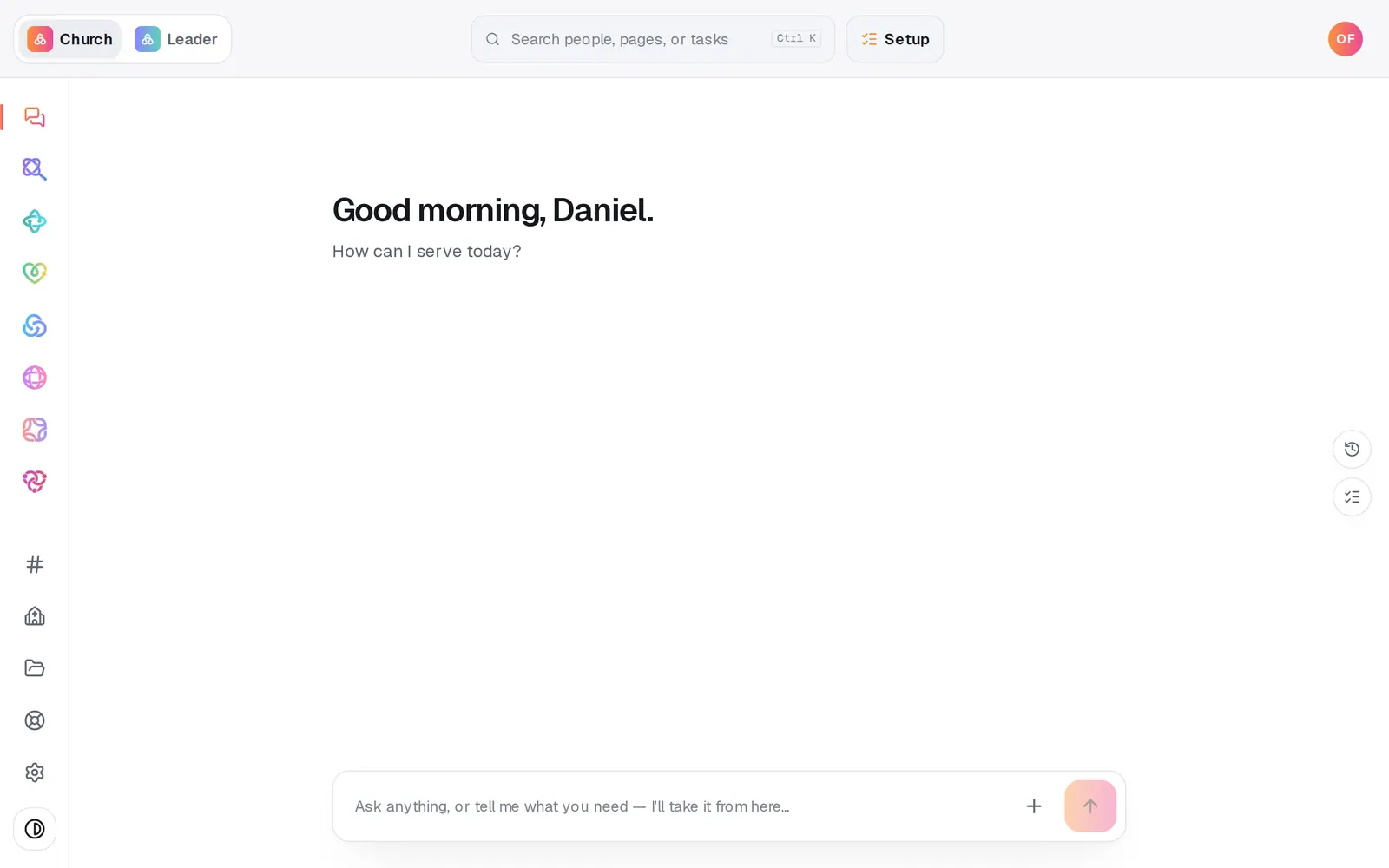
1/7 · Open Website from the left rail
Good to know
- Before a big change, name a version: type something like “Before Easter redesign” under Name the current version and press Save.
- Right after the chat makes a change, Revert this edit under its card undoes just that change. Once you've reloaded, use Version history instead.
- The chat can't undo or restore for you. Ask it to and it points you here, so nothing gets rewritten by mistake.
If it’s not working
Undo is greyed out
Nothing has changed since you opened Website this time. Undo only covers this session; use Version history for anything older.
It says someone else “is working on this site”
Someone from your church has Website open too. Nothing is locked, and you can both keep editing: Take it over only tells them you're here, and Not now hides the line. It clears within about three minutes of them closing Website.
Pages is greyed out
You can't switch pages while you preview a version. Press Exit preview first.
It says “Could not load version history.”
Press Retry under the message. If it keeps happening, message us from Help on the left rail.
The restored version isn't on my live site
Restoring changes your draft. Press Publish at the top right, then the publish button on the list of waiting changes.
Next, you might want to
- Change your website by telling Aligned what you wantAsk for a warmer homepage, a new page or giving moved higher, see exactly what changed, and publish it when you're happy.
- Fix a typo, change a headline or move a sectionClick any words on your site to change them, move a section up or down, and add new sections from the Sections list.
- Fix a website build that won't start or saveWhat to do when your website draft won't save, the build won't start, or Aligned says a field can't be stored.
- Put your website live and share itCheck your site on a phone, see what's ready, pick your address, go live, and share the link or QR code.