Fix a typo, change a headline or move a section
Someone spotted a typo in the headline, or the events should sit higher on the homepage. Small fixes like these don't need to go through anyone: click the words on your site and type, or move a whole section with its arrows.
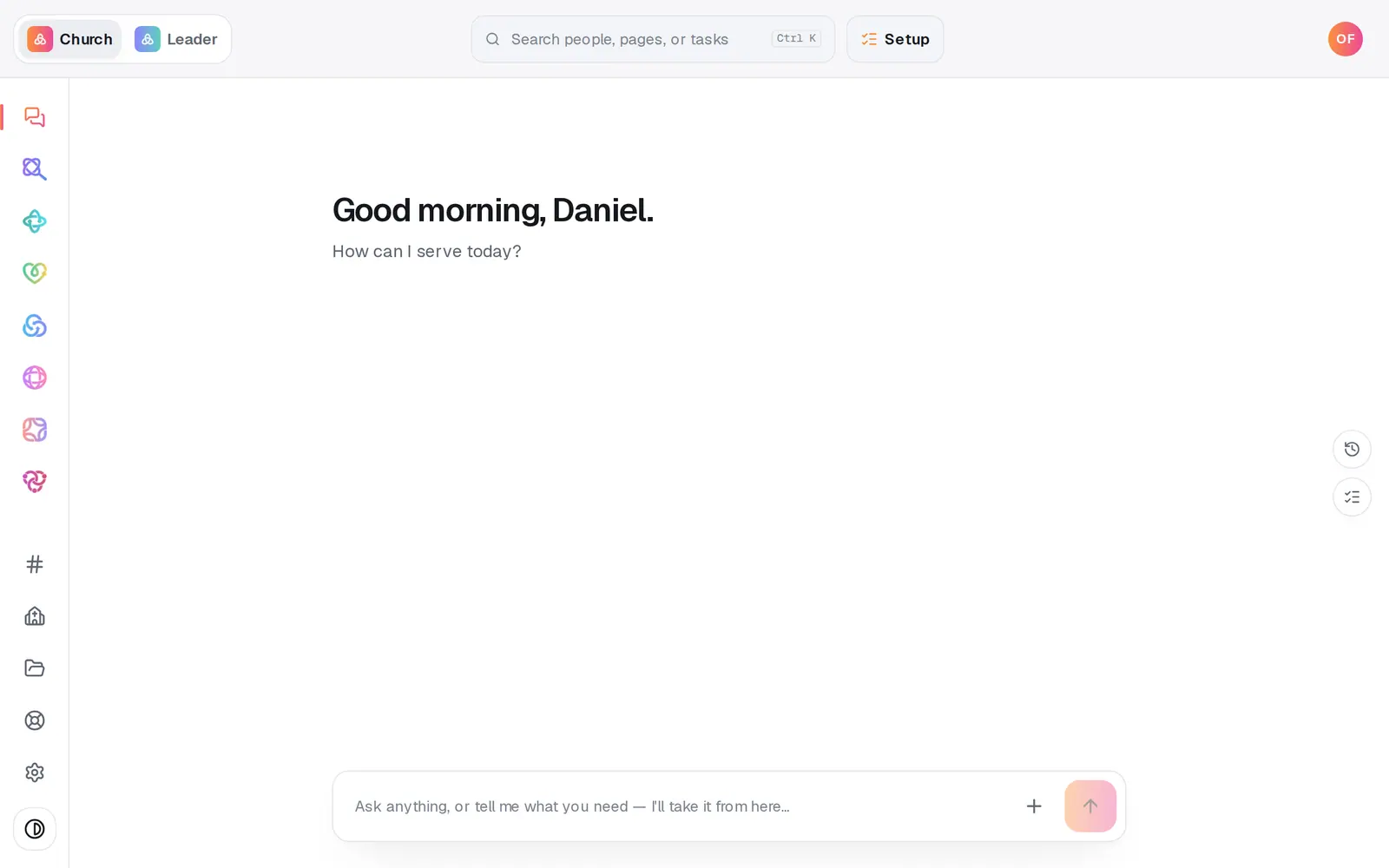
1/7 · Open Website from the left rail
Good to know
- A headline holds up to 240 characters, and a section's main text up to 1,200. Anything past that is cut, and a note above the preview says which box it was.
- Changed your mind? Undo at the top of Website steps back each edit.
- Press a section's number, at the top of its bar, to open Editing …: change its heading and layout there, or ask the AI to change it.
- To add a section in an exact spot, point at the gap between two sections and press Add section.
If it’s not working
Clicking the words does nothing
You're in Preview. Press Edit at the top of the preview, then click the words again.
It says the text is “Synced from” an app
Those words come from a connected app, like Planning Center. Press Detach to edit them here, or change them in the app so your site stays in sync.
My text got cut short
It ran past what that box can hold, and the note above the preview names the box and its limit. Shorten it, or move the extra words into the section's main text.
My fix isn't on my live site
Edits wait until you publish. Press Publish at the top right, then the publish button on the list of waiting changes.
Next, you might want to
- Change your website by telling Aligned what you wantAsk for a warmer homepage, a new page or giving moved higher, see exactly what changed, and publish it when you're happy.
- Undo a change or restore an earlier versionStep back your last edits with Undo, or preview and restore any earlier version of your site from Version history.
- Add a page or change your menuAdd a new page with a plan Aligned proposes, and reorder, hide or delete the pages in your site's menu.
- Change your website's colors, fonts and lookPick a design, set your own colors, choose a hero layout and a headline font, and watch your site change as you click.