Turn Sunday's sermon into a blog post
Sunday's sermon already answers questions people in your town are searching for. SEO's Articles page turns a sermon into a readable blog post in about a minute, and it can keep doing that for each new sermon.
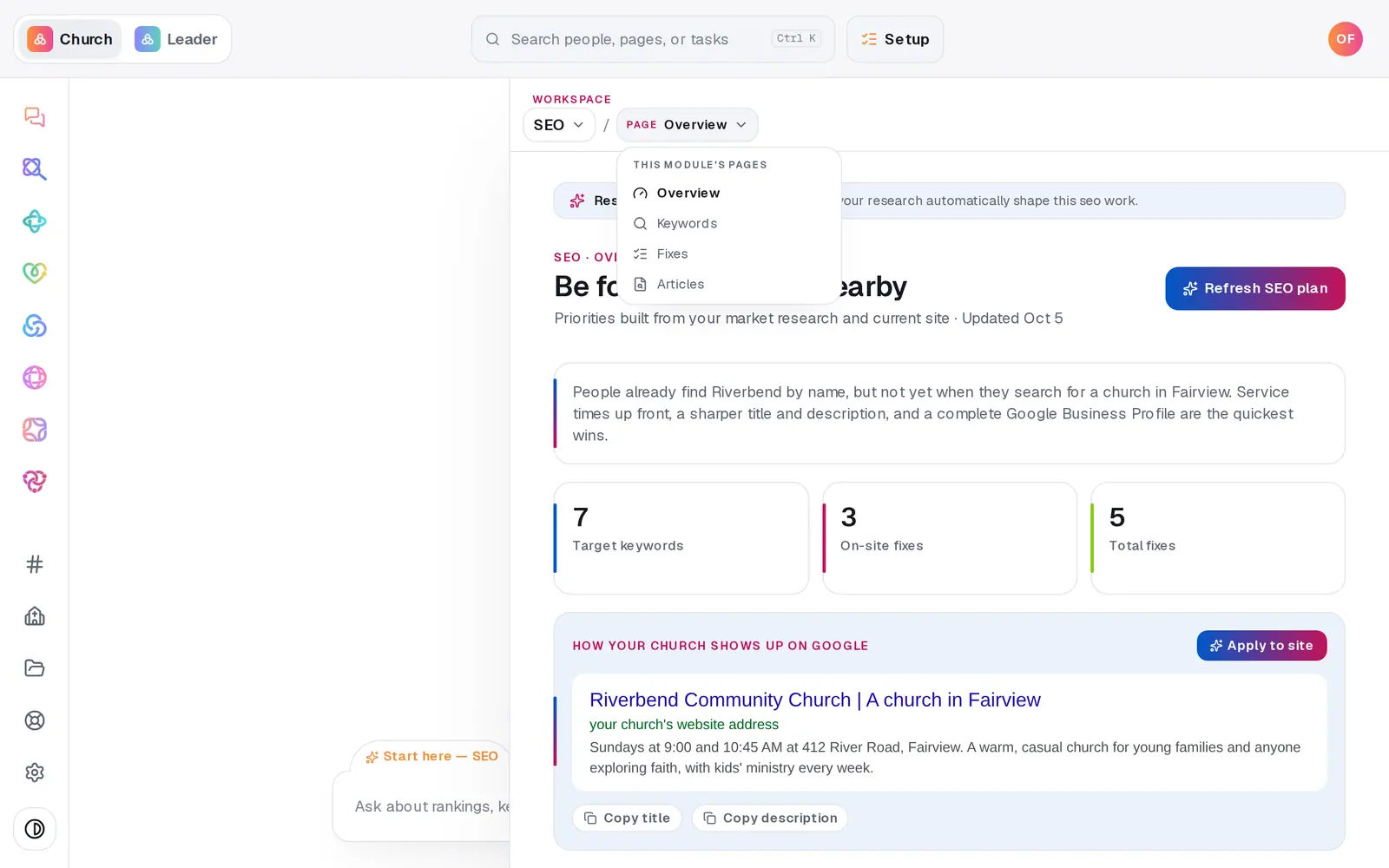
1/7 · In SEO, open Articles from the page menu
Good to know
- Had a blog on your old website? A website scan brings those posts across word for word, at the same addresses. They're marked From your old site.
- The chat can do this too: "write an article from last Sunday's sermon" or "publish the article". Nothing publishes until you confirm.
- Articles are one of the best ways to be found on Google — see Show up better on Google for the rest of the plan.
If it’s not working
It says "Your site isn't published yet"
Publish your website once from Website. After that, articles go live the moment you publish them.
There's no From a sermon choice
Your sermon library is empty. Connect your YouTube channel or upload sermons, and they'll show up here. In the meantime, write from a prompt.
New sermons aren't turning into articles
Check the line at the top of Articles. If the first automatic article is waiting for your choice, no more are written until you choose. If you chose to review each article, they're waiting in your list as drafts.
It says "This is taking longer than expected"
It may still finish. Wait a minute, then refresh the page — the article shows up in your list when it's done.
It says "The article couldn't be written — try again"
Nothing was saved. Press Write the article again.
Next, you might want to
- Show up better on GoogleBuild your SEO plan, put a better title and description on your site, and see which searches and fixes matter most.
- Write a post about this SundayDraft a post with a photo and captions written in your church's voice — no connected account needed to start.
- Bring in your sermons from YouTubeConnect your channel or playlist so Aligned learns how you preach, and star the sermons that sound most like you.