Import people from a spreadsheet
If your people live in a spreadsheet, or in a system Aligned doesn't connect to, one CSV file brings them all in. You match the columns once, see a preview before anything lands, and running it again later updates people instead of duplicating them.
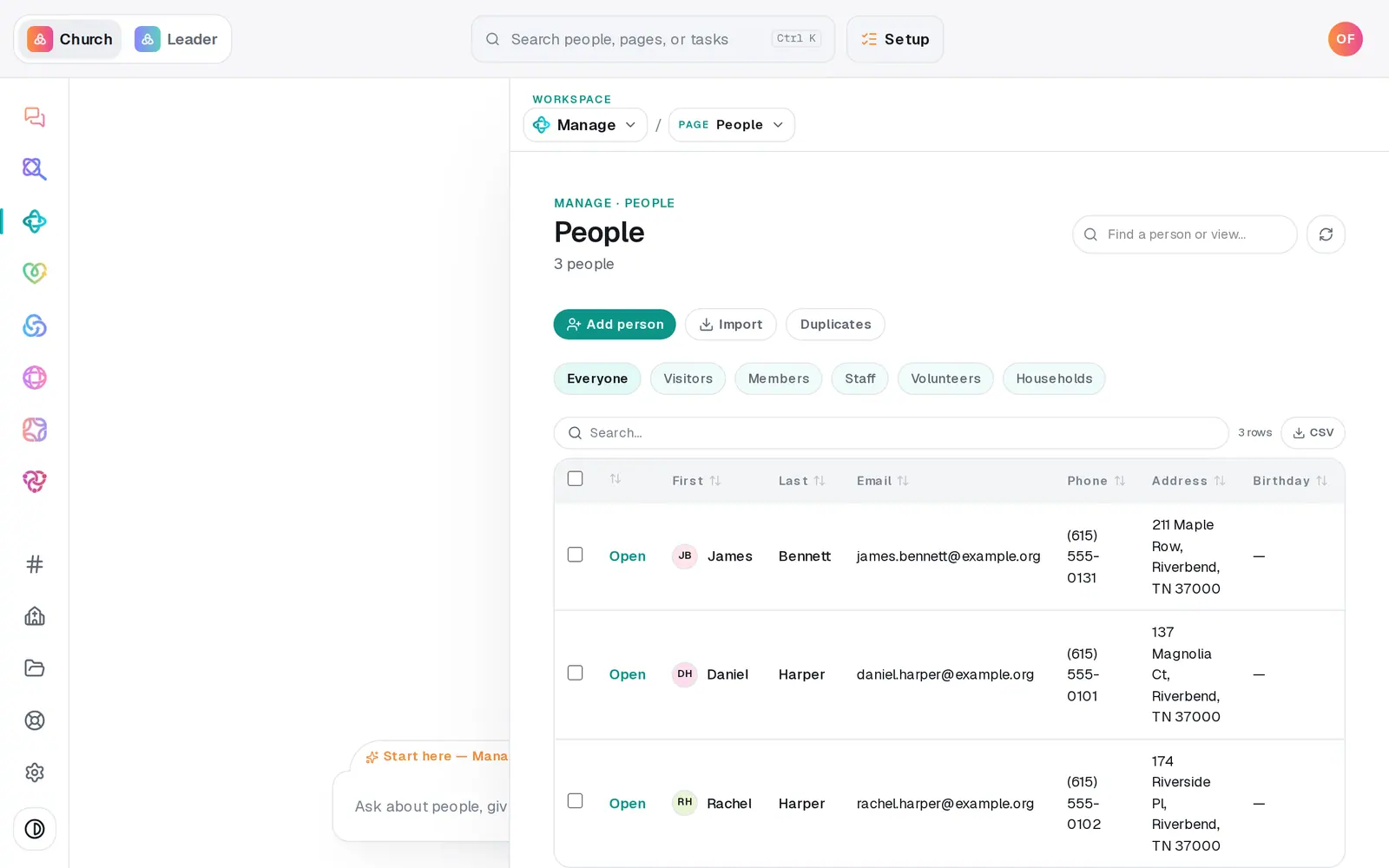
1/6 · Go to Manage → People and press Import
Good to know
- A Status column sets each person's status — visitor, member, staff or volunteer — and wording like "First-time guest" is understood. Other wording still comes in, as the person's status label. An import never overwrites a status you've already set.
- Birthdays can be in the usual formats — 3/14/1985, 1985-03-14 or March 14, 1985.
- Exported from Excel on Windows? Accented names like José come through correctly.
- Donors and past gifts belong on the Giving tab, not here — see Bring over donors and giving history.
If it’s not working
It says "Cap is 2,000 rows per file — split larger exports"
Split the spreadsheet into parts and import each one. People already in are matched by email and updated, so overlap between parts is harmless.
It says "That file needs a header row plus at least one person"
The first row has to hold the column names (First Name, Email and so on), with people underneath. Add a header row, save as CSV again, and choose the file again.
The Import button stays grey
No name column is mapped yet — the line under the preview says "Map a First name or Full name column to continue". Set the right column's drop-down to First name or Full name (split).
It stopped partway with "Import failed"
The line says how many were already saved. Press Import again — it carries on from where it stopped instead of starting over.
I imported the wrong file
Type "undo the last import" in the Manage chat. It names the import and how many people it added, and undoes it after you tap Undo this import — those people are archived, not deleted.
Next, you might want to
- Bring your people over from your old systemConnect Planning Center, Breeze or Elvanto and bring your people, families, groups, lists and events across — you approve every change.
- Undo an import or fix one that failedRoll back your most recent import by asking the Manage chat, or fix an app that says it couldn't read part of your old system.
- Bring over donors and giving historyImport donors and past gifts from Planning Center, Breeze, Donorbox, Givebutter or any platform's export file — as records, with no money moving.