Undo an import or fix one that failed
Imports go wrong in two ways: something came in that shouldn't have, or something didn't come in at all. Both are fixable. The most recent import can be rolled back by asking, and a part that couldn't be read tells you the one button that fixes it.
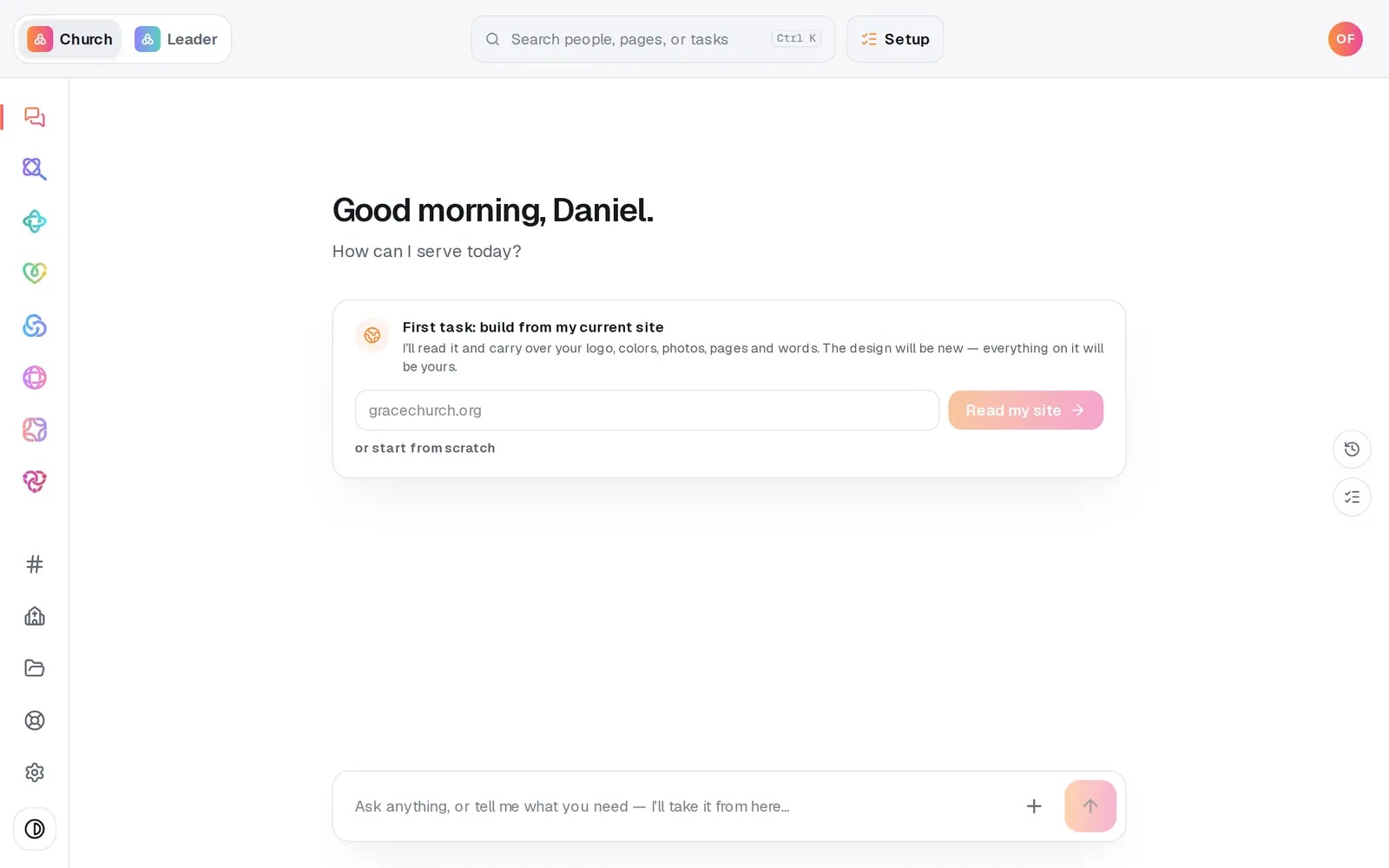
1/7 · Open Manage from the left rail
Good to know
- Undo only reaches your most recent import. Older imports are listed in Manage's Activity, but they can't be undone from the chat.
- Undone people are archived, not deleted — see Archive or restore a person to bring someone back.
- Brought in duplicates instead? Duplicates on the People page finds them so you can merge them.
If it’s not working
It says it can only undo the most recent import
You asked about an older import. Only the latest one can be undone this way — the reply names it, and Open Activity shows the history.
It says the last import didn't record any new people
That import only updated people who were already here, so there's no one for undo to archive. Updates aren't reversed.
It says I have read-only access
Undoing an import changes your people, so it takes a manager seat. Ask your church's owner.
It says "An import is already running for your church"
Imports run one at a time. Wait for it to finish, then run yours again.
A spreadsheet import stopped partway
The line says how many were saved. Press Import again — it carries on from where it stopped instead of starting over.
Next, you might want to
- Bring your people over from your old systemConnect Planning Center, Breeze or Elvanto and bring your people, families, groups, lists and events across — you approve every change.
- Import people from a spreadsheetUpload a CSV of your members from any system or spreadsheet, match its columns once, and bring everyone in without duplicates.
- Archive or restore a personTake someone who moved away off your roster without deleting a thing, and bring them back if they return.
- Merge duplicate peopleScan your directory for people who are in it twice, and combine each pair into one record.