Make a digital connect card
Paper connect cards end up in a basket, and half of them can't be read. A digital one takes a minute to fill in on a phone, and every response waits for you in one place, ready to add to your people. Building one takes about five minutes.
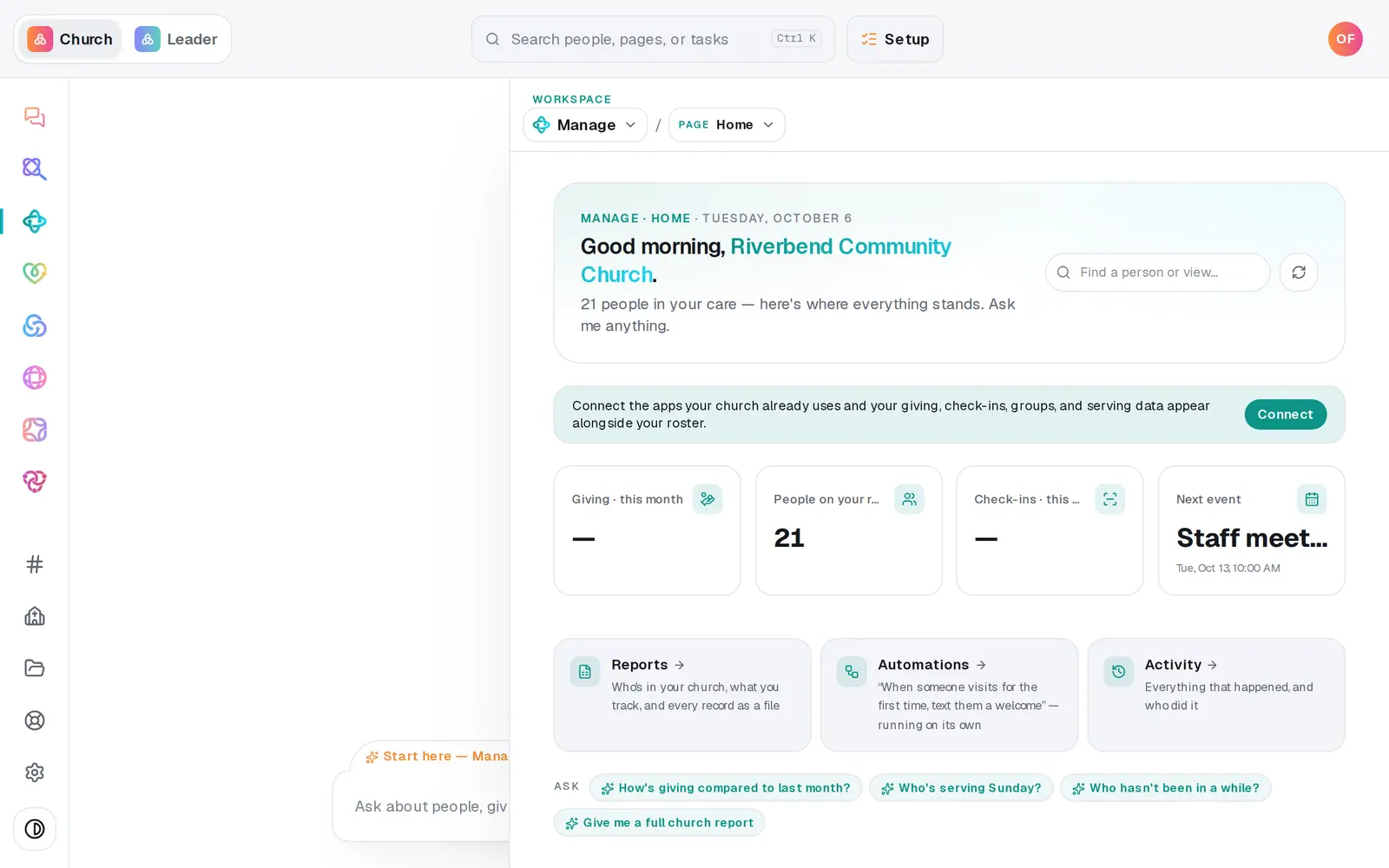
1/7 · In Manage, choose Forms from the page menu
Good to know
- Change a form any time with its pencil icon, then Save changes. The live form updates right away, including anywhere it sits on your website.
- Done collecting? The lock icon closes the form: it stops taking responses, its link says the form is closed, and it comes off your website. Press the lock again to reopen it.
- The trash icon deletes a form and its public link. Responses you've already reviewed stay on people's profiles.
- You can build one in the chat too: "make a connect card asking for t-shirt size (S, M, L) and allergies". It shows you every question on a button before anything is saved.
If it’s not working
It says "Two fields map to the same profile field — pick one."
Each profile field, like Email, can be filled by one question only. Change the extra one to Form-only question in the menu next to its type.
It says a question "needs at least one option"
A Multiple choice question needs its choices typed with commas between them, like "Join a group, Serve, Meet a pastor".
Nobody got an email when someone filled it in
Open the form with its pencil icon and look at Notification email. A form saved with that box blank before September 2026 emails nobody. Its responses still wait in Forms, and each one raises a notice. Add an address and press Save changes.
Responses aren't showing up in my people
Nothing is added until you review it. Responses wait at the top of Forms, where you add each one as a new person, update the person it matches, or dismiss it.