Welcome first-time guests with New Here
A guest who scans a QR code on a Sunday should hear from you by Monday. New Here, in Manage, gathers that whole path in one place: the ConnectPath page they open on their phone, the New Here form they fill in, and the follow-up your team starts when you add them to People.
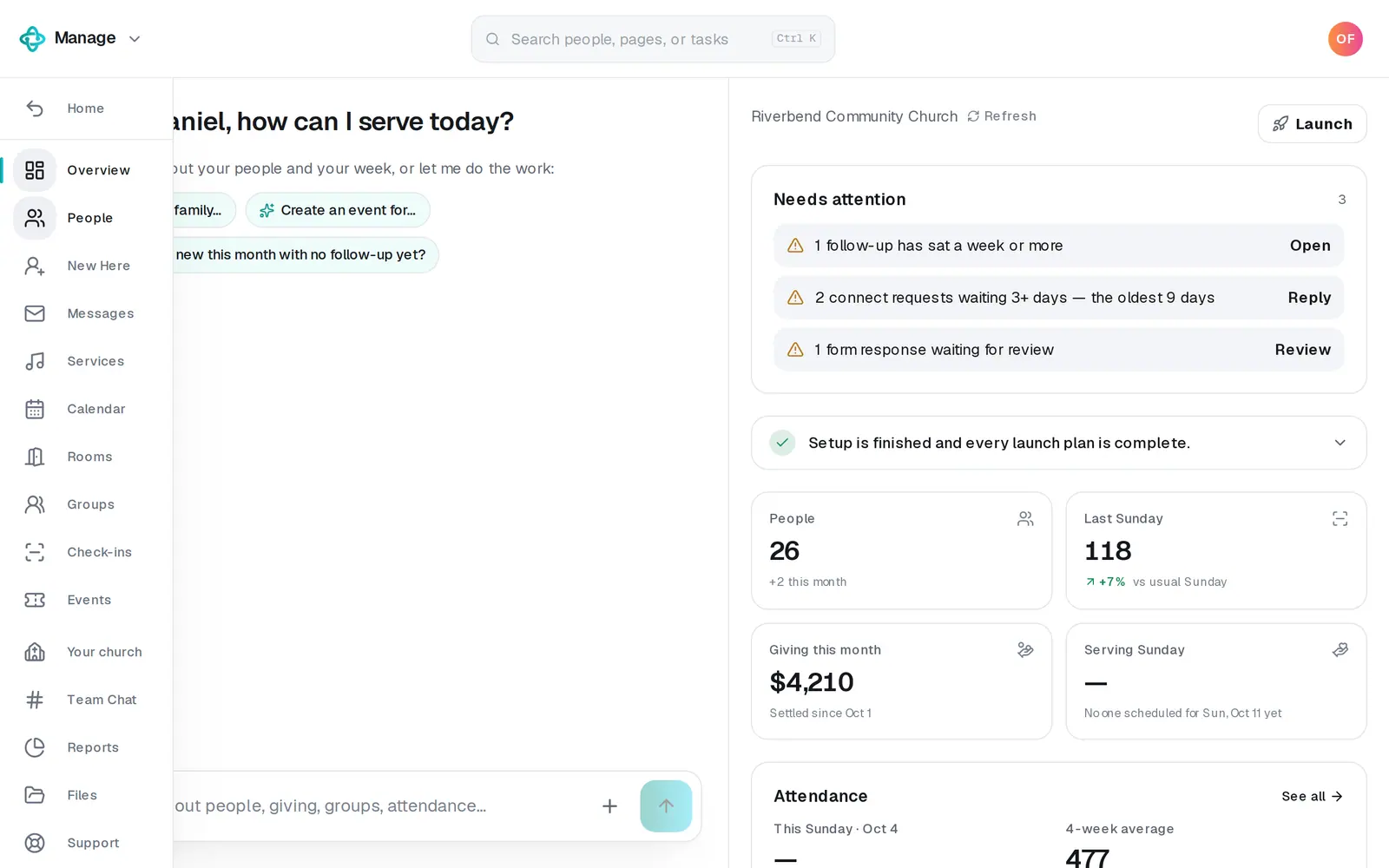
1/7 · In Manage, press New Here in the left rail
Good to know
- No New Here form yet? Build the New Here form on New Here Flow builds it with one tap: first name, last name, email, phone, what they'd like to do next, and their kids' names and ages. New Here? on your page opens it the moment it exists.
- The ConnectPath tab is the page's own editor: its look, the order of its buttons, their titles, and the event it shows.
- Keep the word “connect” in the form's name: that's how your page finds your New Here form.
If it’s not working
It says “This goes public, so it's ready once Aligned Church is unlocked”
Your church hasn't unlocked Aligned Church yet. Your ConnectPath goes public and the follow-up texts and emails people, so nothing was published or turned on, and nothing is saved for later. Press Unlock Aligned Church at the top right (Unlock on a phone) to set up Aligned Giving (about 5 minutes) or keep your current giving platform for $47/mo, then press Publish or Turn on the follow-up again. If you're on staff, ask your church's owner or an admin.
There's no Publish button
If it says Published, your ConnectPath is already up. If it says Not published yet, only your church's owner or an admin can publish it, so ask one of them.
New Here? isn't on our ConnectPath
There's no open form with “connect” in its name. Press Build the New Here form on New Here Flow, or put the word back in your form's name.
Who gets told when someone fills it in?
The form's notification email gets each guest's answers at once (New Here Flow → Edit the form). The Team Chat post goes out once you add them to People.
Can the text go out the moment they fill it in?
No. The follow-up starts when you add them to People from the review list as a new person; a form never adds a person by itself.
Our guest got no text
You matched them to someone already in People (that doesn't start the follow-up), your church's texting number isn't live, they opted out of texts, they left no phone number, or the follow-up is off. An email step needs your church's email set up, or it's skipped.
Next, you might want to
- Follow up with every newcomerSet up a newcomer follow-up plan, put new people in it, and move each person through the steps until they're connected.
- Make a digital connect cardBuild a connect card or sign-up form, share its link, and close or delete it when you're done collecting.
- See who filled out your formsReview what came in, add people to your directory, get an email for every response, and find your website's plan-a-visit and prayer responses.
- Add people and group them into familiesAdd someone with a short form, add a whole family in one sentence, and group people into households.