See who filled out your forms
A connect card only helps if someone reads it on Monday. Every response to a form you build waits in one review list in Manage, and your website's plan-a-visit, prayer and contact forms have an inbox of their own. You can also get an email the moment one comes in.
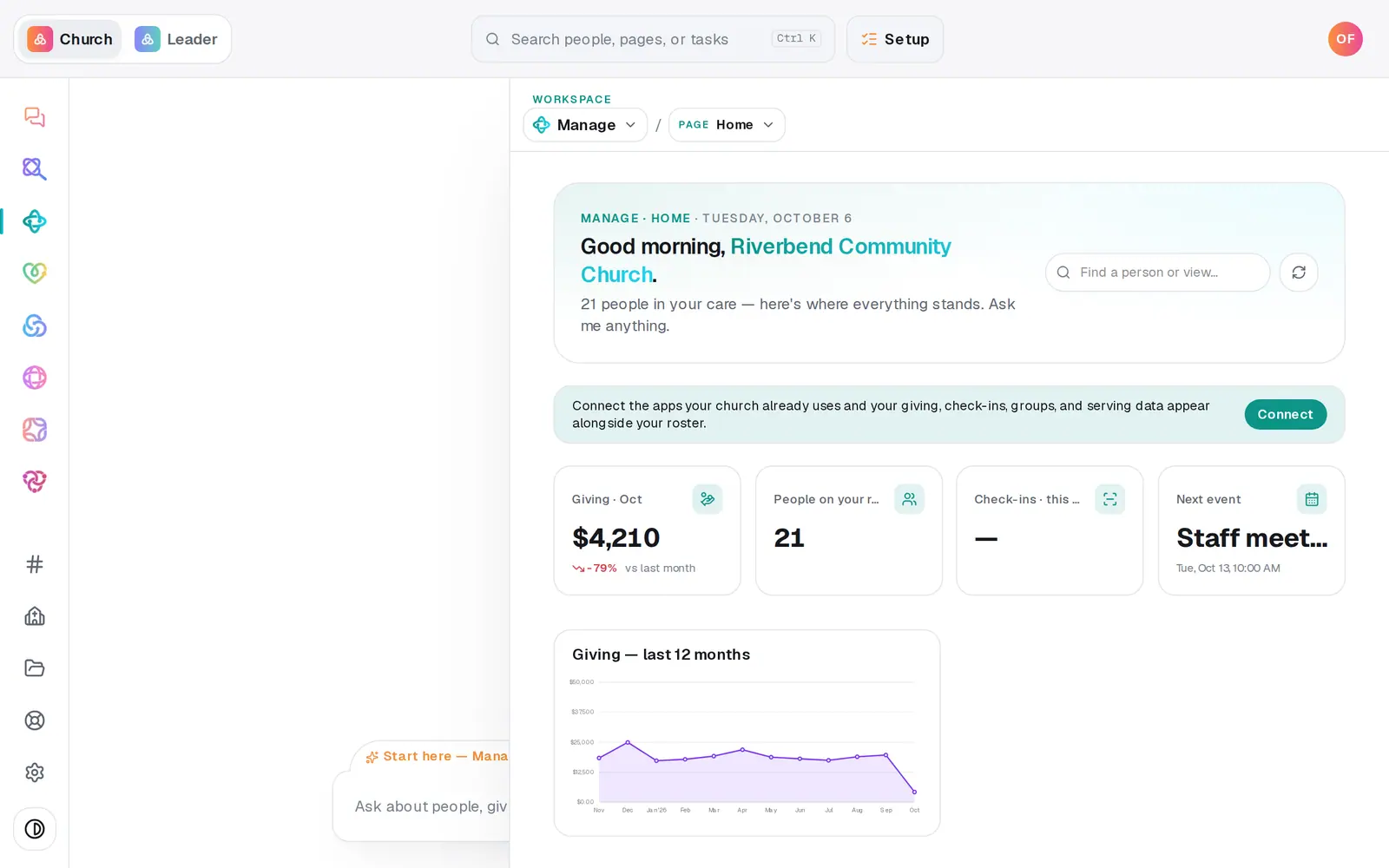
1/7 · In Manage, choose Forms from the page menu
Good to know
- Website responses reach your directory on their own too: someone who leaves a name and email is matched to their profile, or added as a visitor, with a note of what they sent. Plan-a-visit requests also show up in Connect requests, and prayer requests shared with the prayer team go to Prayer.
- Using Planning Center? Add to Planning Center on a website response sends that person there. Prayer requests never go to Planning Center.
- The chat can work the review list: “add the connect-card submission from Rachel to our people”, “link that submission to the Dan Kim we already have” or “dismiss Ben's submission”. In the Website chat, “any new plan-a-visit requests?” lists the newest website responses.
If it’s not working
Nobody got an email when someone filled in our form
Open the form with its pencil and look at Notification email. A form saved with that box blank before September 2026 emails nobody; its responses still wait in the review list and show as a notice when you come back. Add an address and press Save changes.
A response didn't match the person we already have
Aligned only matches an exact email or an exact name. If they're already in your directory under a different email, ask the chat to link it (“link that submission to the Dan Kim we already have”) instead of adding a second person.
The website inbox says “Could not load website responses.”
The list didn't load that time. Press Retry in the message.
Add to Planning Center says it failed
Planning Center has to be connected in Automations → Connected apps. The button turns into Retry Planning Center, with the reason underneath, so you can try again once it's connected.
Next, you might want to
- Make a digital connect cardBuild a connect card or sign-up form, share its link, and close or delete it when you're done collecting.
- Add a prayer or plan-a-visit form to your siteSwitch on your website's built-in plan-a-visit and prayer forms, choose what they ask, or place a form you built on any page.
- Follow up with every newcomerSet up a newcomer follow-up plan, put new people in it, and move each person through the steps until they're connected.
- Collect and pray through prayer requestsGather requests from your website and your own notes in one inbox, approve them, and pray through the list one at a time.