Sign in or reset your password
New computer, cleared browser, or a password you haven't typed since the spring: getting back in takes a minute. It's the same account whether you use Aligned Church, Aligned Leader or both.
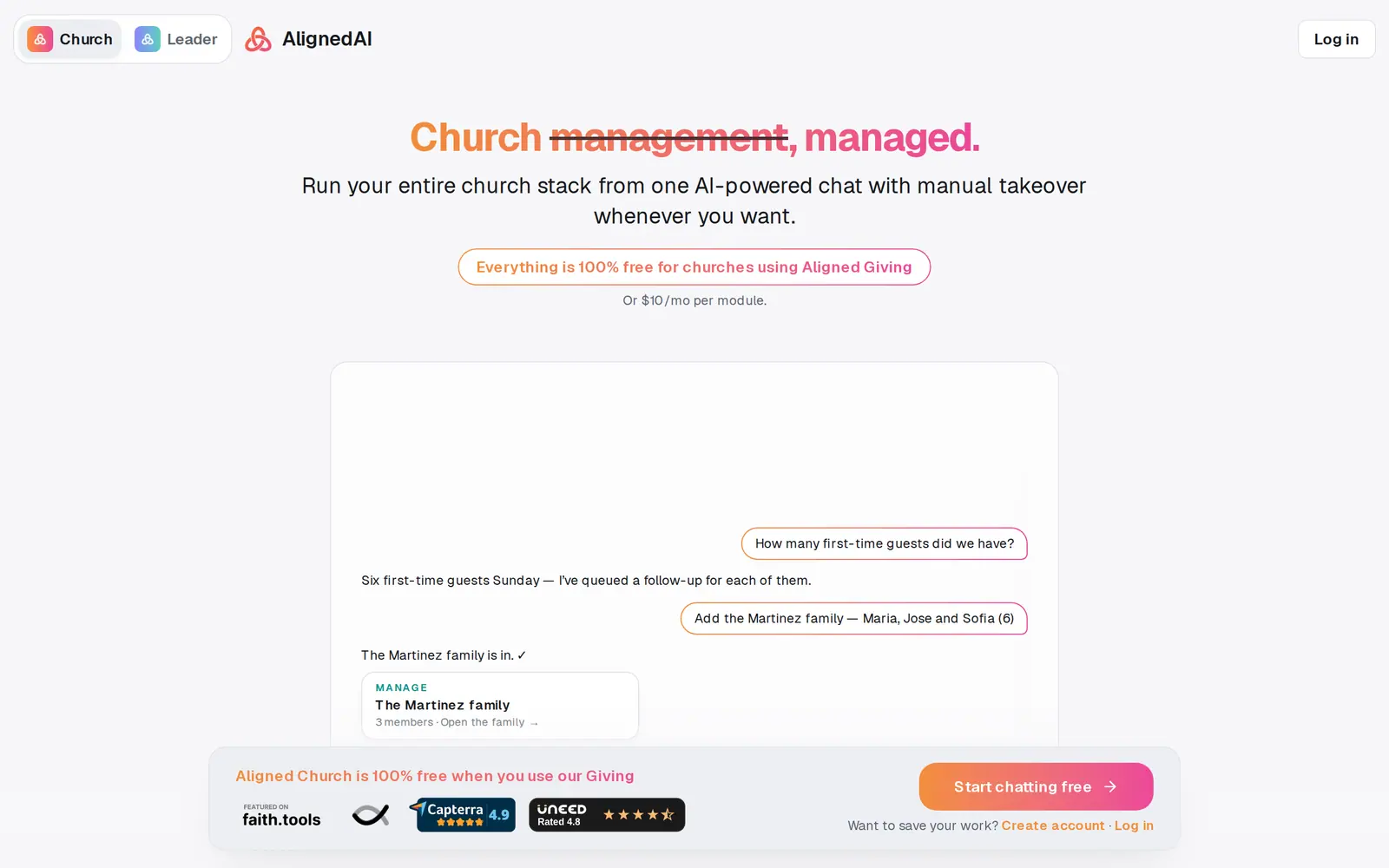
1/6 · Go to aligned.church/church and press Log in at the top right
- 7Open the email and choose a new passwordThe link opens Choose a new password. Type it twice (at least 8 characters) and press Update password, and you're back at the sign-in page to log in with it.
Good to know
- Starting from aligned.church instead? Its Log in opens on the Leader side. Flip Open after sign-in to Church before you sign in.
- Signing in from a guest workspace moves you into your account, but what you tried as a guest stays with the guest session, so redo anything you want to keep once you're in.
If it’s not working
There's no Log in button, only Start chatting free
You're already signed in. Press Start chatting free to open your workspace.
The reset email hasn't arrived
Give it a few minutes and check your spam or promotions folder. Make sure you typed the email your account uses. You can send the link again with Forgot password?, up to three times an hour.
The link says “This reset link is invalid or has expired.”
That link can't be used any more. Press Forgot password? on the sign-in window and send yourself a fresh one.
It says “Passwords do not match.”
The two boxes on Choose a new password have to be exactly the same. Type the new password carefully in both.
I signed in and ended up in Aligned Leader
Open after sign-in was on Leader. Use the Leader | Church switch at the top left to go to Aligned Church. It's the same account, so nothing is lost.
Next, you might want to
- Create your Aligned Church accountTurn your guest workspace into a free account with an email and a password, and keep everything you've tried.
- Start Aligned Church if you already use Aligned LeaderOpen Aligned Church from Aligned Leader with the same account, and switch back any time. Your Leader chats and plan stay as they are.
- Get help from a real personMessage the Aligned team from inside your workspace, and what happens after you press send.