Check or fix an automation that didn't run
A green Live badge only means an automation is switched on — not that it worked. When a report doesn't arrive or a notice says something isn't running, the automation's history shows exactly what happened, and most fixes take a minute.
About 3 minutes Works on the free planUpdated September 29, 2026
aligned.church/leader
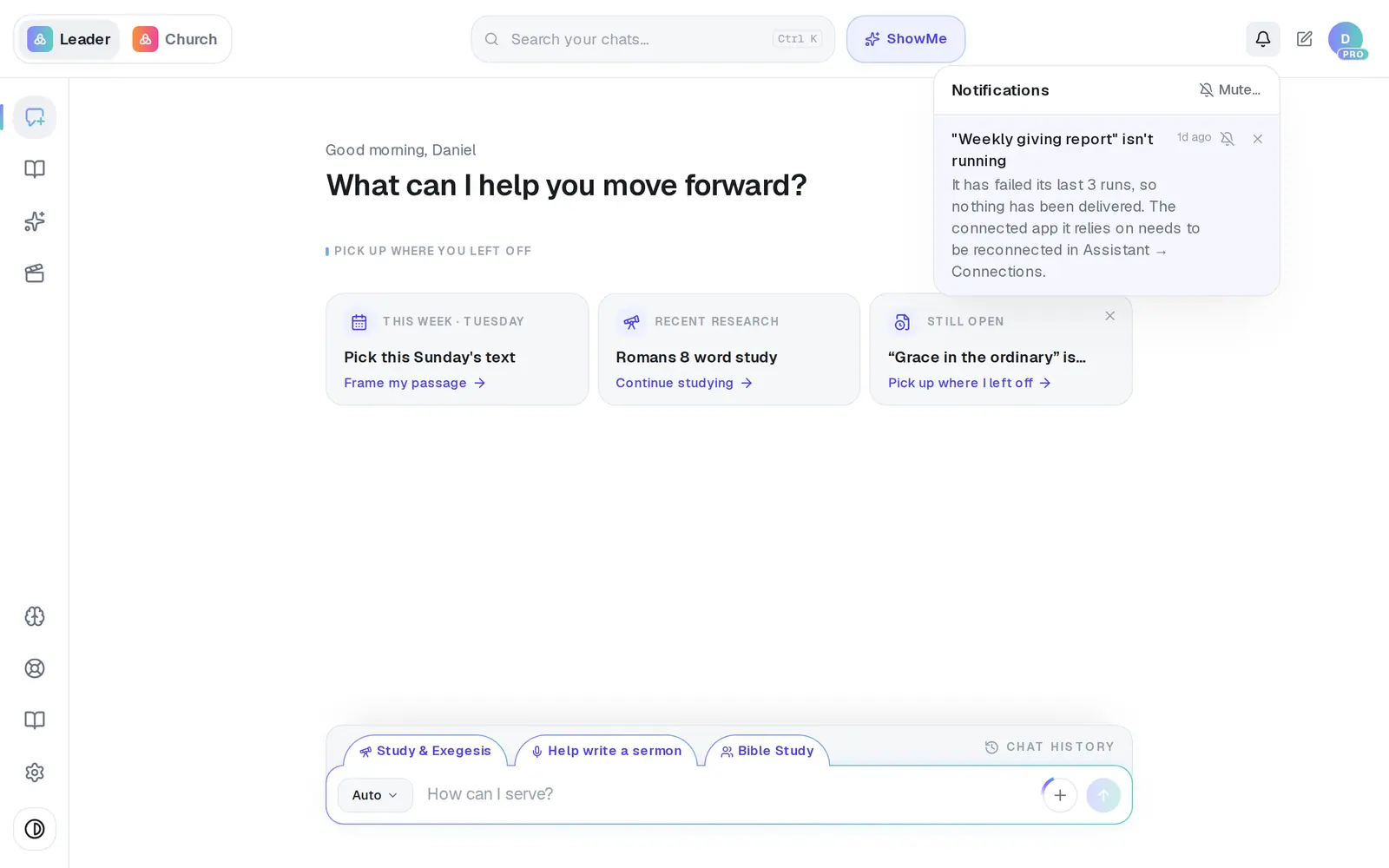
1/7 · Open the “isn't running” notice from the bell
Before you start: Owners, admins and staff can see an automation's history. Reconnecting an app, running an automation and approving a waiting run are for owners and admins.
Good to know
- Run now at the top of a live automation runs it straight away — the quickest way to check a fix worked. The new run appears on History.
- No notice doesn't always mean all is well: the notice only comes after several failures in a row, at most once a week. When something seems quiet, look at History yourself.
- Your daily brief is an automation too. If it stops arriving, it's in the same list — named Daily brief with its time.
If it’s not working
The history says “No runs yet”
It hasn't run since it was published. A scheduled automation runs at its next time — or press Run now to try it straight away.
“This approval has expired.”
The run waited 7 days without an answer, so it won't continue. The next time the automation runs, it asks again.
“A church owner or admin must approve or reject this action.”
Only owners and admins can approve runs. Ask one of them to open the automation's History tab.
It says “resume pending” with Retry resume
Your decision was saved, but the run couldn't pick up straight away. Press Retry resume — you don't need to decide again.
Did this help?
Next, you might want to
- Change, test or pause an automationChange an automation's steps, test a step on yourself first, then republish it, pause it or delete it.
- Put a weekly report or task on autopilotBuild your first automation — a Monday giving report, a heads-up when someone gives for the first time, or a task for a teammate.
- Connect Planning Center or your church softwareLink Planning Center, Breeze, Givebutter or Donorbox so your assistant can answer from your church's real giving, people and serving data.