Make a sermon graphic
The slide behind you on Sunday shouldn't take your Saturday night. Tell Aligned the title and the feel you want, and it gives you four finished options to choose from — sized for the screen, the feed or a story.
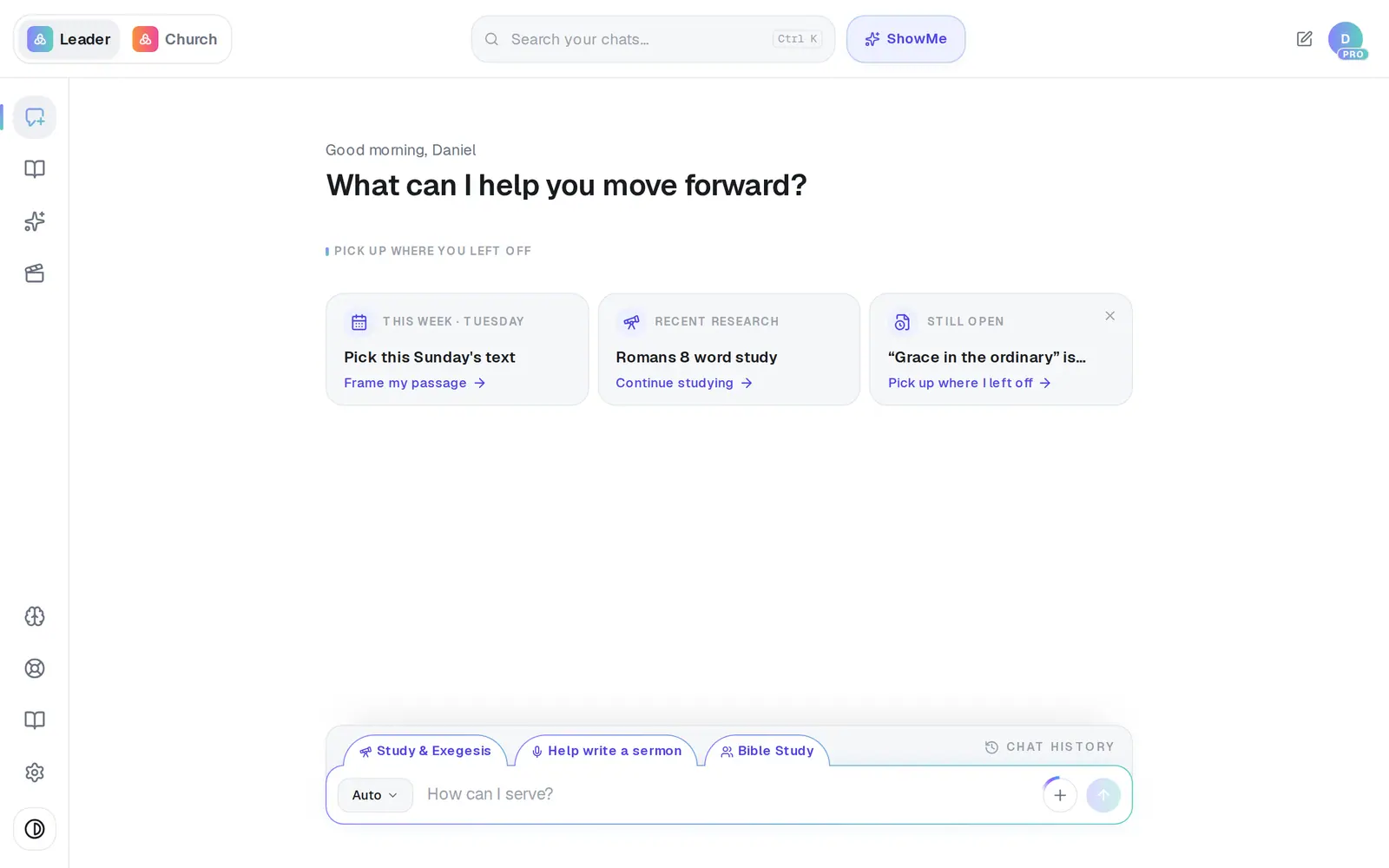
1/7 · Open Media from the left rail
Good to know
- A batch of four counts as one request and four pictures. The free plan includes 20 pictures a month across Aligned; Pro has no picture limit.
- Writing the sermon in Aligned already? Open Turn into at the top of the draft and choose Generate graphic at the bottom. It reads your draft, suggests a picture that fits, and makes one at a time — Insert drops it into the draft.
- Don't like any of the four? Regenerate makes a fresh batch from the same words, using whatever style, colors and size are selected at that moment.
- Need a QR code for giving or sign-ups on the slide? Use the QR code pill under the writing box before you generate.
If it’s not working
It only gave me two options
Near the end of your free pictures for the month, a batch is trimmed to what's left instead of being refused — the line under the title always says how many came back. Occasionally one of the four fails on its own; you're not charged for pictures that didn't come back.
There are extra or garbled words on the graphic
Press Regenerate. For the cleanest result, put the exact words in the headline box and keep the description about the picture, not the wording.
It says “The image model couldn't create that one.”
That request was turned down rather than failing. Reword the description — being concrete about the scene helps most.
It says media generation is temporarily unavailable
The service that draws the graphics is down for a moment. It isn't your plan or your limits, and nothing was charged. Try again shortly, and message Support if it's still happening an hour later.
It says I've hit today's free limit
The free plan paces requests through the day as well as the month. The countdown shows when it resets — or go Pro for unlimited requests and pictures.