Add a banner to the top of your site
Some news belongs on every page: Christmas Eve times, a snow closure, a new service time. The announcement bar is one short line across the top of your site, above the menu. You set it by asking in the Website chat, and it goes live when you publish.
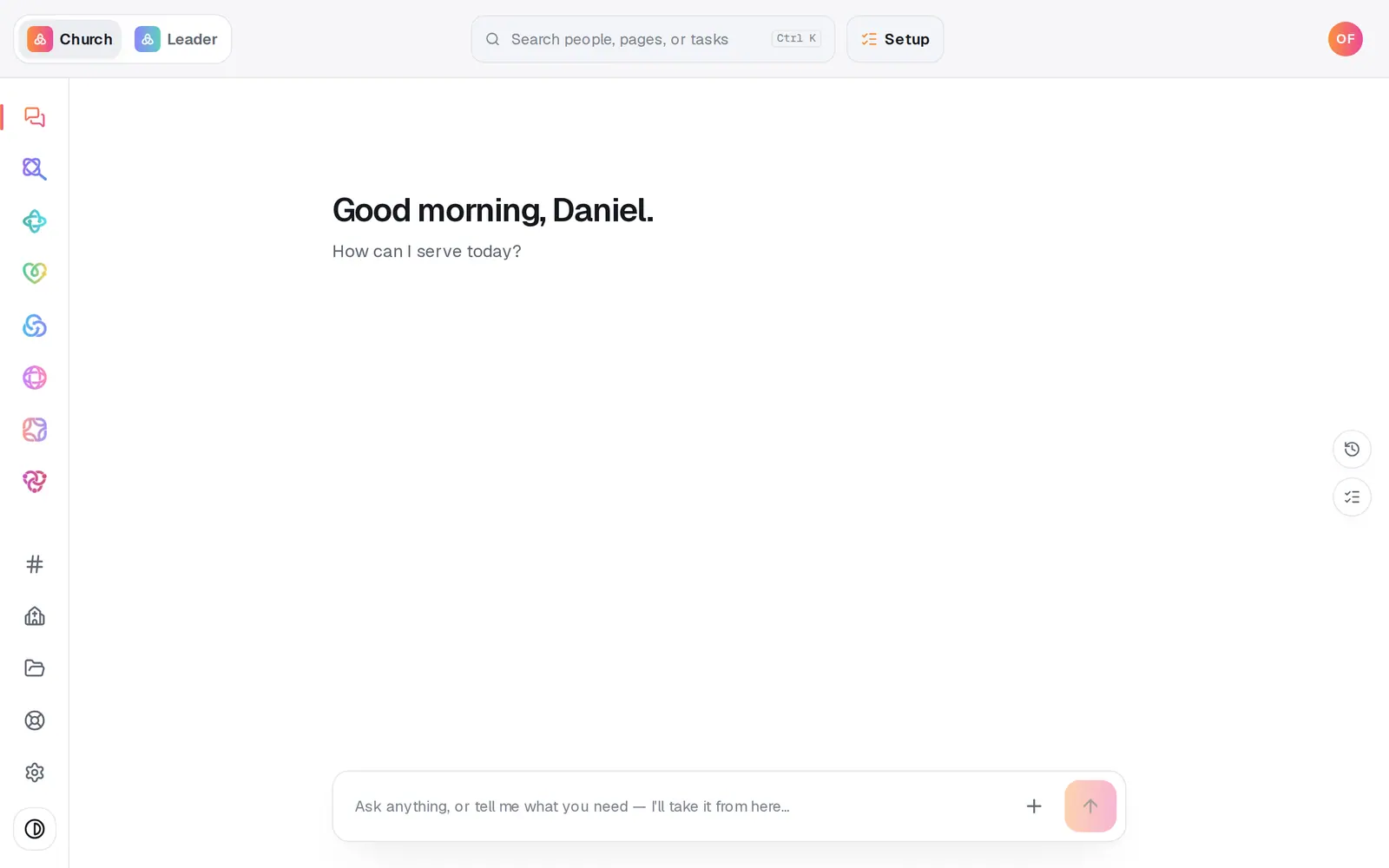
1/5 · Open Website from the left rail
Good to know
- Change the words any time with “change the announcement to …”, and hide the bar with “turn off the announcement banner”. Turning it off keeps the words, so “turn on the announcement bar” brings the same line back.
- Keep it to one short line: a time, a date, a closure. Longer news belongs on a page of your site or on your calendar.
- A question about the bar, like “can we remove it later?”, gets an answer and changes nothing.
If it’s not working
I don't see the banner in the editor
The editor's preview doesn't show the bar. Publish, then open your live site from the Publish page to see it.
Aligned started adding an event or a family instead
Words like family, kids or events in the banner text can read as a new record for your church. Add “on our website” to your ask: Put “Family Night is Friday at 6” in the announcement bar on our website.
It says “That's too long for the announcement bar”
The bar holds one short line above your menu. Shorten it and ask again.
Aligned answered about our bulletin announcements
Say “announcement bar” or “banner”. On its own, “announcements” means your bulletin.
The banner isn't on my live site
It goes live when you publish. Press Publish at the top right of Website, then the publish button on the list of waiting changes.
Next, you might want to
- Change your website by telling Aligned what you wantAsk for a warmer homepage, a new page or giving moved higher, see exactly what changed, and publish it when you're happy.
- Put your website live and share itCheck your site on a phone, see what's ready, pick your address, go live, and share the link or QR code.
- Update service times and address on your siteChange your service times or address in one place, and your site and your church's record both use the new ones.
- Add an event to your calendarPut a one-time or repeating event on your church calendar, then edit it, cancel it, add a photo or book a room.