Move your Launch Day to a different Sunday
Aligned picks your Launch Day the moment your giving is approved, but you know your church's calendar better than any rule, and you can pick your own Sunday even before then. Moving it takes a few seconds, and everything counted from Launch Day moves with it.
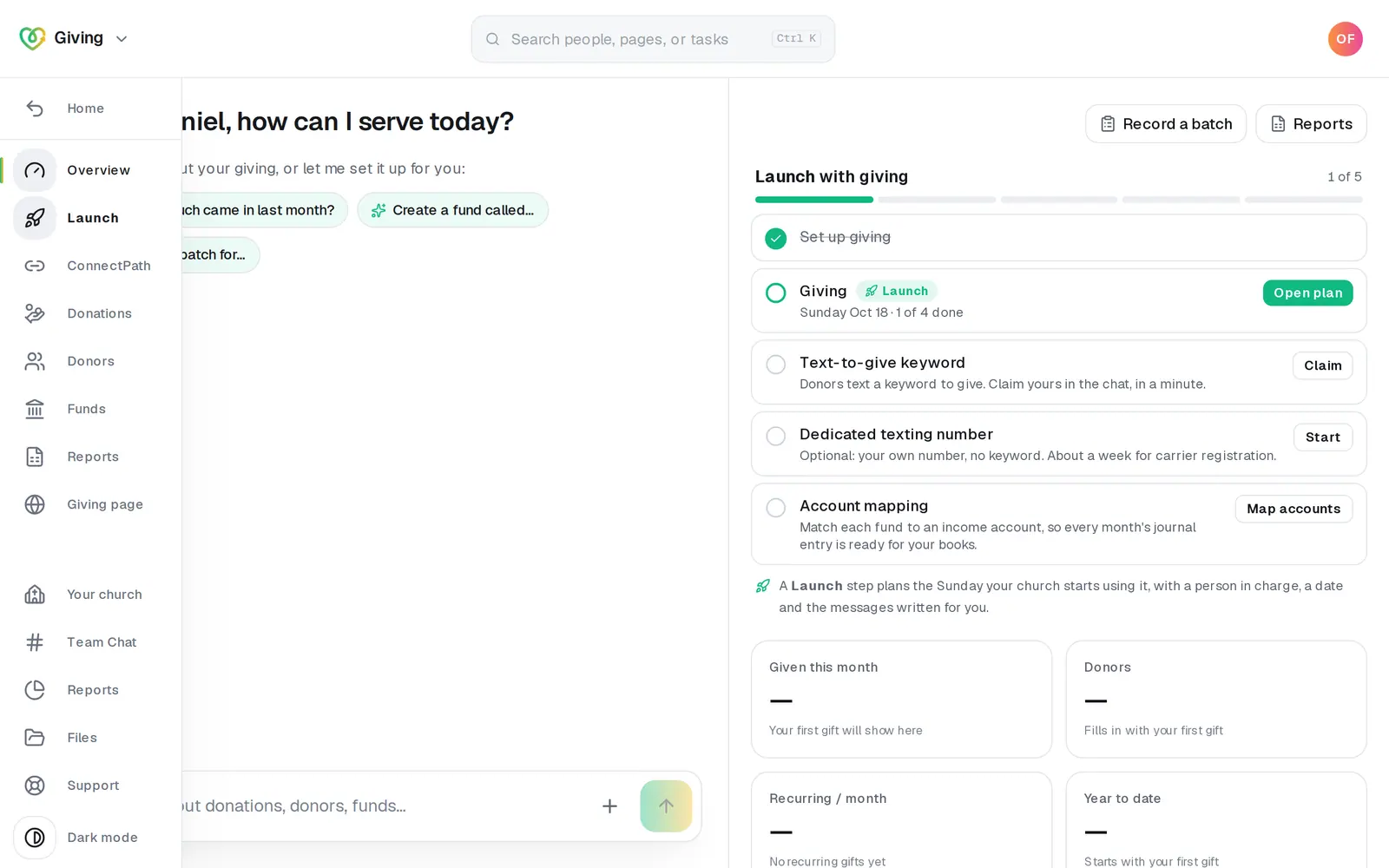
1/4 · Open Launch in Giving's left rail
Good to know
- Rather ask? Type it in the Giving chat, like “Can we move Launch Day to Nov 1?”. The chat never moves it from the message alone: it asks first, and the date moves only when you tap Move it to that Sunday.
- Why the date it picked? It's counted from an estimate: your Launch Supplies packed 2 business days after approval and about 5 business days in the mail, then the first Sunday at least 2 days after they'd arrive, skipping Easter, Christmas, the year's lowest Sundays and a few others. Packing also waits for your answer to the seat question, and delivery is never a promise.
- When an owner or admin moves the date, texts and emails already scheduled in the Kit move with it, at the same time of day. One that would land in the past, outside 8 AM to 9 PM, more than 14 days after the new Launch Day, or on a day that already has one comes off the schedule, and the reply says which.
If it’s not working
It says to pick a Sunday
Launch Day is always a Sunday. Pick one from the list, or name a Sunday in the chat.
It won't take a date that's passed, or today
Only what can't happen is refused. The chat then lists the nearest Sundays it suggests, with a button for the nearest.
A staff member moved it and our scheduled texts came off
A move by anyone who isn't an owner or admin takes every scheduled text and email off the schedule, so nothing goes out at a time no owner picked. Both ways warn about it first. An owner or admin schedules them again in the Kit.
The Sunday we picked changed when we were approved
Your Launch Supplies ship only once giving is approved. If they couldn't reach you by the Sunday you picked, Aligned moved your Launch Day to a later Sunday they can make, and your Launch Plan shows the new date. You can still press Change date and pick another.
Next, you might want to
- Announce online giving to your churchIn Giving, pick a Point Person, check your Launch Day, get the script, slides, texts and emails ready, and get your free Launch Supplies on the way.
- Share your giving link and QR codeCopy your giving page's link and download its QR code for slides, bulletins, connect cards and emails.
- Find out if your giving is approvedWhere your giving application stands while it's reviewed, how you'll hear the decision, and what to do the moment you're approved.