Combine your families after an import
Your people came over from your old system or a spreadsheet, but some families arrived as separate people. Aligned finds the ones who share a last name and an address and suggests them as families, so you approve each one with a tap instead of building every household by hand. Nothing is grouped until you approve it.
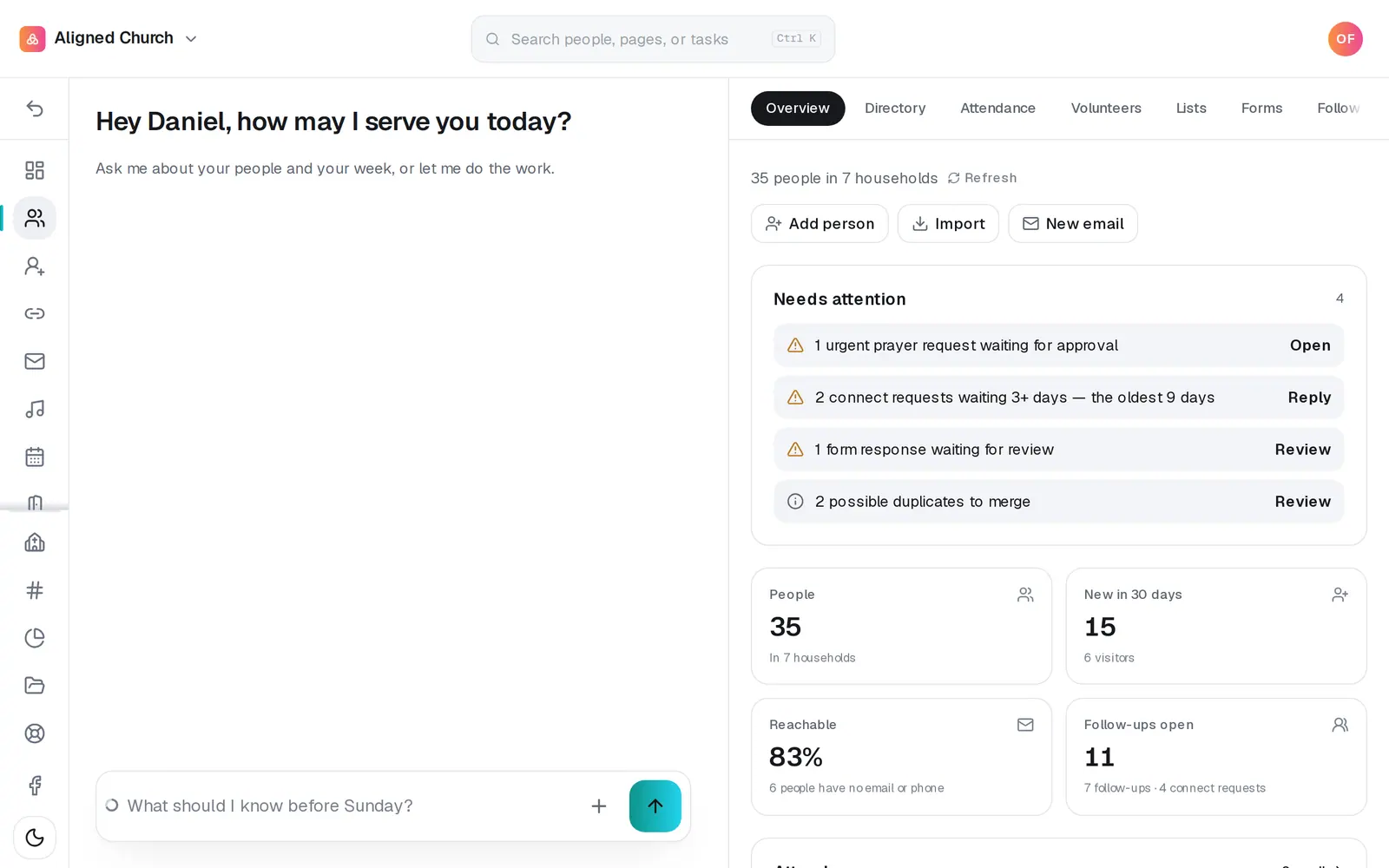
1/6 · In Manage, open People, then the Directory tab
Good to know
- Other things you can type before approving: “Sam is Mark's son”, “Jane is Mark's wife”, “Mark is the primary”, “leave Tom out” or “Tom doesn't live there”. Put several about one family in a message, one sentence each. Name someone who isn't in it yet, like a child at another address, and they're added to it, but nobody already in another household is moved.
- A question, like “Are Sam and Lily Mark's kids?”, gets an answer and changes nothing. Typing “approve them all” doesn't approve anyone either: the buttons do the approving.
- When some of a family already share a household and the rest don't, the rest are suggested into it, like “add Sam Smith (Child, 9) — Mark Smith and Jane Smith are already in it”.
- Imports from Planning Center, Church Community Builder or Elvanto, or a file with a “Family ID” or “Household ID” column, bring their families as households already. The card suggests families from everywhere else, like Breeze or a file without that column.
If it’s not working
I don't see the Combine your families card
It shows after an import of people, only while some people share a last name and an address and aren't in a household together, and only to a role that can edit Manage. Once it's pressed or closed, it's gone for good. Group anyone left yourself: on the Directory, press Households, then New household. Or tell Manage's chat, like “Add the Nguyen family: Dan, Amy, kids Micah and Ella”.
A family I expected isn't on the list
Up to 5 families are listed at a time, by name: approve those and the next ones show. Only people with the same last name at the same address are suggested: the same street line, apartment or unit, and the same ZIP or postal code (with no ZIP, the same whole address). In the last name, capitals, accents, apostrophes and a Jr. or Sr. don't matter. People already in two different households at one address are left alone, and so is an address with more than 10 people of one name. Make that family yourself: on the Directory, press Households, then New household.
It says “I couldn't find Tom among your people — say their full name.”
The name you typed isn't in your directory, or, when it says “More than one person is called Sam”, it fits more than one person. Type their first and last name.
I approved a family and someone's role is wrong
On the Directory, press Households: Edit on the family's card changes roles and renames it. Removing someone from a household keeps them in your directory.
Next, you might want to
- Add people and group them into familiesAdd someone with a short form, add a whole family in one sentence, and group people into households.
- Bring your people over from your old systemConnect Planning Center, Breeze, Elvanto or Church Community Builder and choose what comes over: your people, plus the families, groups and events Aligned can bring.
- Import people from a spreadsheetUpload a CSV of your members from any system or spreadsheet, match its columns once, and bring everyone in, matched by email.
- See where your families liveMap where your people live and see who lives closest to a family, for neighborhood groups, meal trains or a ride on Sunday.