See where your families live
Finding a Sunday ride for a family, or starting small groups by neighborhood, begins with knowing where your people live. The Map in your directory shows where your households and people live, and Who lives near lists everyone close to someone, nearest first, with directions.
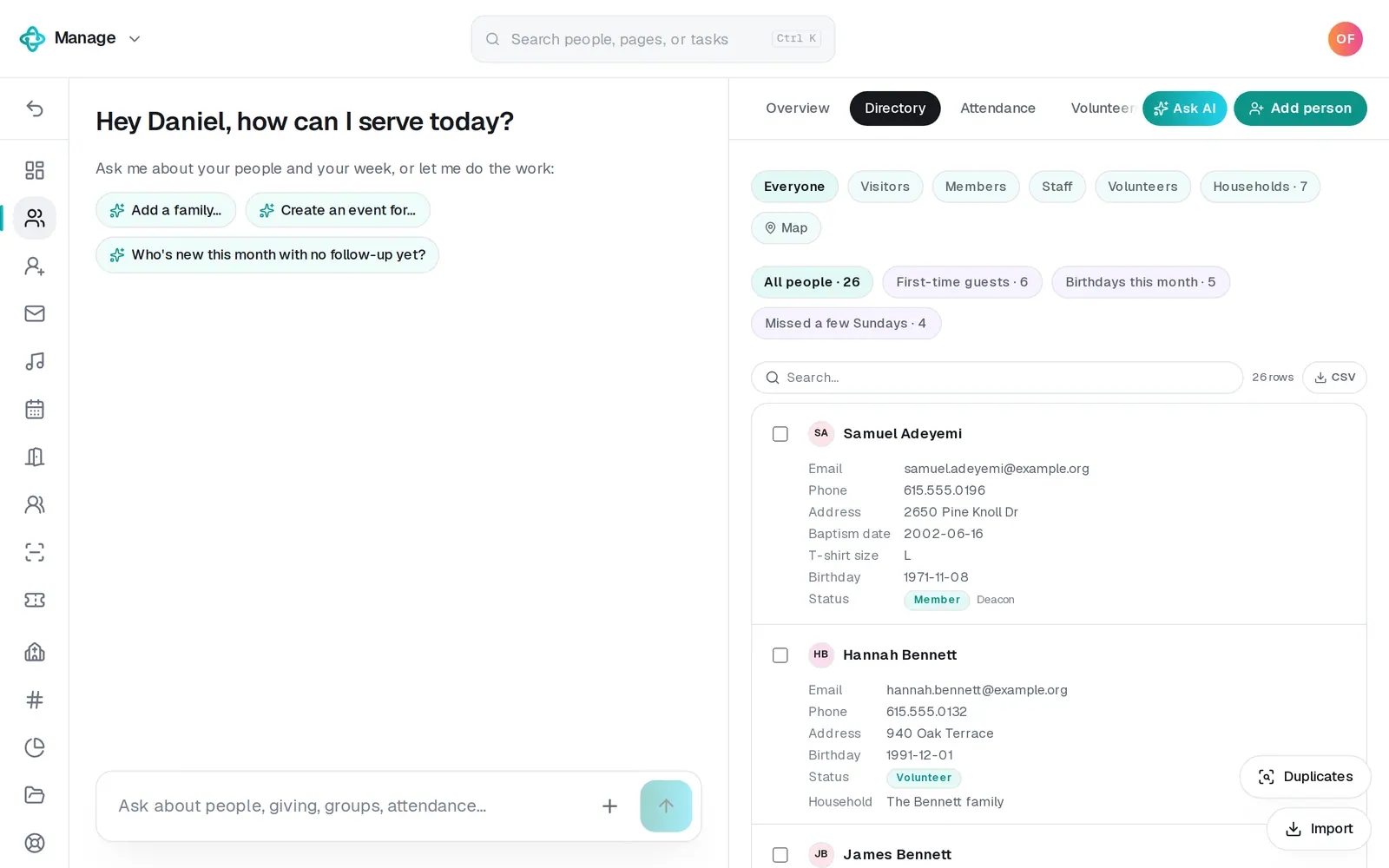
1/5 · In People → Directory, press Map
Good to know
- Ask Manage's chat instead: “Who lives near the Riveras?” answers with the same list.
- A family's pin comes from the address on their household. Add one with Edit on the family's card under Households (the button just before Map).
- Starting neighborhood groups? Use the list to invite people, then add them with + Add people… on the group (Groups → All groups).
If it’s not working
It says “No one else lives within 10 miles — or their addresses aren't mapped yet.”
Nobody nearby has a mapped address yet. Check the addresses in the Directory and on Households, then press Refresh.
It says “That person's address isn't mapped yet.”
Add an address for them (or for their household) and press Refresh above the map.
It says “No mappable addresses yet.”
No one in your directory has an address yet. Add addresses on people's pages (Edit details) or on Households, then press Refresh.
There's no Map button
It's shown only to the account owner and staff who can edit Manage, because it plots home addresses. Ask your church's account owner if you need it.
Next, you might want to
- Add people and group them into familiesAdd someone with a short form, add a whole family in one sentence, and group people into households.
- Start a small group and add peopleCreate a group, add its members from your directory in one go, and choose who leads it.
- Track a benevolence or care needOpen a care case when someone needs help, log what your church does and gives, and close it when the need is met.
- Find someone in your directoryJump straight to anyone's page from the search at the top, narrow your directory to visitors or members, or search the list.