Connect Planning Center, Breeze or your giving platform
Your people, events and gifts already live in another app, and nobody wants to type them in twice. Connect it once and your automations, your website's live data and the Import hub can all use it. Have the app's admin sign-in, or its API key, open in another tab.
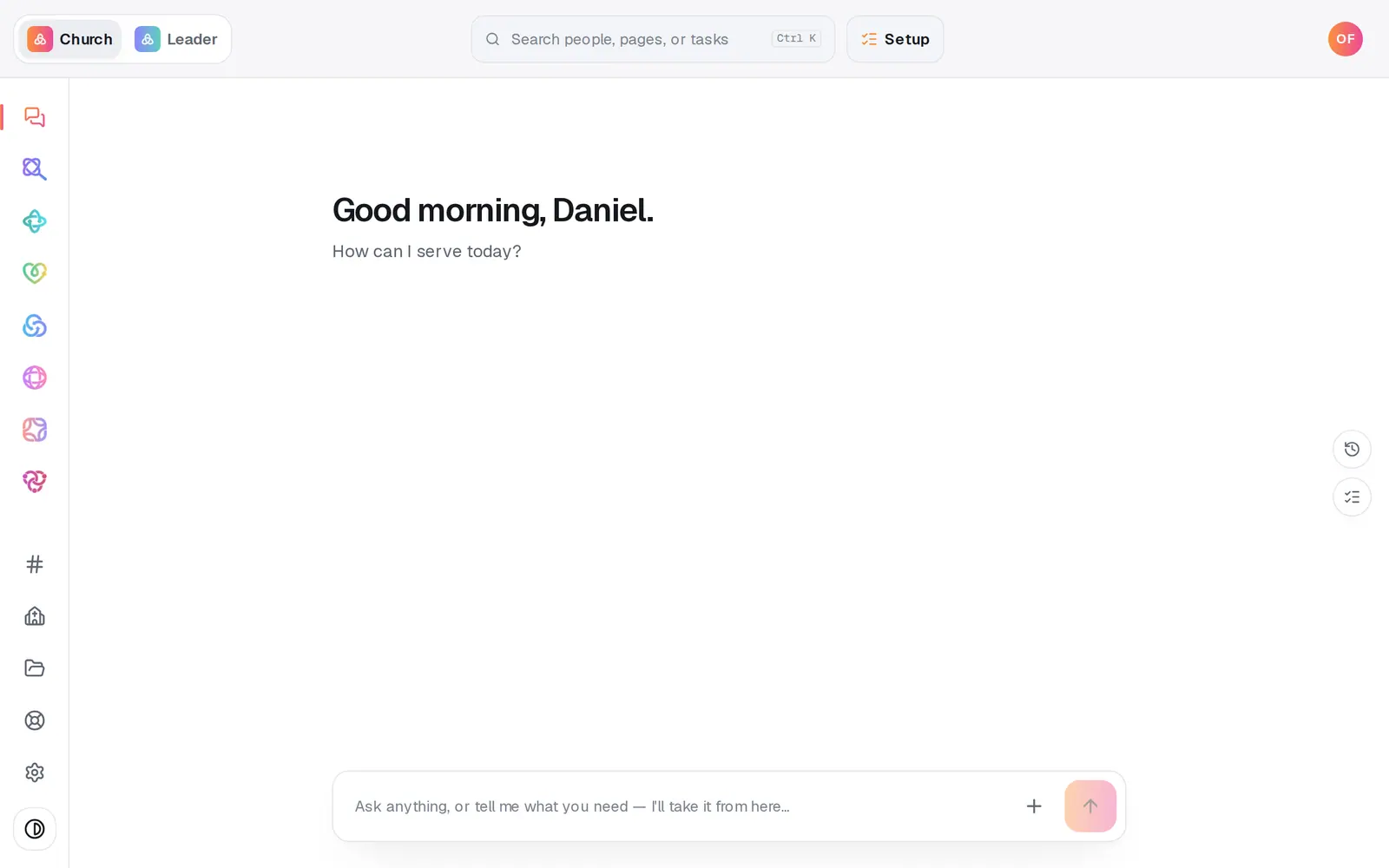
1/6 · Open Automations from the left rail
Good to know
- Switching from Planning Center or Breeze? Once it's connected, Open the Import hub on this page shows what each app shares, and nothing comes over until you approve it. Giving history comes from Planning Center; Breeze brings people and events.
- Tithe.ly gives out API keys through your Tithe.ly account rep, so its card is marked Request. Ask them for a key first, then paste it here. Your people can also come over from a CSV export.
- You can ask the chat to “connect Planning Center” and it gives you a Connect button. Keys and passwords never go in the chat.
- Settings → Apps has a Connected apps card that brings you back to this page.
If it’s not working
I can't find our app in the list
Search for it by name, because the search also checks apps that can't be connected yet. Those sit in the On the way strip at the bottom of All apps, and pressing one tells you it can't be connected yet. If it isn't listed at all, ask in the chat and it's added to our integrations list. We can't promise when, or whether, an app will be added. If the app works with Zapier or Make, an inbound webhook can usually connect it today.
It says “Ready to make this live?”, or Planning Center sent me straight back
Connecting an app waits until your church has finished setup. A key form says “Ready to make this live?”, and a sign-in app like Planning Center returns you to your workspace without connecting. Press Setup at the top of the screen, finish it, then connect again.
Connecting says “Not permitted”
Connecting apps needs the church's owner or an admin. Ask one of them to connect it. Connections are shared church-wide, so once it's connected it works for your whole team.
If we disconnect, do we lose our people?
No. Disconnecting stops the app syncing and removes the saved sign-in, and what it last sent stays in Aligned. Every automation and import that relies on that app stops working, though, so check those first. The chat won't disconnect an app for you. It's only done from this page.
Next, you might want to
- Bring your people over from your old systemConnect Planning Center, Breeze or Elvanto and bring your people, families, groups, lists and events across — you approve every change.
- Build your own automationSet up your own “when this happens, do that”, by hand or by describing it, including team chat posts and webhooks from other apps.
- Choose where your church email comes fromSend church email from your own address on aligned.church, turned on in one tap, or from your church's Gmail or Outlook.
- Show your Planning Center events on your siteConnect Planning Center so your upcoming events fill your site by themselves, then hide or reword any single event.