Finish reviewing your Rapid Launch Kit
Your Launch Plan's Launch Essentials step says Review until every card in your Rapid Launch Kit is done, and with 8 cards it's easy to lose track of which one is holding it up. The Kit counts the cards for you, lists what each one still needs, and takes you to the next one.
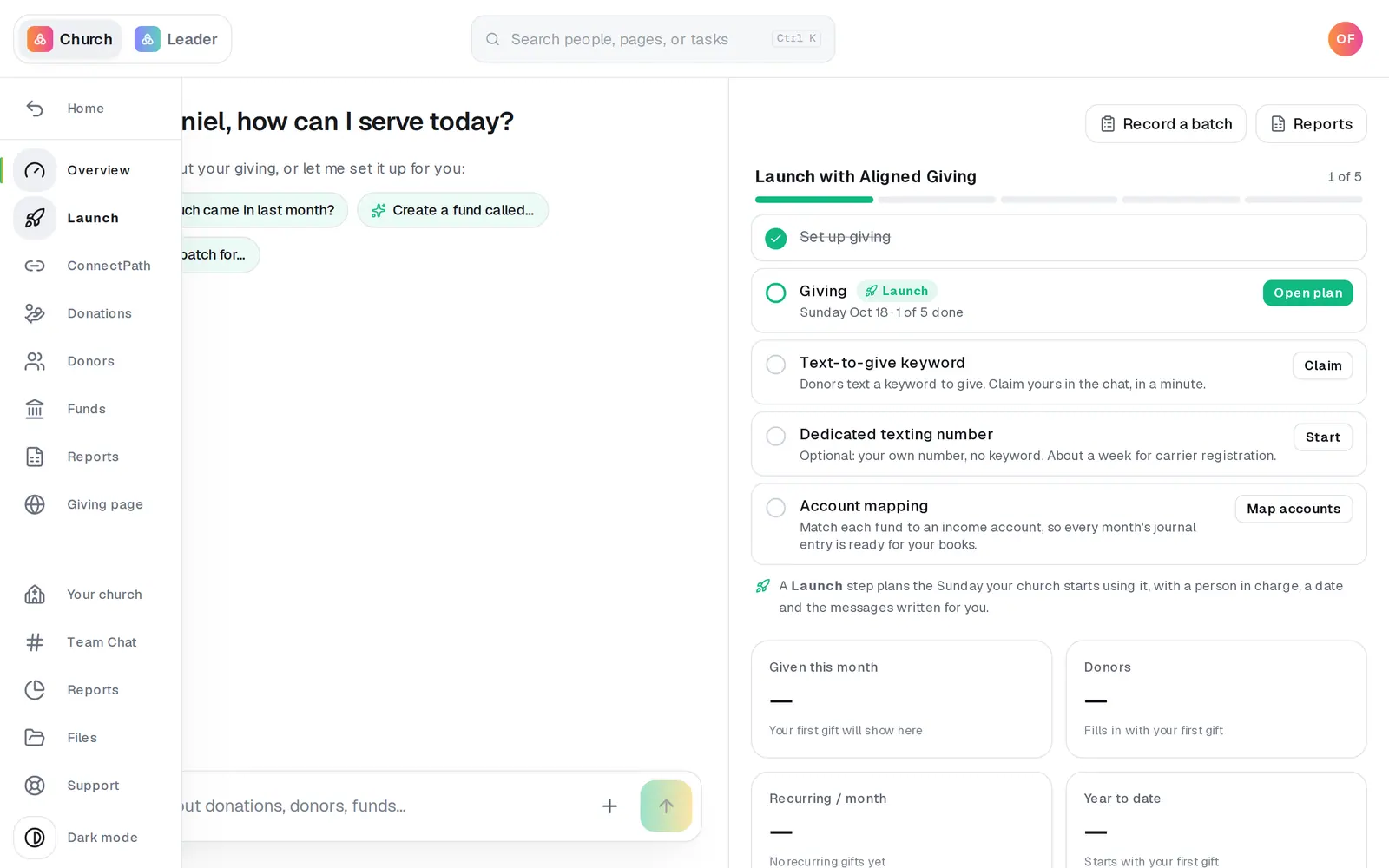
1/6 · Open Launch in Giving's left rail
Good to know
- Besides being opened: Supplies needs the KidSecured™ question answered, your church's size and an address to ship to. The Announcement Script, the two slides and each of the four Social posts need Use it, Not needed or someone assigned. Texts, Emails, and Push needs every message you keep scheduled and the rest marked Not needed, and ConnectPath needs publishing. Preview and Questions your people may ask only need opening.
- On a phone, the count is at the left of the dots under the card's name: tap it for Still to do. There's no Next on a phone; the arrows on either side of the card's name go from card to card.
- On your Launch Plan, the pill beside Launch Supplies opens the Kit at Supplies, where the KidSecured™ question is: Do you already have kids check-in? Answering it (Keep ours or Use free KidSecured™) turns that pill from Review to Preparing. Only the whole review turns Launch Essentials to Reviewed.
If it’s not working
Texts, Emails, and Push won't come off the list
Every text, email and push on it needs scheduling, or Not needed if you won't send it, and scheduling opens only once giving is approved, your giving page is ready and your Launch Day is set. Only your church's account owner schedules them. Pushes don't count until your church's app is published.
Supplies is still on the list
Open it and answer what it asks: Do you already have kids check-in?, then How many people are in your church? if it asks (only until your church's size is known), and an address under Where it ships (press Change address to add one). Anyone whose role can edit Manage can answer these; anyone else sees the answers but can't change them.
ConnectPath says “Publish your ConnectPath”
Your church's account owner opens it and presses Publish: no one else sees that button. If it says “This goes public, so it's ready once Aligned Church is unlocked.”, it isn't published yet: that waits until Aligned Church is unlocked.
I can't press Use it or Not needed
Only your church's account owner decides them; a staff login, Administrator included, sees “You can read every piece. An owner or admin decides what's used and who has it.” On Supplies, Preview, ConnectPath and Questions your people may ask they're gray for everyone: there's nothing on those cards to choose. On Social posts, each post has its own.
It says “Open it” for a card I've already opened
Opening Supplies, Preview and Questions your people may ask counts only from November 18, 2026. If you opened them before then, open them once more.
Next, you might want to
- Announce online giving to your churchIn Giving, pick a Point Person, check your Launch Day, get the script, slides, texts and emails ready, and get your free Launch Supplies on the way.
- Move your Launch Day to a different SundayPick another Sunday for launching online giving at your church, see why some Sundays aren't suggested, and know what moves with the date.
- Book a video call for help with your givingPick a day and a time with a Giving Specialist from the bottom of your Launch Plan, say what it's about, and reschedule or cancel from your call's page.