Book a video call for help with your giving
Some questions are easier to talk through than to type, especially with Launch Day coming. A Giving Specialist on the Aligned team can meet you on a short video call, at an open time you pick, shown in your church's time zone or another US time zone you choose.
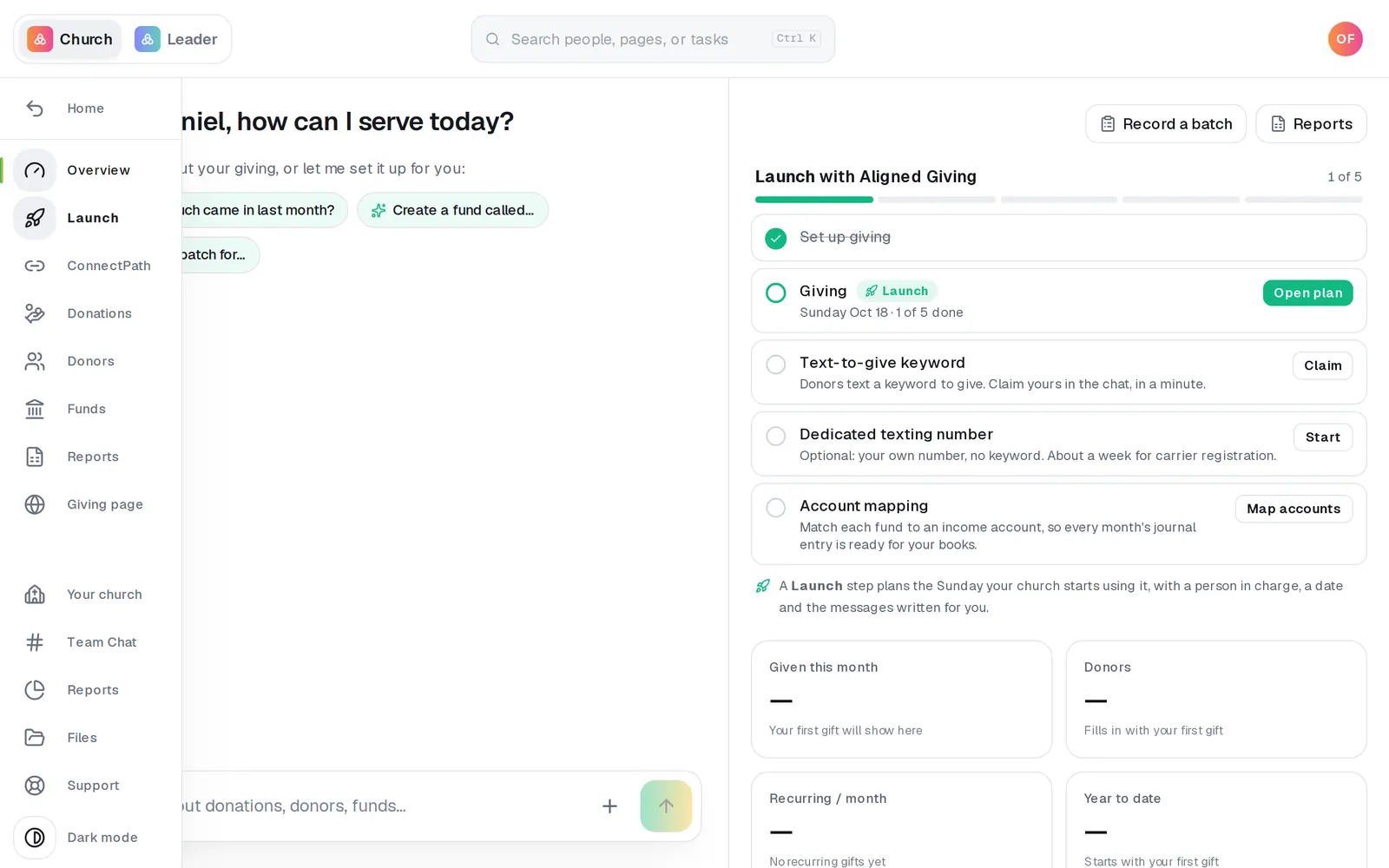
1/6 · Open Launch in Giving's left rail
Good to know
- No Launch Plan yet, or easier from a link? Go to aligned.church/specialist and sign in. If you can book, it shows the same times, or the call your church already has.
- In the Giving chat, a Talk to a Giving Specialist button appears under the answer when you sound stuck or ask for a person. It opens the same times right where you type.
- Before the call, reminders come by email, and by text if you gave a mobile number. Each one links to your call's page, where you can join, reschedule or cancel.
- The times start in your church's time zone, named under the calendar (like “Your Time Zone: CST”). To read them on another clock, press the pencil beside it and pick Eastern, Central, Mountain, Pacific, Alaska or Hawaii. The open times stay the same, and your call, its emails and its reminders keep the time zone you booked in. If you pick another zone with the pencil on your call's page and then move it with Reschedule, the call keeps that zone from then on.
If it’s not working
I need a different time, or I can't make it
Press Reschedule or cancel in your confirmation email, or the link in any reminder. Your call's page opens without signing in. Reschedule shows the open times and asks before it moves your call; Cancel call asks “Cancel this call?” first. Either way, you and the Giving Specialist both get an email.
I can't find the confirmation email
Go to aligned.church/specialist, signed in: it opens your call, with Reschedule and Cancel call. Your Launch Plan's link shows the call too, and Pick another time there cancels it (it asks first) so you can choose a new one.
It says “Ask an owner or admin at your church to book or change a call.”
Your role can see the times but not book. Your church's account owner, or someone whose role can edit Manage, can book or change the call.
It says “No call times are open right now.”
Message us from Support at the bottom of the left rail (on a phone, under More), and we'll find a time with you.
My call was canceled or moved, and I didn't do it
The Giving Specialist, our team, or someone at your church who can edit Manage changed it, and an email tells whoever booked it. A moved call's email has the new time, with Reschedule if it doesn't suit you. A canceled call's email opens your call's page, where Book another time picks a new one.
Next, you might want to
- Move your Launch Day to a different SundayPick another Sunday for launching online giving at your church, see why some Sundays aren't suggested, and know what moves with the date.
- Announce online giving to your churchIn Giving, pick a Point Person, check your Launch Day, get the script, slides, texts and emails ready, and get your free Launch Supplies on the way.
- Find out if your giving is approvedWhere your giving application stands while it's reviewed, how you'll hear the decision, and what to do the moment you're approved.
- Message a real person on the Aligned teamMessage the Aligned team from inside your workspace, and what happens after you press send.