Give with a text message
If your church offers text giving, you can give from your phone's messages in under a minute, with no app to download. Your church shares either its own texting number or a giving keyword. The first gift finishes on your church's giving page; after that, a gift can be a single reply.
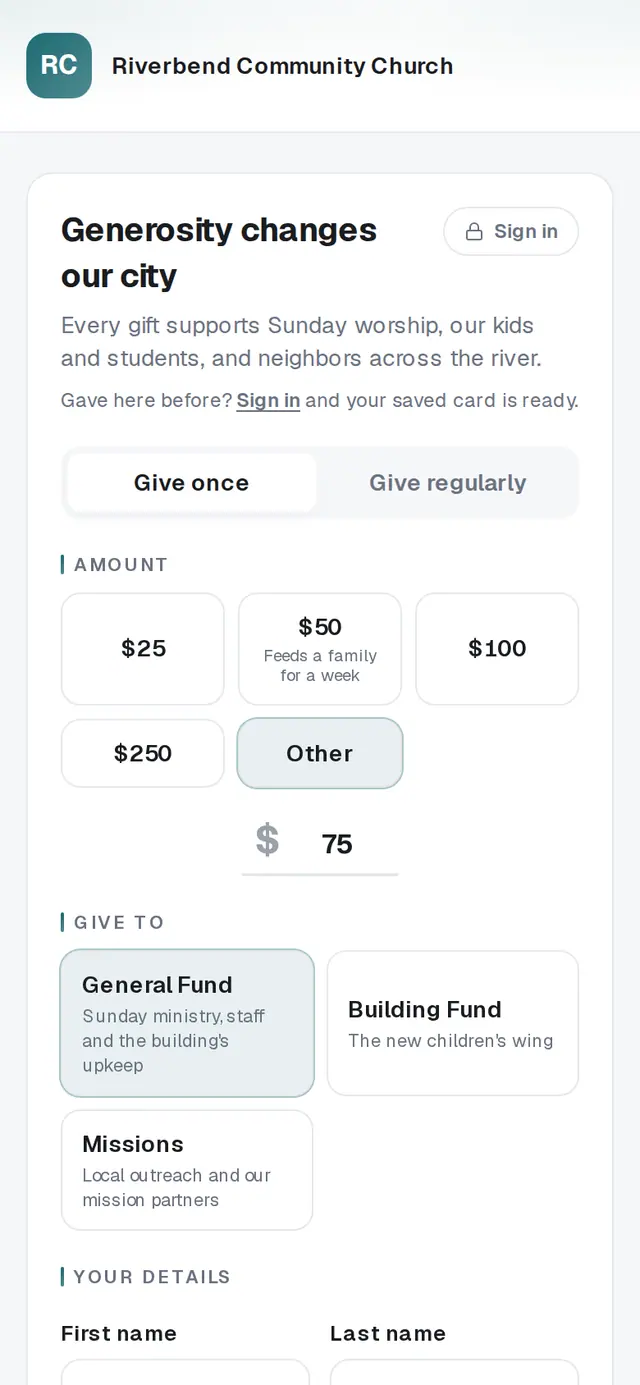
1/1 · First time? Tap the link and finish on your church's giving page
- 1Text your church's giving keyword to the number your church sharedA QR code from your church opens your messages with the keyword already typed. The reply names your church and asks “How much would you like to give?” If your church gave you its own texting number instead, there's no keyword: text GIVE and an amount, like GIVE 50.
- 2Reply with how much you'd like to give, like 50The number is enough. If your church has more than one fund, the reply asks “Which fund?” and lists them — answer with the fund's name, like Missions.
- 4When the reply names your card, answer YESOnce you've signed in on your church's giving page with your mobile number and saved a card, a text gift asks “Reply YES to give on your Visa ending in …, or NO to start over.” After YES, a text confirms your gift was received. NO starts over and charges nothing.
Good to know
- Give to more than one church through the same keyword number? Text the other church's keyword. You'll be asked to reply SWITCH before anything changes, so a gift never lands at the wrong church.
- On your church's own number, FUNDS lists its funds, CARD sends a link to save or change your card, CANCEL AUTO sends a link to your recurring gifts, and OPTIONS lists everything you can text.
- Your church's own number also carries its news texts. Replying STOP there stops all of them, not only giving; START brings them back.
If it’s not working
I texted an amount and nothing came back
On a church's own number, a plain number only starts a gift once that number has already sent you a giving link. Text GIVE and the amount, like GIVE 50.
It says “Please send your church's giving keyword to get started.”
The keyword didn't match a church. Check its spelling on your church's slide or bulletin, or ask your church for it.
It says text giving can't handle that amount
Text gifts go up to $25,000. For a larger gift, contact your church, or give on its giving page.
I have a saved card, but I got a link instead of a YES question
Larger gifts always finish on the giving page, where you confirm them yourself. Tap the link and give there.
It says the card was declined
Nothing was charged. Update your card in Your giving on your church's giving page, then text again — or give on the page with another card.
Next, you might want to
- Sign in to give faster next timeSign in with a code so your details and saved card are ready — and sign out on a shared phone or computer.
- Give online to your churchGive a one-time gift from your church's giving page — from a link, a QR code, its website or the lobby tablet.
- Update the card you give withPut a new card on your recurring gift, or fix a gift that didn't go through, from Your giving.
- Stop texts or emails from your churchReply STOP to your church's texts or unsubscribe from its emails — and start them again if you change your mind.