Keep your church's files where your team can find them
The bylaws are in someone's inbox, the budget is on the office computer, and nobody can find the volunteer handbook. Files is your church's shared drive inside Aligned Church: everyone on your team with access sees the same folders, and Aligned can read them when you ask it to.
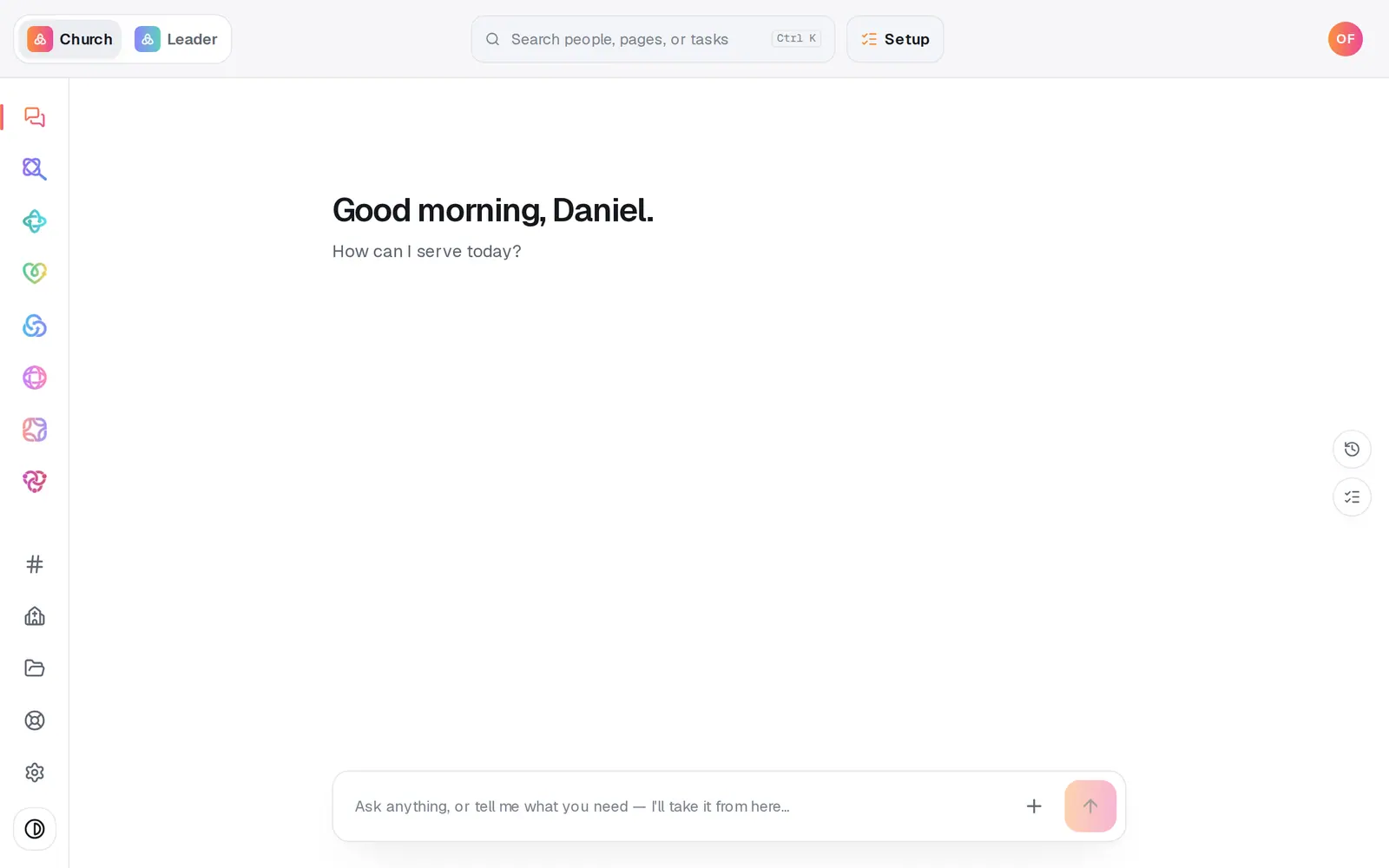
1/6 · Open Files at the bottom of the left rail
Good to know
- Find anything with Search files at the top. It looks at names and file types in every folder, and each result says which folder it's in.
- To file something that's already here, drag it onto a folder, or press its Move button and pick one (on a phone, Move is the way).
- Documents you attach in the chat land in Files too, marked “from chat”, so last week's PDF is never lost.
- Deleting a folder never deletes what's in it: those files move back to All files.
If it’s not working
It says “Choose a file up to 15 MB.”
That file is bigger than 15 MB. Save a smaller copy (a reduced-size PDF, or a resized photo) and upload that.
It says “That kind of file can't be stored here.”
Programs, web pages (HTML) and SVG images can't be uploaded. Save it as a PDF or a picture instead.
I don't see Upload or New folder
Your role can read Files but not change them. Ask your church's account owner to set Files to Edit for your role.
I can't make a folder inside a folder
Folders are one level deep, and New folder only shows on the top level. Name folders clearly instead, like “Finance 2027”.
It says “That's the …-folder limit — delete one first.”
There's a limit on how many folders a church can have. Delete one you don't need any more (its files move back to All files), then make the new one.
Next, you might want to
- Message your staff in team chatPost to your whole staff, make channels for smaller teams, and hand a request from the chat to Aligned with one tap.
- Choose what each staff member can see and doGive someone just the website, just your people, or more, with roles you can edit, and change what they can open any time.
- Keep notes, reminders and files on a personLog a pastoral note, set a private reminder to call, follow someone's news, and attach a signed form to their profile.