List your staff, ministries, beliefs and FAQs
A new youth pastor, a ministry that's grown, the parking question every visitor asks: this is what people look for on a church website, and it keeps changing. The Content page holds all of it in one place, one card per item, and your site's pages read from it.
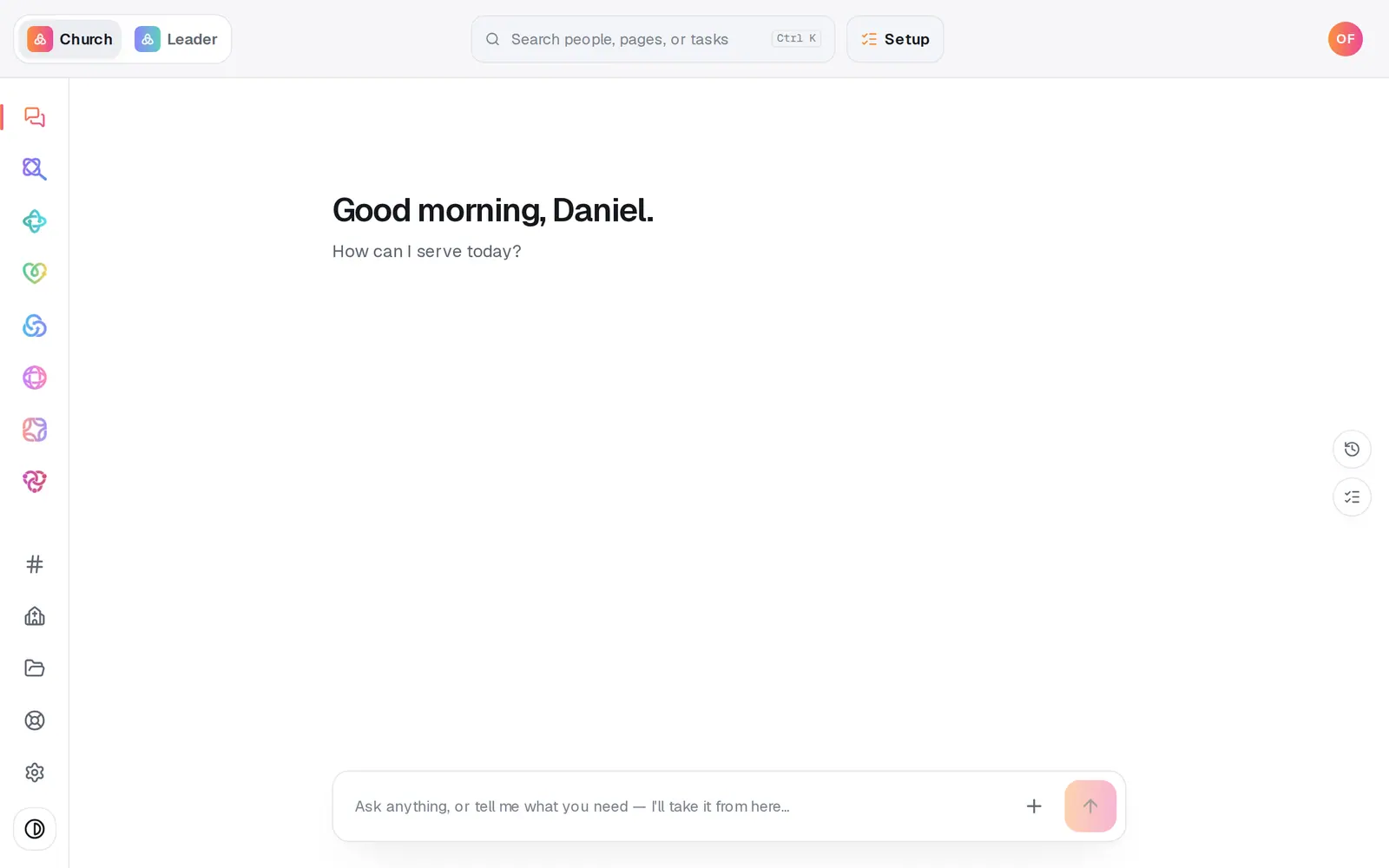
1/6 · Open Website from the left rail
Good to know
- Rather ask? In the Website chat, “add Hannah Cole to the staff” or “add an FAQ about parking” opens a short form right in the chat, and “remove the picnic event” asks before it removes anything. Beliefs and testimonies are added on the Content page.
- Move a card with its up and down arrows, or drag it by the handle on its left. The order here is the order on your site. The trash can asks Delete? before it removes a card.
- Each box holds as much as your site can store: a staff bio up to 2,000 characters, an FAQ answer up to 2,400. When a box is full, its label says so.
- Looking for your giving funds? They live in Giving, and your site's Give section reads them from there.
If it’s not working
The Events or Staff list is greyed out
That list comes from a connected app, like Planning Center, and the page says This list is read-only here so the source of truth stays consistent. Change the item in that app and it syncs back to your site.
A box stopped taking what I type
It's full. The label shows the limit, like Bio · 2000 character limit. Shorten what's there, or move the extra words onto a page of your site.
The new person isn't on my live site
Edits wait until you publish. Press Publish at the top right, then the publish button on the list of waiting changes.
Next, you might want to
- Show your Planning Center events on your siteConnect Planning Center so your upcoming events fill your site by themselves, then hide or reword any single event.
- Change your website by telling Aligned what you wantAsk for a warmer homepage, a new page or giving moved higher, see exactly what changed, and publish it when you're happy.
- Add your photos to your websiteUpload photos or bring in Drive folders, place one exactly where you want it, or let Aligned fill every empty spot.
- Fix a typo, change a headline or move a sectionClick any words on your site to change them, move a section up or down, and add new sections from the Sections list.