Move your giving from Tithe.ly, Pushpay or another platform
Switching giving platforms is mostly a worry about people: the family that has given every month for years shouldn't have to notice. Aligned brings your donors and their history across, and its team moves their saved cards and recurring gifts for you. Then you tell your donors and turn the old platform off.
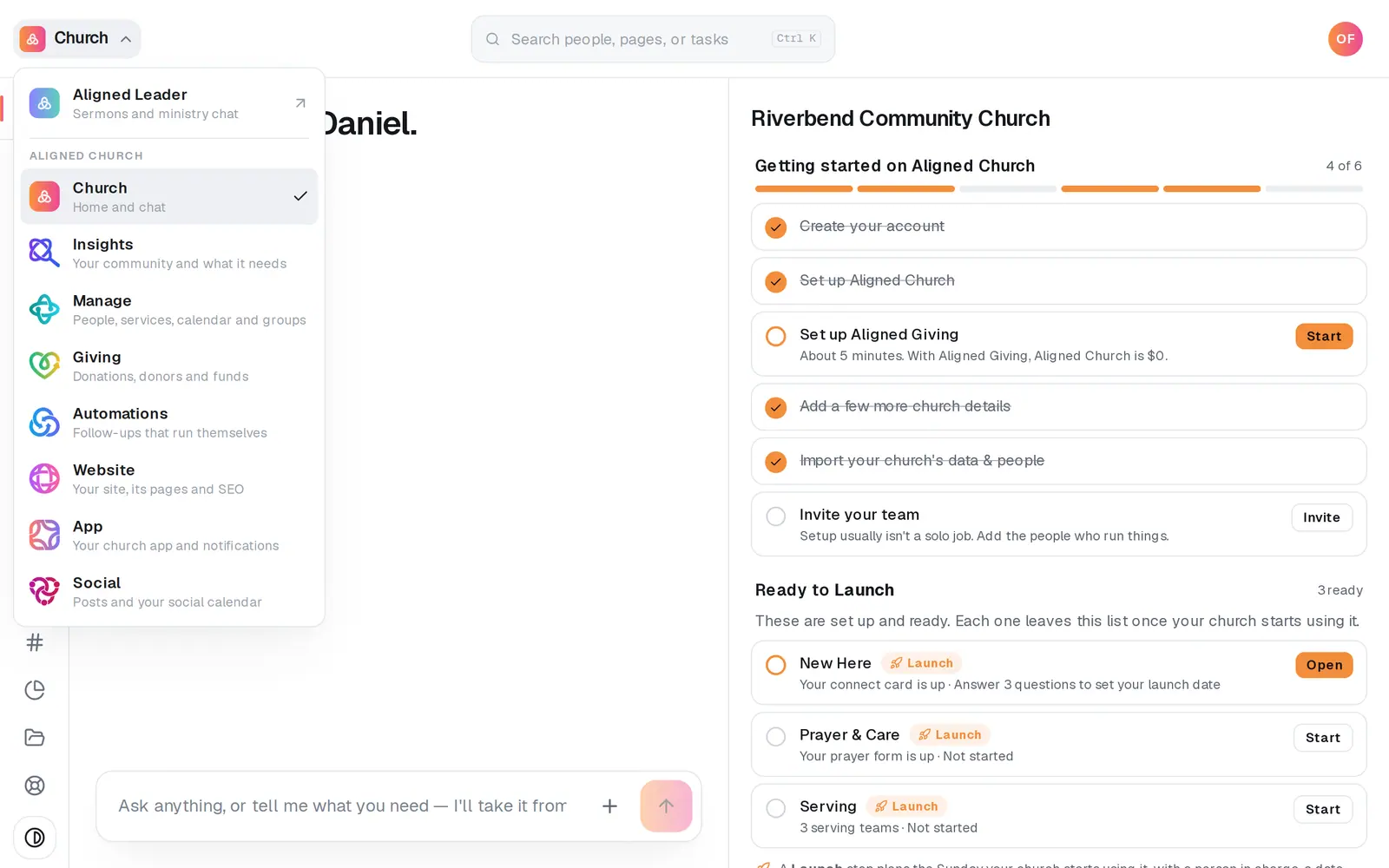
1/5 · Open Giving from the product menu
Good to know
- Getting the file out of your old platform is the slow part. It can take a few days to a few weeks, and the Aligned team chases it for you; nobody can promise a date. Your old platform keeps taking gifts until the cards land and your announcement goes out.
- Cancel your old platform after your announcement, so nobody's giving stops untold, and before your first charge date on Aligned, so nobody is billed twice. Aligned can't cancel it for you.
- On the other path already? Switch to Full Carryover instead, at the top of Switch & migrate, asks in Giving's chat; press the chat's confirm button to make the switch. Nothing you've finished is lost.
- Bringing donors and past gifts across comes first (see “Bring over donors and giving history”), then the card move (see “Move donors' saved cards and recurring gifts”).
If it’s not working
Our giving application was declined
That decision is final on that application, and it can't be appealed from inside Aligned. Message us from Support, at the bottom of the left rail, and a person will help with next steps.
The Tell your donors step is locked
It opens once giving is approved, your donors' cards have landed and at least one imported donor has an email address, so nobody is asked to sign in to nothing.
A donor signed in by phone and sees no giving history
Their gifts are filed under an email address. Ask them to sign in with the email they gave with, or, if their phone number came over in the import, signing in by phone finds them.
After the move, a donor was asked for their card's last four digits
That's expected. The first time a moved card is used, the donor confirms its last four digits once. It's a safety check, not re-entering the card.
Next, you might want to
- Bring over donors and giving historyImport donors and past gifts from Planning Center, Breeze, Donorbox, Givebutter or any platform's export file. They arrive as records, and no money moves.
- Move donors' saved cards and recurring giftsChoose Full Carryover and send one short request. The Aligned team moves your donors' saved cards and schedules, so nobody has to set their gift up again.
- Tell donors about the moveOnce your donors' saved cards have landed, email them that their card moved with them, send it before the first charge here, then cancel your old platform.
- Switch your giving to Aligned Giving to pay $0Kept your own giving platform? Set up Aligned Giving, bring your donors along, and your Aligned Church plan drops to $0.