Plan a visit or send a prayer request
Walking into a new church is easier when someone knows you're coming, and a prayer request is easier to send than to say out loud. Your church's website has a short form for each, and both go straight to the church team. There's no account to make.
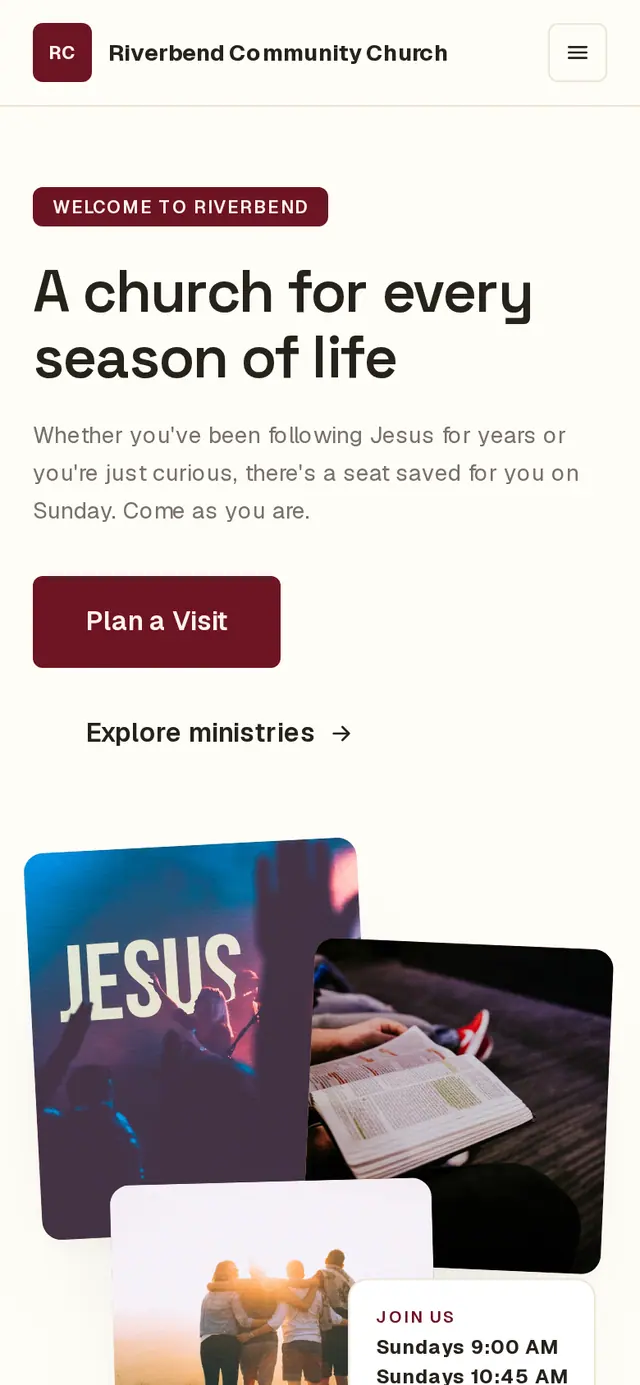
1/7 · On your church's website, tap Plan a Visit
Good to know
- Have a question instead? The Contact us tab on the same form sends the church a message; it needs your name and email so they can answer.
- Email updates signs you up for church news by email. You can unsubscribe from any of those emails later.
- Churches can rename these forms and their buttons, so the words on your church's site may differ a little from these.
If it’s not working
It says “Add an email address or phone number so the team can follow up.”
Planning a visit needs at least one way to reach you. Add an email or a phone number and tap Send again.
It says “The form could not be sent.”
What you typed is still in the form. Check your connection and tap Send again. If it keeps happening, reach out to your church another way — by phone or email.
I can't find a Plan a Visit button or a prayer form
Your church may have turned that form off on its website. Use the Contact us form, or call or email your church directly.
Who sees my prayer request?
Your church's team. With the sharing box checked, the prayer team can pray for it too. Prayer requests are never passed along to other apps or software your church uses.
Next, you might want to
- Find service times, sermons and eventsUse your church's website to find service times and directions, catch up on a sermon, and see what's coming up.
- New here? Add your family at check-inAdd your family at the check-in screen on your first visit, then check your kids in with one more tap.
- Fill out a form from your churchComplete a connect card, interest form or survey your church sent you — no account needed.
- Join a small groupAsk to join a group from its link or your church's website, and a leader follows up with you.