Remove the “Powered by Aligned Church” credit
Every site Aligned hosts ends with one small line in the footer, “Powered by Aligned Church”, linking to aligned.church. Some churches would rather their site speak only for them. Switching it off takes a minute and costs nothing.
About 2 minutes Part of Aligned ChurchUpdated September 29, 2026
aligned.church/church
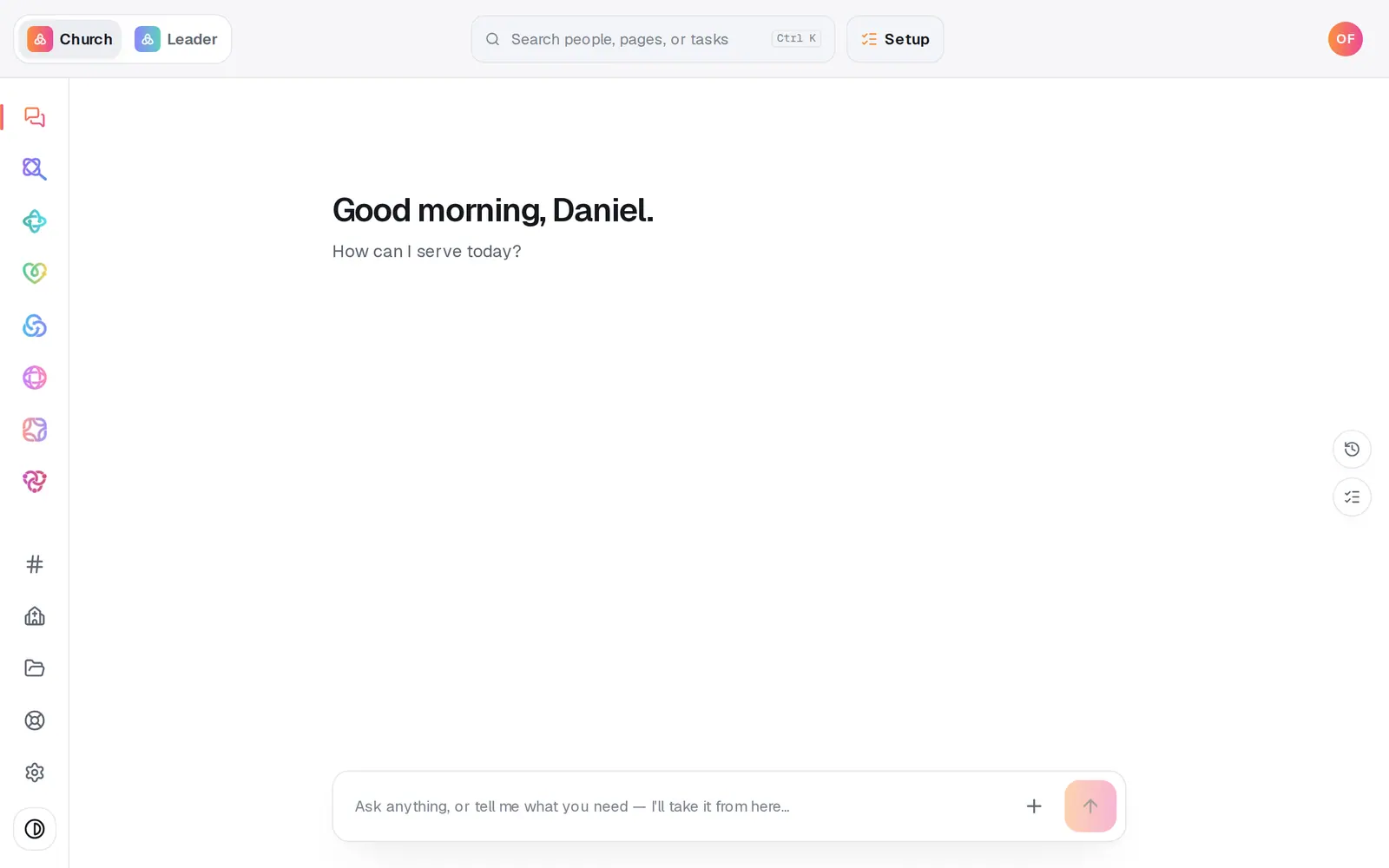
1/7 · Open Website from the left rail
Before you start: Your website has been built. If it isn't live yet, the credit stays off when you put it live with Go live.
Good to know
- Rather ask? Type “turn off the Powered by Aligned Church badge” in the Website chat and confirm. “Bring back the footer credit” turns it on again.
- It's a free choice for each church's site, and it stays off through rebuilds, theme changes and Update my answers & rebuild.
- Article, sermon and group detail pages have no footer, so they never show the credit.
If it’s not working
The credit is still on my live site
Settings reach your live site when you publish. Press Publish at the top right, then the publish button on the list of waiting changes.
There's no Publish 1 change button
Your site isn't live yet. The credit stays off when you put it live with Go live on the Publish page.
There's no ··· button
The ··· menu appears once your site has been built. Until then the only thing to do in Website is build it.
Did this help?
Next, you might want to
- Change your website's colors, fonts and lookPick a design, set your own colors, choose a hero layout and a headline font, and watch your site change as you click.
- Put your website on your own addressConnect yourchurch.org to your Aligned site: type your domain, add two records where you bought it, and Aligned makes it secure.
- Put your website live and share itCheck your site on a phone, see what's ready, pick your address, go live, and share the link or QR code.