Send birthday texts automatically
A text on someone's birthday tells them the church noticed, and nobody should have to keep a calendar of birthdays to make it happen. Turn on the birthday recipe once and Aligned texts each person on their day. It takes about five minutes.
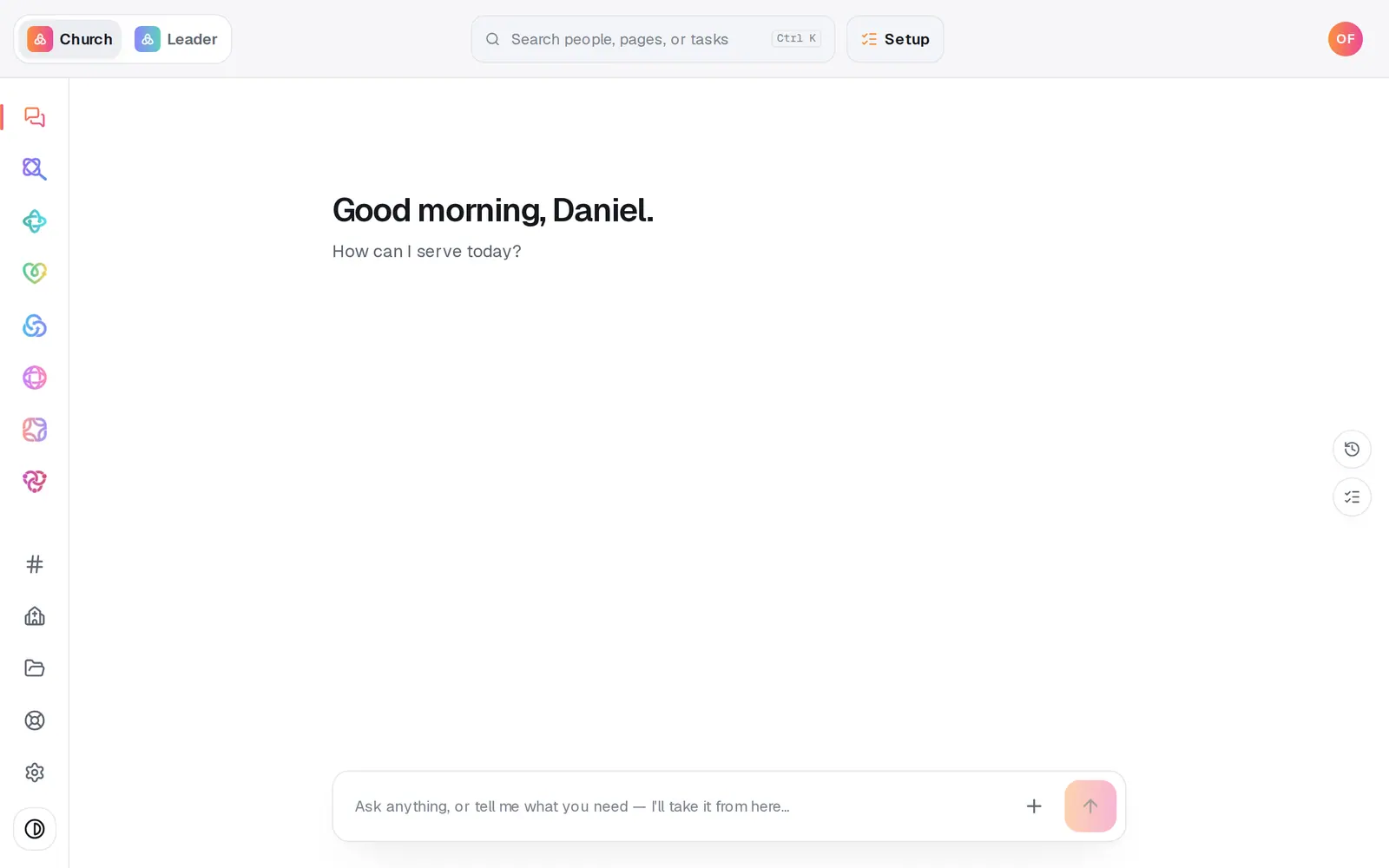
1/7 · Open Automations from the left rail
Good to know
- A person with no birthday on file is never texted. Add birthdays on each person in People, or bring them over with your people from your old system.
- Prefer email for birthdays? In the builder, change text them to send them an email. Email needs Aligned Email or your church's Gmail or Outlook connected.
- Want a heads-up too? Press Add step and choose notify the team, so your staff hear about each birthday as it comes.
- You can ask in the chat instead: “set up the birthday text one”. It adds the automation paused, for you to check over and turn on from its card.
If it’s not working
Someone didn't get their birthday text
Open Automations, then Activity from the page menu, and find that day's run. A skipped run says why, for example “has no mobile number on file” or “has opted out of texts”. Someone with no birthday filled in never shows up at all.
The run says “Your church text number isn't approved yet — text not sent.”
Texts go out only once your church's number is approved and live. Birthdays that come around before then are skipped, not saved up for later. The Text messaging card in Manage → Messages shows where your registration is.
The run says Waiting
That's normal early on someone's birthday. The text holds until texting hours start at 8am, then goes out that morning.
It says “Ready to make this live?”
Turning an automation on waits until your church has finished setup. Press Setup at the top of the screen and finish it. Meanwhile Save without turning on keeps your work, paused.
Next, you might want to
- Put follow-up on autopilotStart from a ready-made recipe, like a welcome text or a prayer alert, and turn on your first automation.
- Check whether an automation ranSee what your automations did today, what they skipped and why, and what to fix when one didn't fire.
- Get your church's texting number approvedRegister your church's own texting number with the phone carriers once, in chat or on a form, and follow it to approval.
- Ask who has a birthday or who's missed churchAsk plain questions about your people — birthdays, who's new, who hasn't been in a while — and get the list back.