Set your church's brand color and logo
When someone opens your giving page or checks their kids in, it should look like your church, not like software. Your brand lives in one place, the Brand section of your church's record, and every page your people see is painted from it.
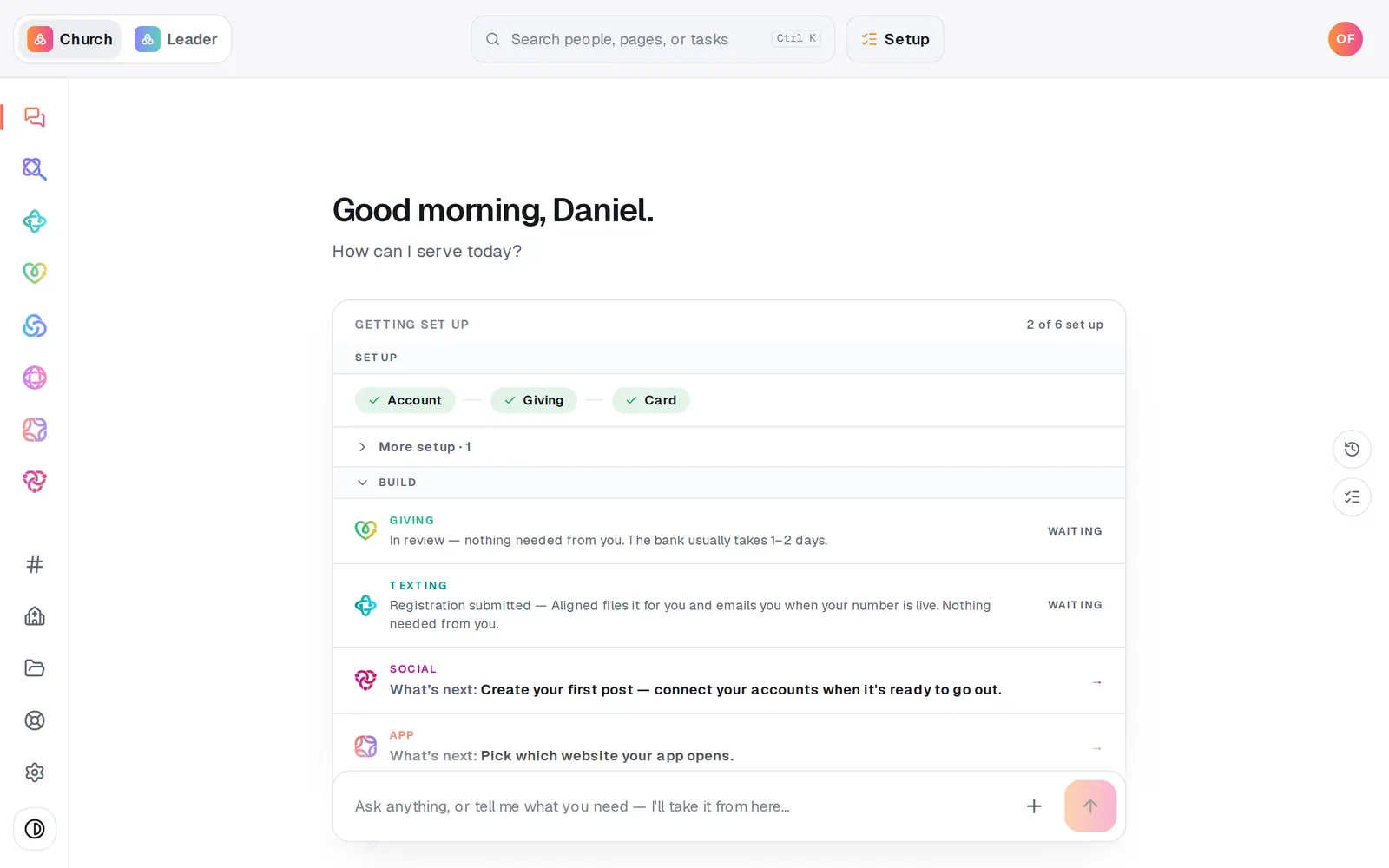
1/6 · Press Your church near the bottom of the left rail
Good to know
- Leave Brand color empty and your pages follow your published website's look, or Aligned's own green until your site is published.
- No logo at all is fine: your pages show a tile with your church's initials.
- The printed signs and cards in a Go Live kit use these colors and your logo too.
- Search for “brand”, “color” or “logo” (Ctrl K, or ⌘K on a Mac) to jump straight here.
If it’s not working
It says “Your church's colors and logo are set by your church owner.”
Only the account owner can change the brand. Ask them to make the change, or to send you the colors they want.
Pressing Save opened Setup instead
You're still in a guest workspace, and saving your brand needs a free account. Create it in the Setup panel that opened (an email and a password), then press Save again. Everything you've tried stays with you.
It says “Brand color needs a 6-digit hex like #7c3aed.”
The code is incomplete. Type all six characters after the #, or pick the color with the swatch instead.
It says the link only opens for staff who are signed in
Your people couldn't load a logo from that link. Press Upload and choose the image file instead, and a public copy is hosted for you.
My accent color didn't change anything
That color is too pale, or too close to your brand color, to read as a second color, so your brand color is shaded instead. Try a stronger one.