Update your church's name, address and contact info
Your church's details live in one record, and your website, giving receipts, research and app all read from it. Fix something here once and it's fixed everywhere, instead of hunting through five settings pages.
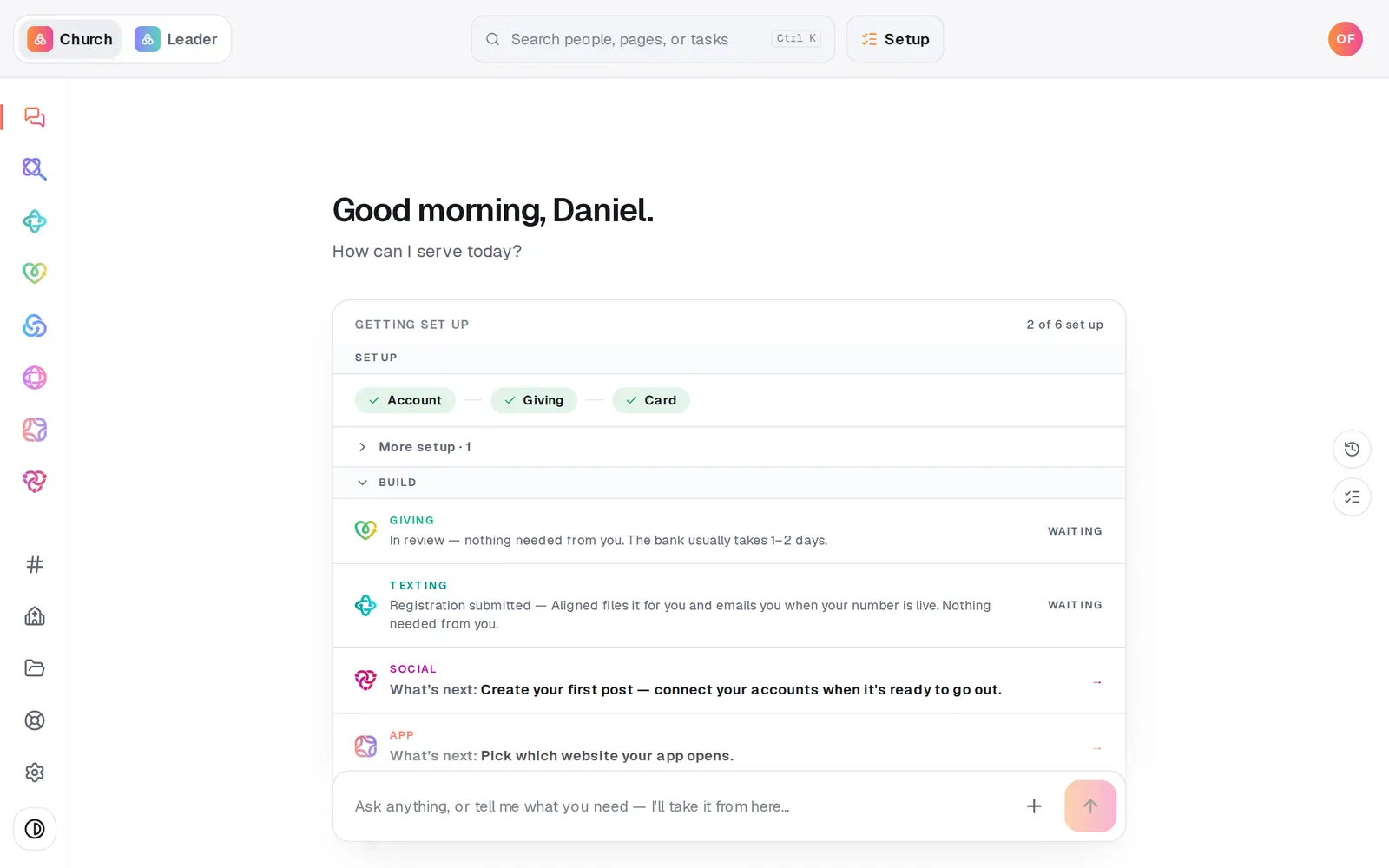
1/7 · Press Your church near the bottom of the left rail
Good to know
- Your logo and colors are in Brand, the section under Identity. Only the account owner can change those.
- Your church's tradition for sermon writing is set separately, in Aligned Leader's Settings.
- Staff and leaders beyond your lead pastor come from your connected apps and your website, not from here.
If it’s not working
It says “You can see your church's details but not change them.”
Your seat can view the record but not edit it. Ask your church's owner, or a manager, to make the change.
The service times box squashes my spaces or won't start a new line
The box tidies each line as you type, which currently eats a space or a new line typed at the very end. Type your service times somewhere else first, one per line, then copy and paste them in, and they keep their spaces and lines.
Our giving link stopped working after we changed our name
Your web address was still following your church name, so the rename gave you a new one, and the old aligned.church/give/ address stopped working. QR codes and receipts you've already printed keep working. Share the new link from Giving → Page, and set Your web address yourself so it stays put from now on.
Our website still shows the old address
The change is in your website draft. Open Website and press Publish to put it live.
Next, you might want to
- Set your church's brand color and logoPick your color and add your logo once, and your giving page, check-in screens and the other pages your people see all match.
- Put your website live and share itCheck your site on a phone, see what's ready, pick your address, go live, and share the link or QR code.