Show your calendar on your website or phone
The calendar in everyone's pocket gets checked far more often than the bulletin. Events you mark public show on your Aligned website on their own, one event can have a page you share anywhere, and anyone can subscribe to the church calendar so changes reach them without a new link.
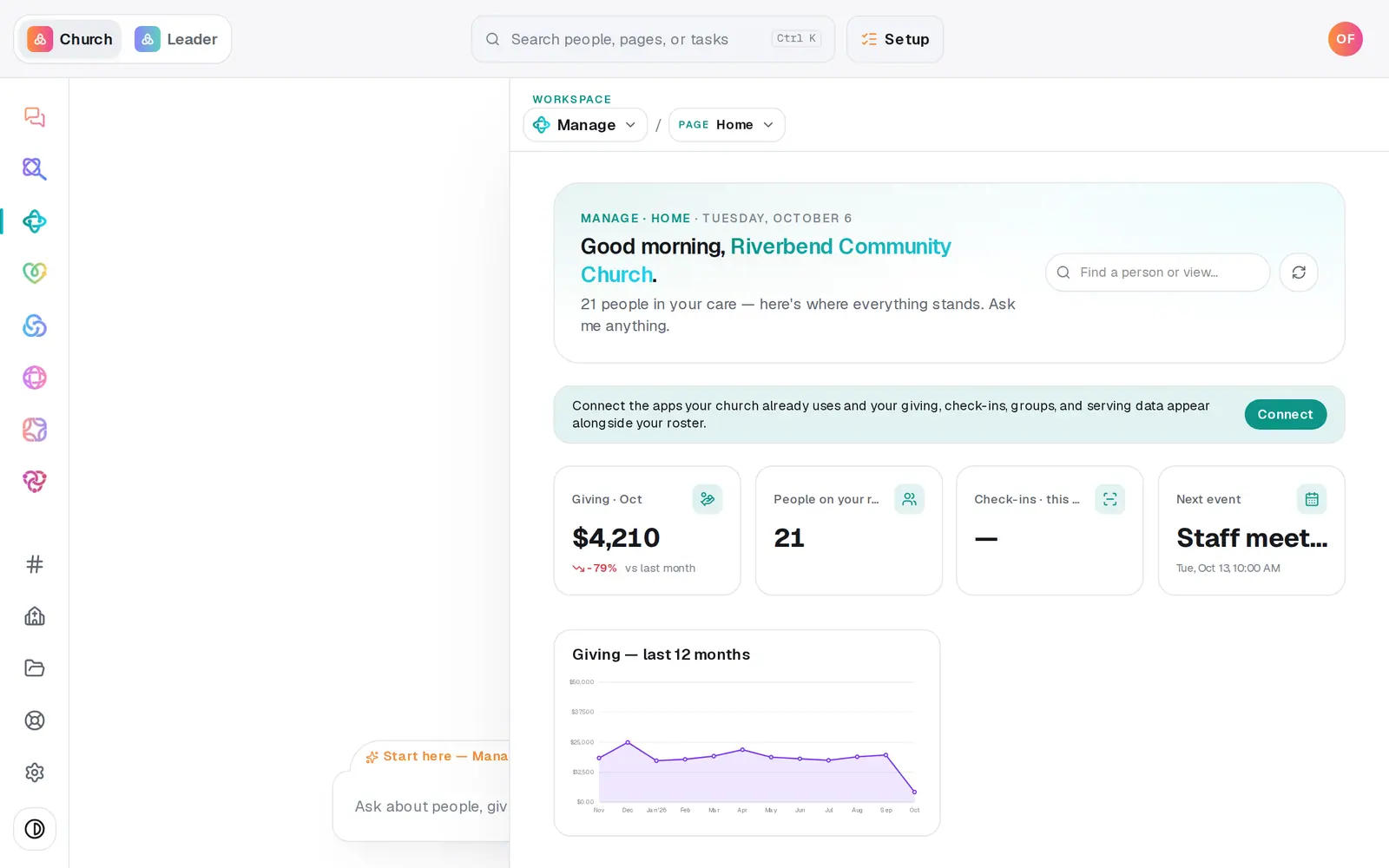
1/5 · In Manage, choose Calendar from the page menu, then press List
Good to know
- Copy staff feed has your private events too, like staff meetings. Keep it to staff calendars.
- The feed carries your upcoming events and the past week's. A repeating event stays in it as one series for as long as it repeats.
- Keep your own website on another platform? There's no calendar widget to embed there. Link to the public feed with a line asking people to paste it into their calendar app, link a single event's page, or link the Events page of your Aligned site.
If it’s not working
I clicked the feed link and the events never update
Clicking the link downloads a one-time copy. To stay current, paste the link into your calendar app's subscribe option instead, as in the step above.
A repeating event shows an hour off in my phone's calendar
The feed doesn't carry a time zone, so calendar apps can show a repeating event an hour early or late for part of the year, around the clock change. Manage still shows the right time. Where the time has to be exact, add those dates as one-time events.
Our Planning Center events aren't in the feed
The feed carries the events kept in Manage. Events that come from a connected app stay out of it until you bring them in with the Import hub.
Our Events page says “This page wandered off”
The site has no Events page, or it's hidden. Open Pages in the Website module, press the Events page's eye to show it, and publish.
Next, you might want to
- Add an event to your calendarPut a one-time or repeating event on your church calendar, then edit it, cancel it, add a photo or book a room.
- Take registrations for an eventOpen a signup with a spot limit and your own questions, share its link, and close or reopen registration any time.
- Publish your website and share itCheck your site on a phone, see what's ready, pick your address, go live, and share the link or QR code.
- Find service times, sermons and eventsUse your church's website to find service times and directions, catch up on a sermon, and see what's coming up.