Ask about your giving and attendance numbers
You shouldn't need to export a spreadsheet to know how September went. Once your church software is connected, ask your assistant in plain words and it answers from your real numbers, with a chart whenever the question is about a trend.
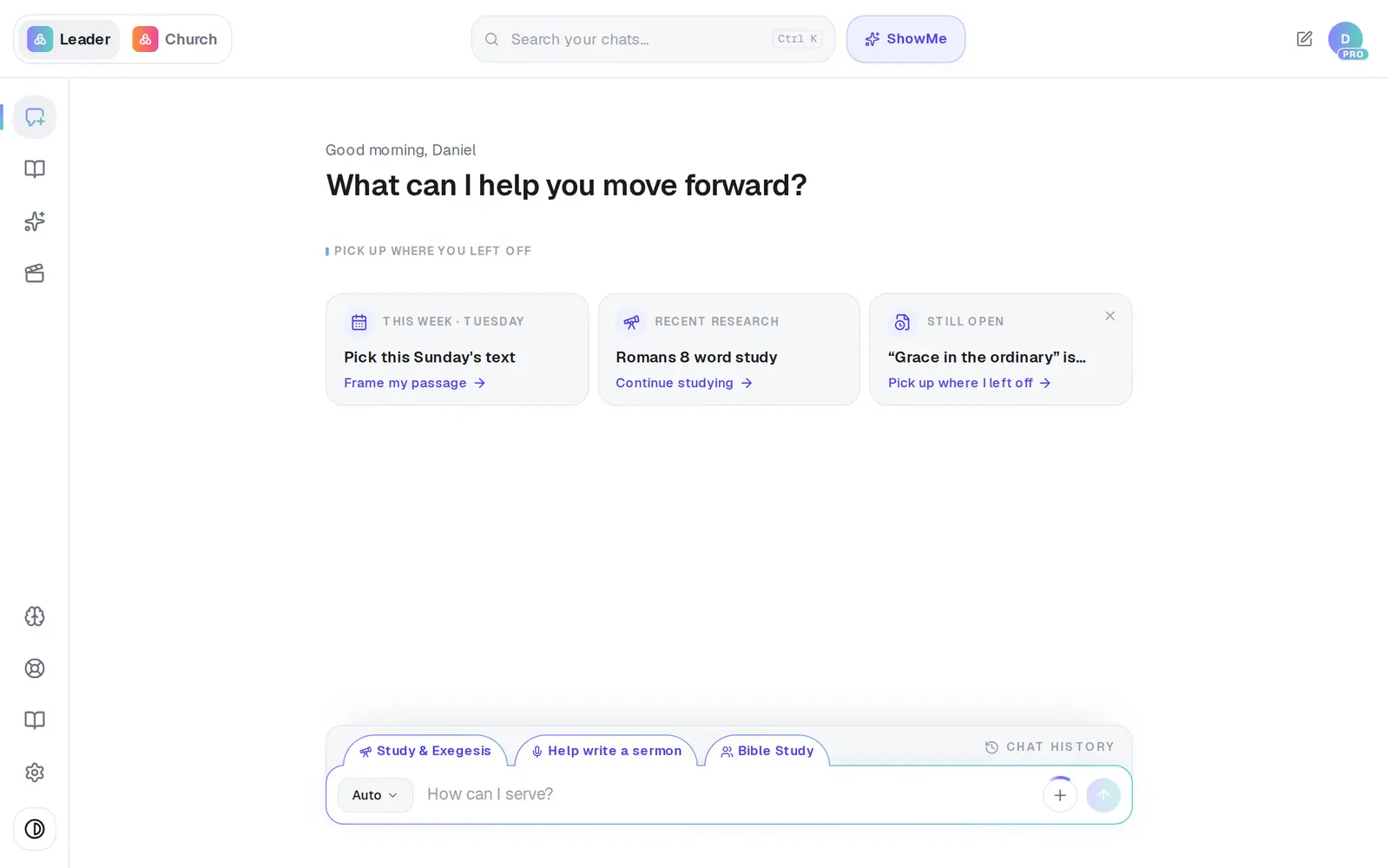
1/7 · Open Assistant from the left rail
Good to know
- Other questions that work: “Who gave last?”, “Who are our new people this month?” and “Is giving growing?” Ask for up to 25 names at a time.
- Answers come from a copy of your church data that refreshes about once a day, not a live lookup — a gift from this morning may not show yet.
- Asking is read-only. The assistant never messages anyone in your church because of a question you asked.
- The same numbers fill the Church pulse part of your daily brief.
If it’s not working
It says “Connect your church management or giving app in Connections…”
No church-data app is connected yet, and Connections opens on its Apps tab for you. Connect Planning Center and you're brought back with your question answered; with a key-based app like Breeze, ask again once it's connected.
I connected our church app, but there are no numbers
Only Planning Center, Breeze, Givebutter and Donorbox (and giving through Aligned) feed these answers. Other apps in the list don't send your numbers to Aligned. If yours is one of those four, the first sync can take a little while — try again shortly.
It says “I couldn't read your church data right now…”
Your church software didn't answer this time. Try again in a moment. If your daily brief's church section looks thin the same morning, it's the same hiccup.
I asked about attendance and got new people instead
A question about attendance on its own is usually answered with new people added. Ask “How is the church doing?” instead — the report's Attendance section shows your check-ins.
Next, you might want to
- Connect Planning Center or your church softwareLink Planning Center, Breeze, Givebutter or Donorbox so your assistant can answer from your church's real giving, people and serving data.
- Get a daily brief every morningTurn on a short morning summary of your calendar, to-dos and church numbers, and choose what goes in it.
- Get alerts about gifts and prayer requestsBe told when someone gives for the first time, when a week's giving drops, or when a prayer request comes in.