Get a daily brief every morning
A short note first thing — today's meetings, what's on your plate, how giving and attendance are moving — so you start the day knowing where things stand. It takes a minute to set up and arrives as a notification, plus a text if your phone is paired.
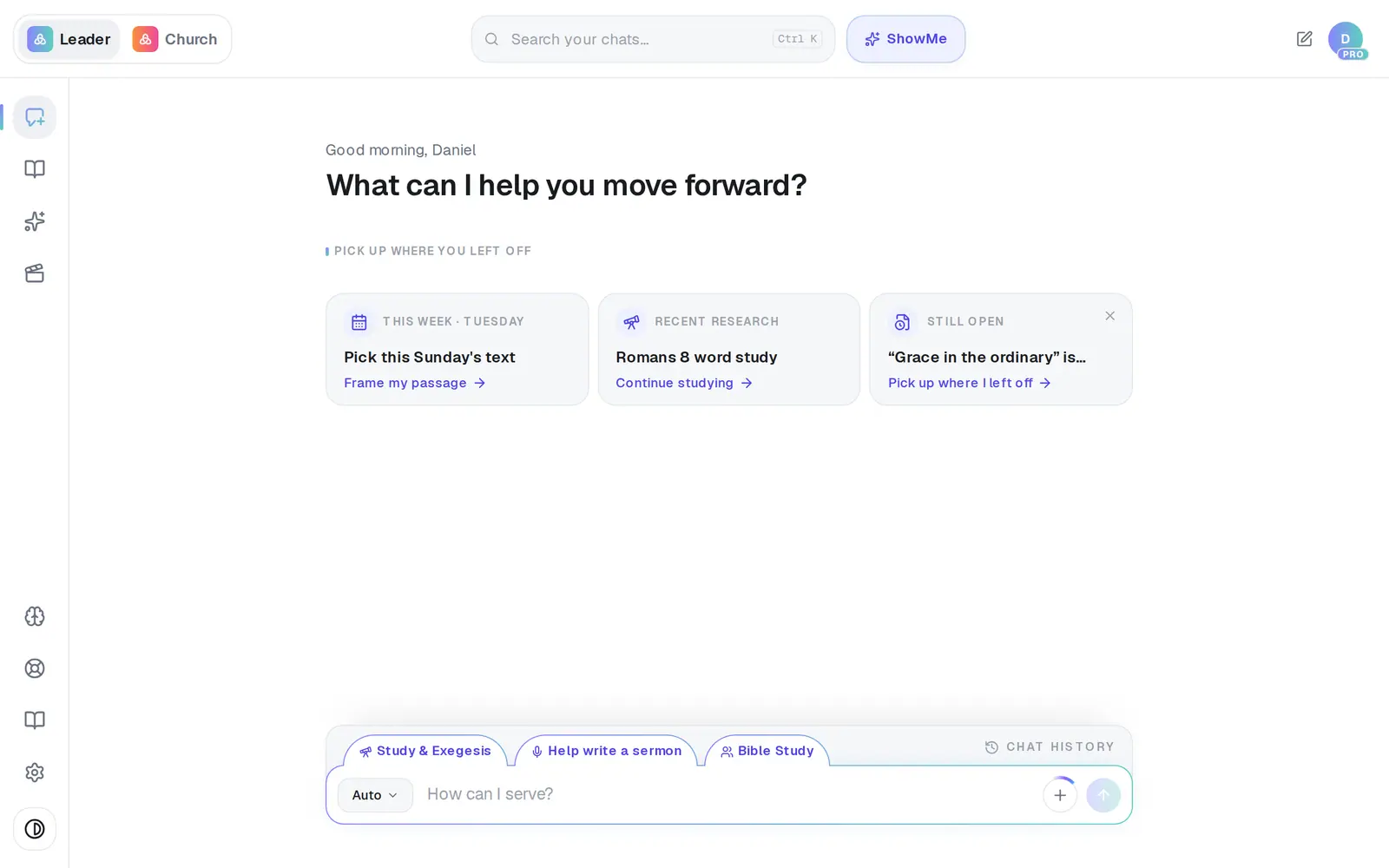
1/6 · Open Assistant from the left rail
Good to know
- Fastest of all: type “Send me a daily brief at 6:30am” — it's on in one step, at the time you name.
- The brief is kept short enough to read on a phone, so each section shows its top few items.
- Tap Daily brief above the message box on any day to have today's sent to you right away.
- It's listed in Automations as Daily brief with its time.
If it’s not working
The preview says “I can't build a real brief yet”
The brief has nothing to read yet. Connect Gmail or Outlook for your calendar, or Planning Center for the church numbers, under Connections — the preview names what's missing.
“Choose at least one item for your brief.”
Every switch is off. Turn on at least one section — Turn on daily brief stays grey until you do.
The reply says it saved the brief but couldn't turn it on
Ask again in a moment, or open Automations and turn it on there. Nothing arrives until it's on.
My brief says it's “a quiet start”
Everything is working — there were no meetings, tasks, changes or new alerts to report that morning.
I got a setup notice instead of a brief
When there's nothing connected for the brief to read, you get that notice once, then at most weekly. Connect a calendar or church app and it becomes a real brief.
Next, you might want to
- Change when your daily brief arrivesMove your morning brief to another time, get today's brief right now, or pause it — each one a sentence to your assistant.
- Connect your email and calendarLink Gmail or Outlook so your assistant can read your calendar, draft email from your own mailbox and find your files — or share only your calendar.
- Text your assistant from your phonePair your mobile number, then text your assistant anytime — for reminders, your brief, or a quick question between visits.