Change when your daily brief arrives
Seven o'clock doesn't suit everyone — maybe you're up at five, or Mondays start late. You change your brief's time by telling your assistant in one sentence, and the same goes for getting today's brief now or pausing it for a while.
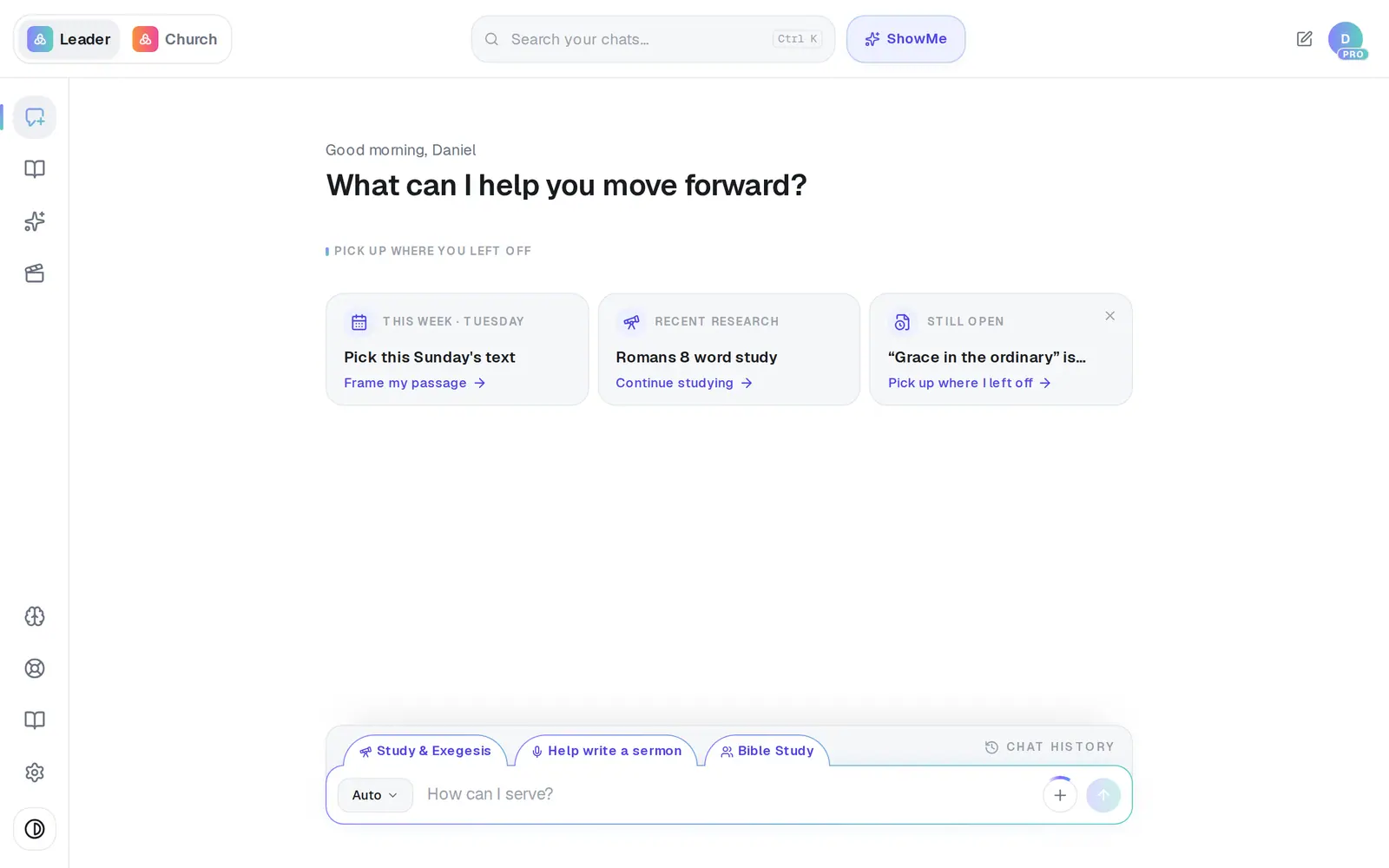
1/6 · Open Assistant from the left rail
Good to know
- Changing the time doesn't change what's in the brief. Tap Customize brief under the reply to choose the sections.
- Once your phone is paired you can text the same things to your assistant — “send me my daily brief now”, “stop my daily brief”.
- Want a preview without sending anything? Ask “What's in today's brief?” and it shows the brief right in the conversation.
If it’s not working
I opened the brief in Automations but there's nowhere to change the time
Your brief is listed in Automations as Daily brief with its time, but that screen has no time setting for it. Tell your assistant the new time instead — that's the way that works.
It asked “What time should I send your daily brief?”
You asked for a daily brief without a time. Answer with one — “6:30am” — and it's set.
It says “I couldn't deliver a real brief yet…”
There was nothing real to send — usually because no calendar or church app is connected. The rest of the reply names what's missing. Connect it under Connections, then tap Daily brief again.
My brief didn't come this morning
If one of its sources is briefly unavailable, that morning's brief is skipped rather than sent half-empty. If it stops arriving altogether, open Automations, then your brief, then History: the latest run shows what went wrong. A green Live badge only means it's switched on, not that it's working.
Next, you might want to
- Get a daily brief every morningTurn on a short morning summary of your calendar, to-dos and church numbers, and choose what goes in it.
- Check or fix an automation that didn't runFind out why an automation didn't send, reconnect the app it relies on, and approve runs that are waiting on you.
- Text your assistant from your phonePair your mobile number, then text your assistant anytime — for reminders, your brief, or a quick question between visits.