Get alerts about gifts and prayer requests
A first gift deserves a thank-you while it's fresh, and a prayer request shouldn't wait until someone checks a form on Friday. Your assistant can watch Planning Center for you and tell you the moment these things happen.
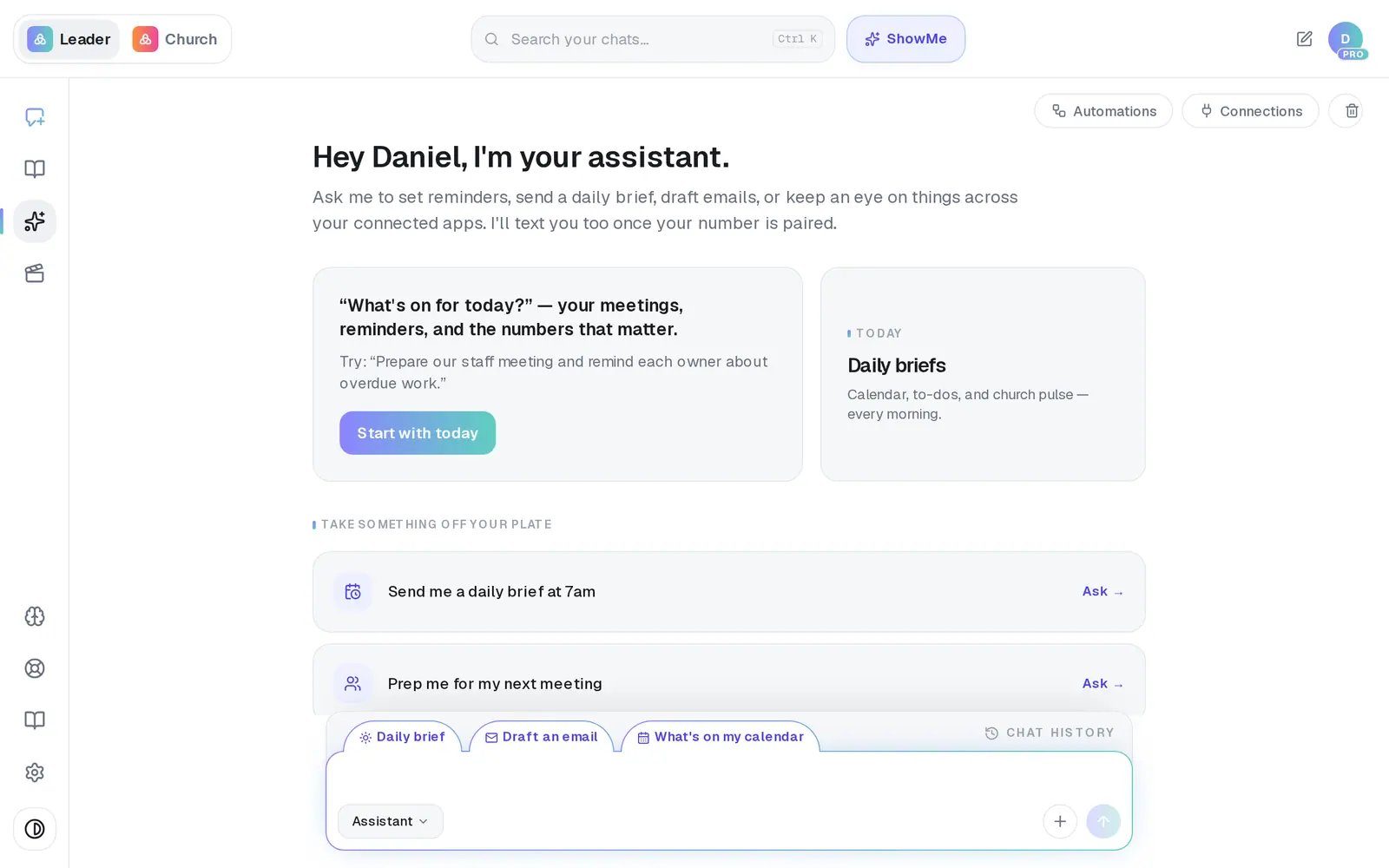
1/7 · In your Assistant, ask “Let me know when someone gives for the first time”
Good to know
- Once your phone is paired, you can text your assistant the same “let me know when…” — by text it's switched on straight away, with no Publish step.
- Alerts from “let me know when…” are listed in Automations, where you can pause or delete them like any automation.
- Giving alerts can't be seen, changed or removed from the app once they're set, so pick your threshold with care. Asking for the same alert again keeps the one you have, and each one goes only to the person who asked — a colleague who wants one asks for their own.
- Aligned never answers a prayer request. It tells you, and the reply stays with you.
If it’s not working
Publish says “Connect Planning Center before publishing.”
These alerts watch Planning Center, so it has to be connected first. Connect it, then press Publish again.
There's no Prayer request monitor in Connections
It appears once Planning Center is connected, for churches on Pro. It's also in your Brain, under Connect apps. Planning Center is the only app whose forms it can watch.
It says “No prayer/care forms found in your connected church app yet.”
Planning Center has no forms for it to watch. Create your prayer or care form in Planning Center People, and it appears here.
I built “A new prayer request comes in” in Add automation, but nothing arrives
That's a different kind of automation, planned by the AI. For requests people submit on a Planning Center form, use the Prayer request monitor above.
My giving alert has never gone off
It's checked once a week against the last full week, fires at most about once every six days, and needs Planning Center connected — without it, the alert is saved but never checked.
Next, you might want to
- Connect Planning Center or your church softwareLink Planning Center, Breeze, Givebutter or Donorbox so your assistant can answer from your church's real giving, people and serving data.
- Ask about your giving and attendance numbersAsk your assistant how giving is trending, who hasn't confirmed to serve on Sunday, or how the church is doing — answered from your own church software.
- Put a weekly report or task on autopilotBuild your first automation — a Monday giving report, a heads-up when someone gives for the first time, or a task for a teammate.
- Get a daily brief every morningTurn on a short morning summary of your calendar, to-dos and church numbers, and choose what goes in it.