Bring in sermons from your podcast
If your sermons go out as a podcast, Aligned can learn your voice from there — no YouTube needed. Paste your feed once, and Aligned transcribes your episodes and keeps up with new ones.
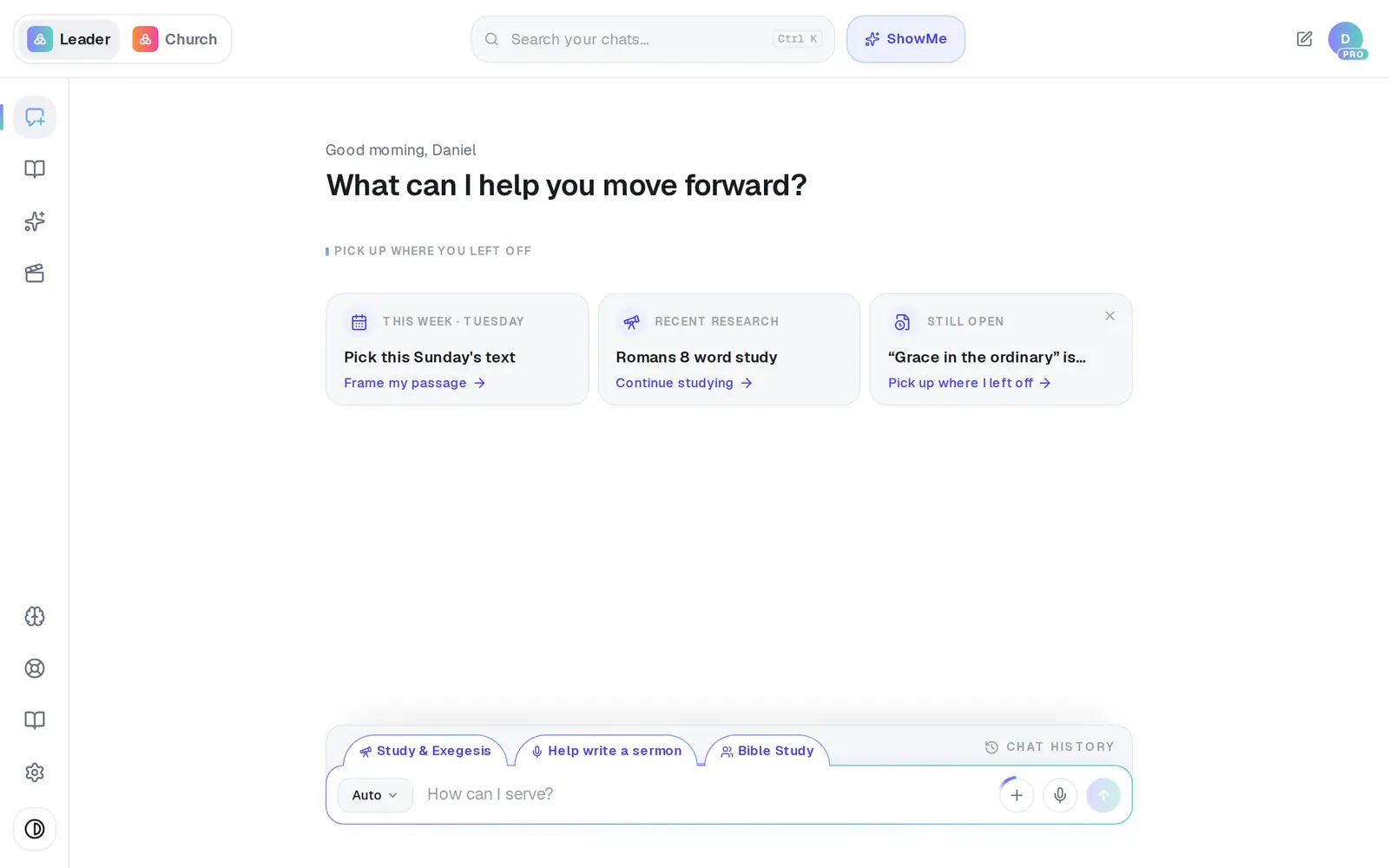
1/6 · Open Brain from the left rail
Good to know
- Podcast sermons also show up under Documents, which YouTube sermons don't.
- The limit is shared with YouTube, so Sync another 10 in either panel raises both.
- Sync now on the podcast card checks your feed straight away instead of waiting for the next pass.
If it’s not working
It says “That URL didn't return a podcast feed”
The address you pasted is a web page rather than the feed itself. Look for an RSS or feed link in your podcast host's show settings, and paste that.
It says “Could not reach that feed”
Check the address opens in your browser, then press Connect again.
It says the feed “has no audio episodes we can import yet”
The feed works but has no audio episodes in it yet. Connect it again once your first episode is published.
Every sermon is in my Brain twice
If your YouTube channel and your podcast carry the same messages and both are connected, each sermon comes in once from each. Keep the one you prefer connected and remove the extra copies.
New episodes stopped arriving
Press Sync now on the podcast card and look for an amber line under it explaining why. A podcast problem only shows here — it never pops up over your chat the way a YouTube one does.
Next, you might want to
- Bring in your sermons from YouTubeConnect your channel or playlist so Aligned learns how you preach, and star the sermons that sound most like you.
- Get missing or skipped sermons to syncWhat “Sermon sync stopped”, “Skipped” and the 10-sermon limit mean, and how to get the rest of your sermons in.
- Make Aligned sound like youGive Aligned your website and your sermons so every draft sounds like you and believes what your church believes.