Check your calendar or schedule a meeting
Between hospital visits and elder meetings, the day can get away from you. Your assistant reads the calendar you've connected and can add or move a meeting when you ask in plain words, so you can check your day without leaving the conversation.
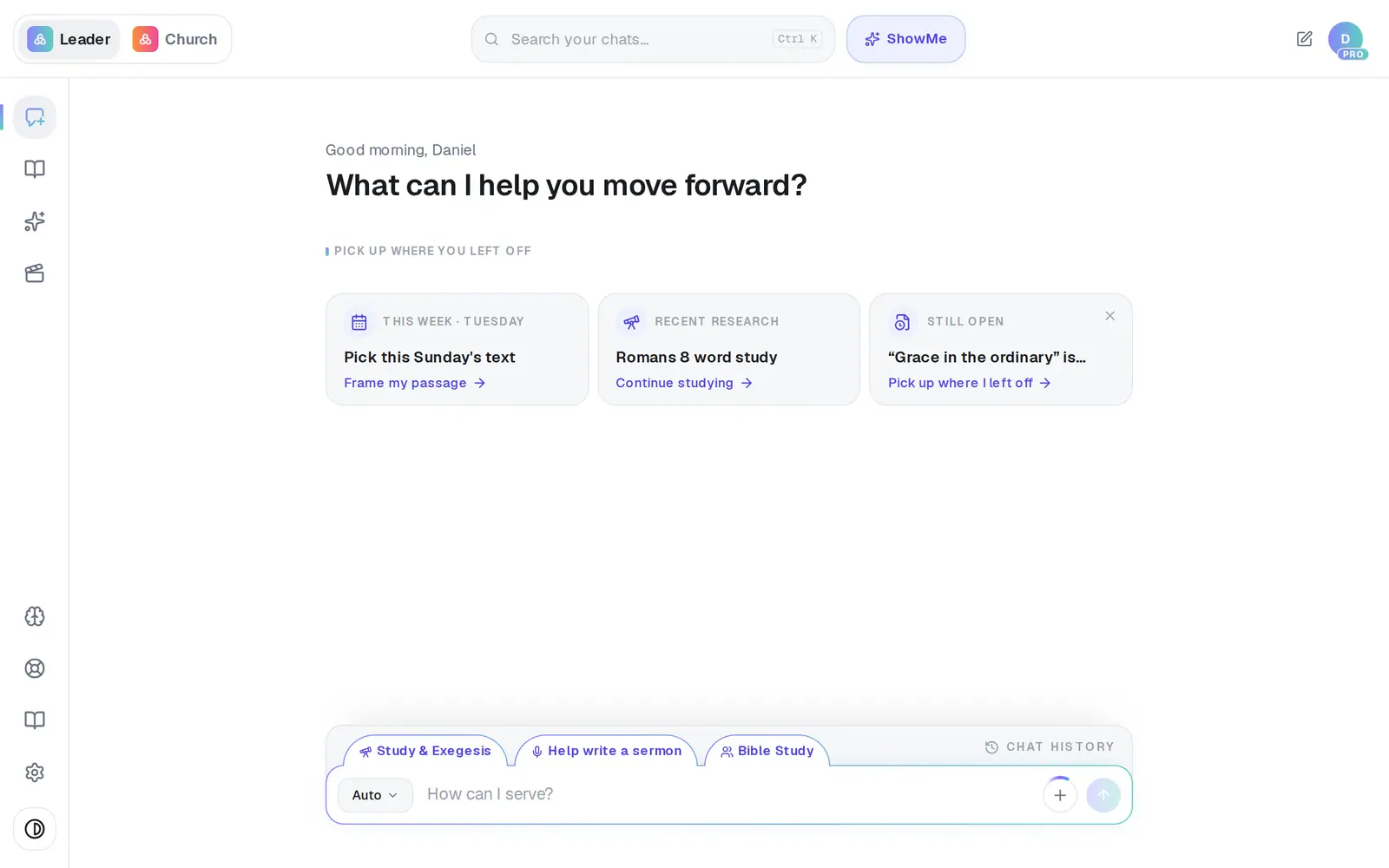
1/6 · Open Assistant from the left rail
Good to know
- To move a meeting, say which one and when: “Move the elder meeting to 2pm.” Tap the button under the reply and confirm — moving an event always asks first, because people on it may be notified.
- Moves look about three months ahead. For anything further out, change it in your calendar itself.
- Just finished a meeting? When a meeting on your calendar ends, your Assistant's opening screen may ask how it went and help with the follow-up.
If it’s not working
It says “No email account is connected…”
Connections opens on its Email tab for you. Connect Gmail or Outlook there and your question finishes by itself once you're back.
“Nothing came back from your connected Google Calendar”, but I have meetings
Usually the events live on a different account from the one connected, or on a shared or secondary calendar Aligned isn't reading. Tell the assistant which, or connect the account your calendar is really on.
“I couldn't find that event…” or “I found more than one matching event…”
Give it the event's title and its current time — “Move Thursday's 10am staff meeting to 2pm” — and it goes straight through.
It asked what date and time to set
It couldn't pin down a time from what you wrote. Answer with one — “Thursday, 10 to 11” — and it's ready to add.
Next, you might want to
- Connect your email and calendarLink Gmail or Outlook so your assistant can read your calendar, draft email from your own mailbox and find your files — or share only your calendar.
- Get a daily brief every morningTurn on a short morning summary of your calendar, to-dos and church numbers, and choose what goes in it.
- Have your assistant write and send an emailTell your assistant who it's for and what to say, check the draft it writes in your voice, and send it from your own mailbox.