Have your assistant write and send an email
The thank-you you meant to send on Monday is still in your head on Thursday. Your assistant writes it in your voice in under a minute and saves it as a real draft in your Gmail or Outlook — and nothing goes to anyone until you press Send.
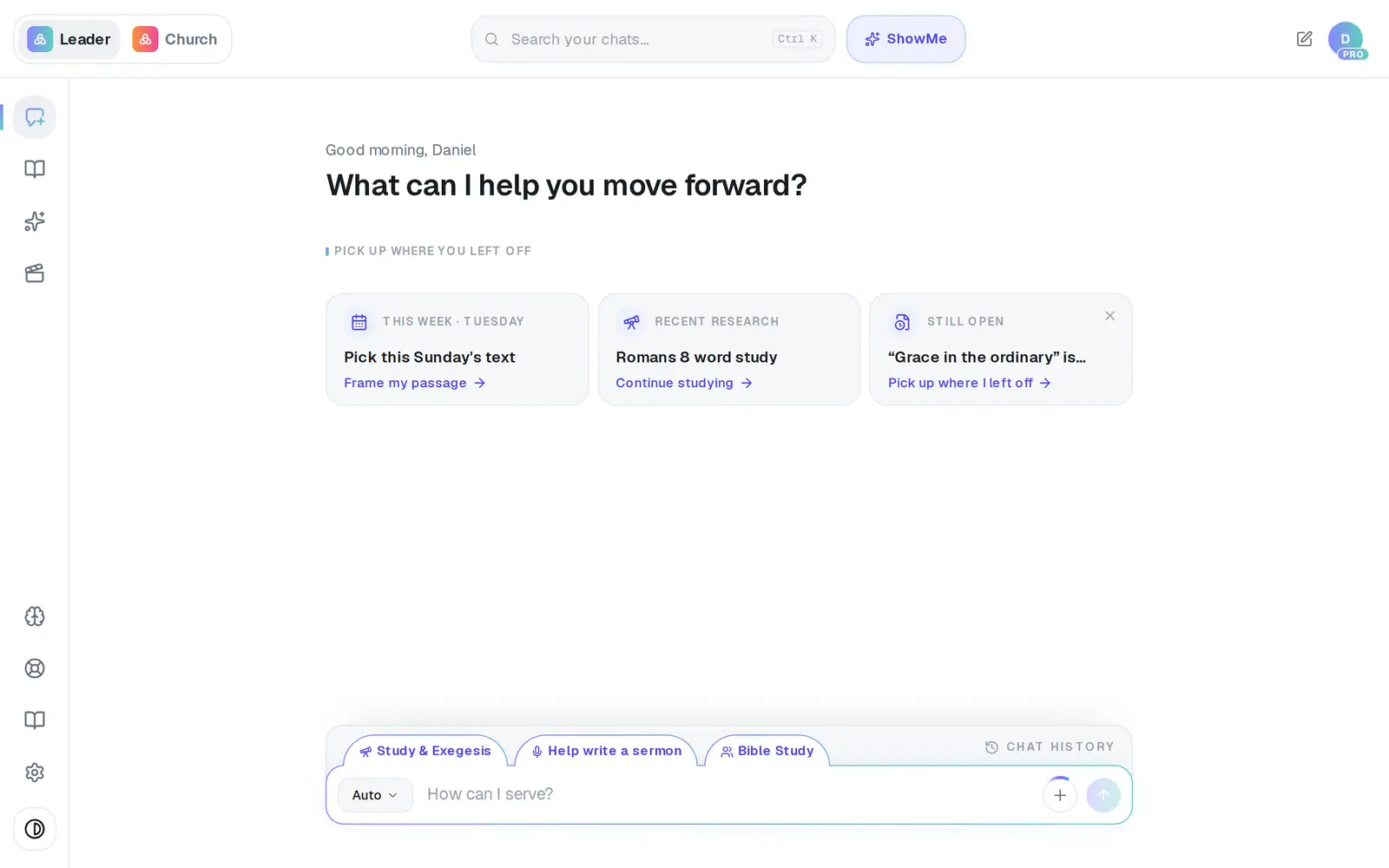
1/7 · Open Assistant from the left rail
Good to know
- Faster still: type the whole thing in one go — “Draft an email to the elders about moving Tuesday's meeting to 7pm.” The same draft opens.
- Close it and come back any time. The reply carries a link — Email: and the subject — that reopens your latest version, even on another day, and keeps updating the same draft instead of making a second one.
- Copy, next to Send, copies the To line, the subject and the message together, ready to paste into any email app.
- A button under a reply that carries a small padlock always checks with you first: Ready to send this email? shows the whole email, with Send email and Edit it first.
If it’s not working
It says “Connect Gmail or Outlook to save or send”
No mailbox is connected, but your draft is safe and stays open. Press Connect, connect Gmail or Outlook, and you come back to the same draft — or press Copy and paste it into any email app.
The line under Compose email says “Couldn't save draft”
Usually your mail connection needs renewing. In your Assistant, open Connections, press Disconnect on your email account, then Connect again. What's on screen isn't lost, and Copy still works meanwhile.
Send says “Add at least one recipient first.”
A name still sitting in the To box isn't a recipient yet. Pick the person from the suggestions, or type their full email address and press Enter or a comma. Send also needs a subject.
No names come up when I type in To
Your connected account's contacts couldn't be read, and the box says “Contact lookup is unavailable — type the full email address.” Type the address and press Enter — everything else works the same.
The reply says it sent the email, but the button is still there
Trust the button, not the sentence. Nothing is sent until you press Send (or Send email on the approval box) — if you haven't, nothing has gone out.
Next, you might want to
- Connect your email and calendarLink Gmail or Outlook so your assistant can read your calendar, draft email from your own mailbox and find your files — or share only your calendar.
- Find out what's urgent in your inboxGet a short summary of your recent email with the urgent things first, or find a file in your Google Drive or OneDrive.
- Check your calendar or schedule a meetingAsk your assistant what's on today or this week, and add or move a meeting in plain words — nothing changes until you tap to confirm.
- Meet your personal assistantOpen your assistant, see what it can take off your plate, and clear its history when you want a fresh start.